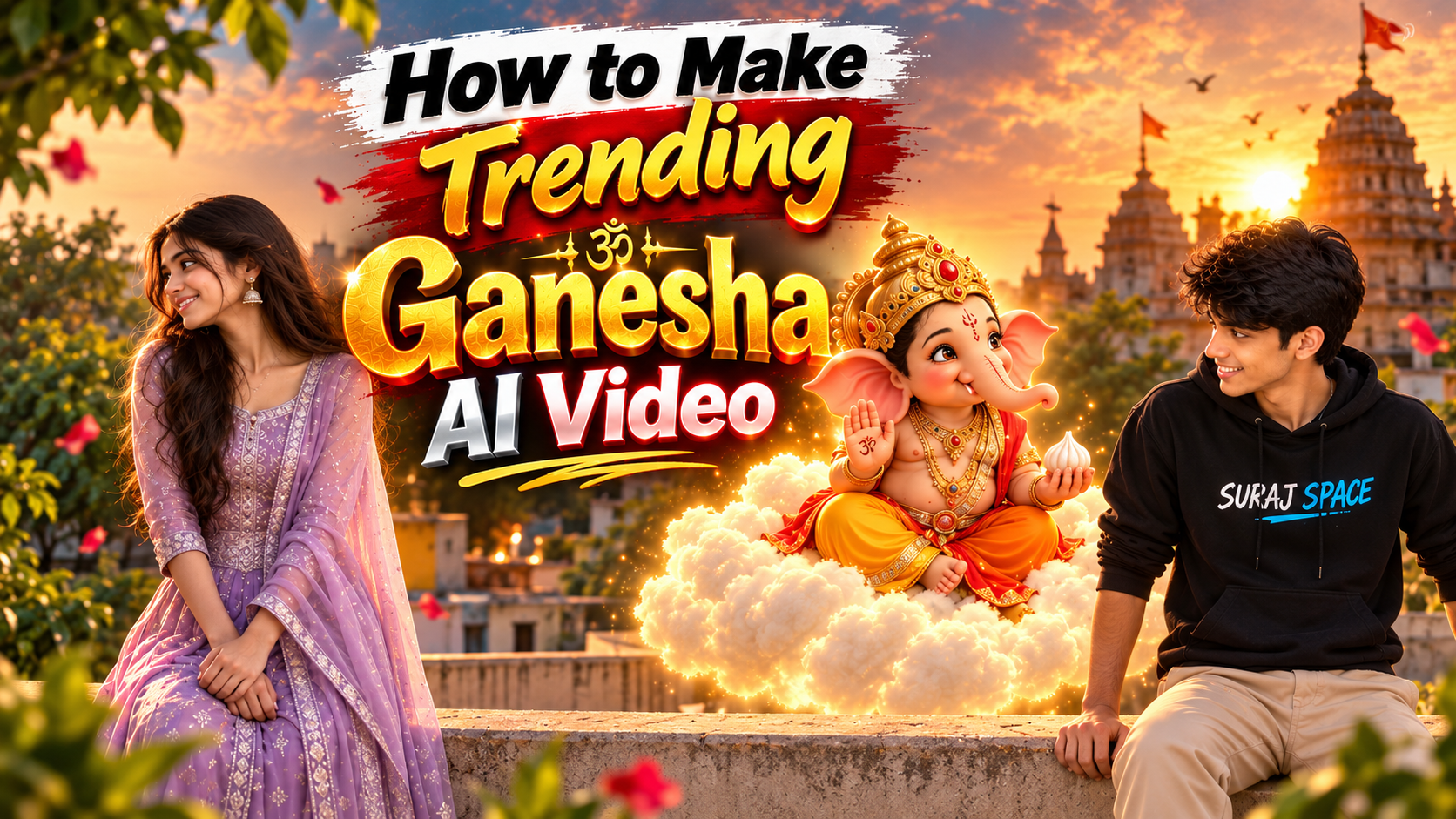
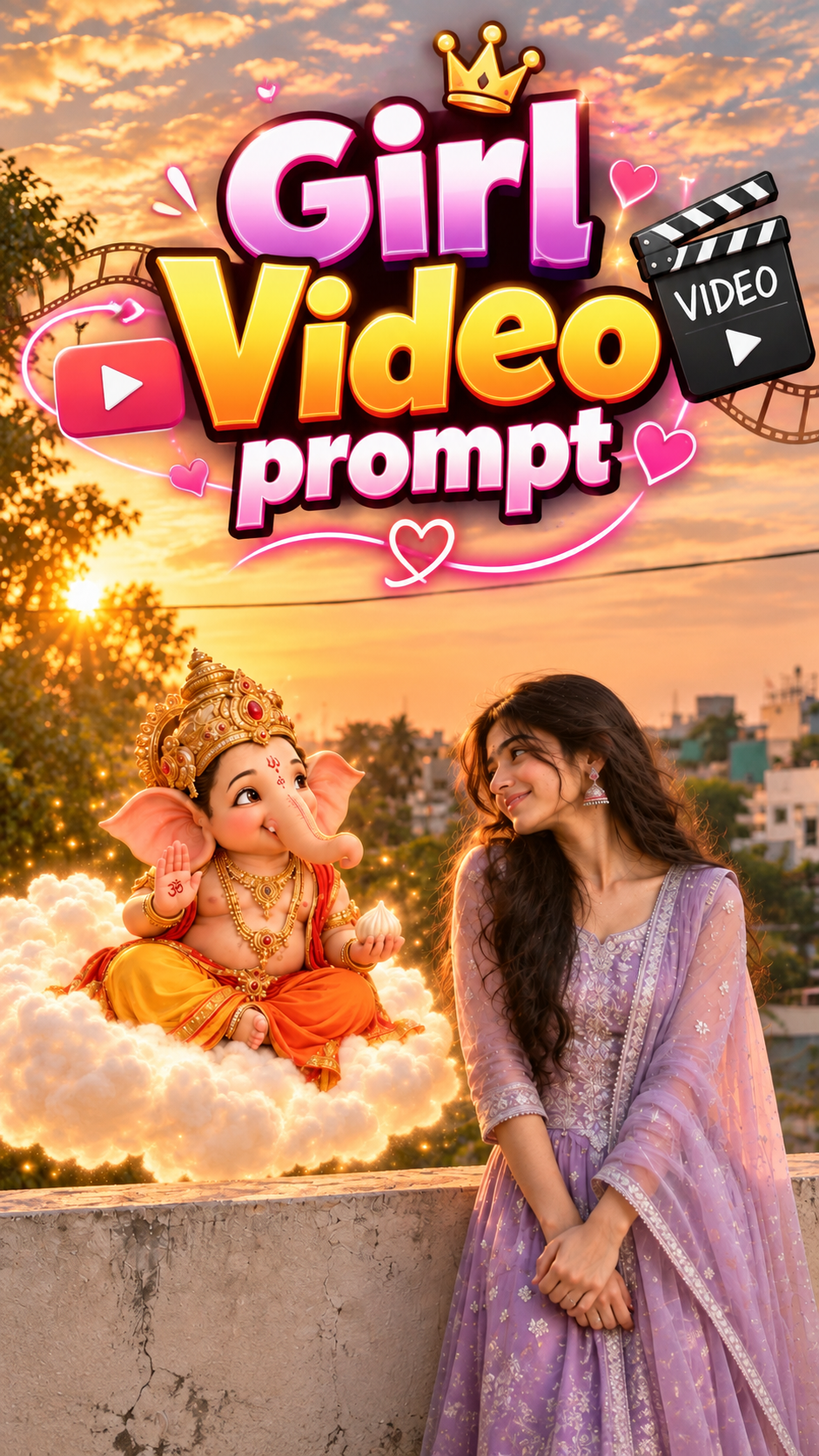
How to Make Trending Ganesha AI Video
👋 About
Learn how to make trending Ganesha AI videos using AI image generation and video prompts. In this tutorial, you will learn how to create beautiful cinematic Ganesha AI images, turn them into amazing videos, and make viral-style AI content step by step. Perfect for YouTube Shorts, Instagram Reels, and AI video creators.
This Ganesha AI Video tutorial helps you create beautiful and trending AI videos step by step. You can use the provided image prompts and video prompts to create cinematic Ganesha videos with amazing visuals. Perfect for beginners who want to make viral AI Shorts and Reels.
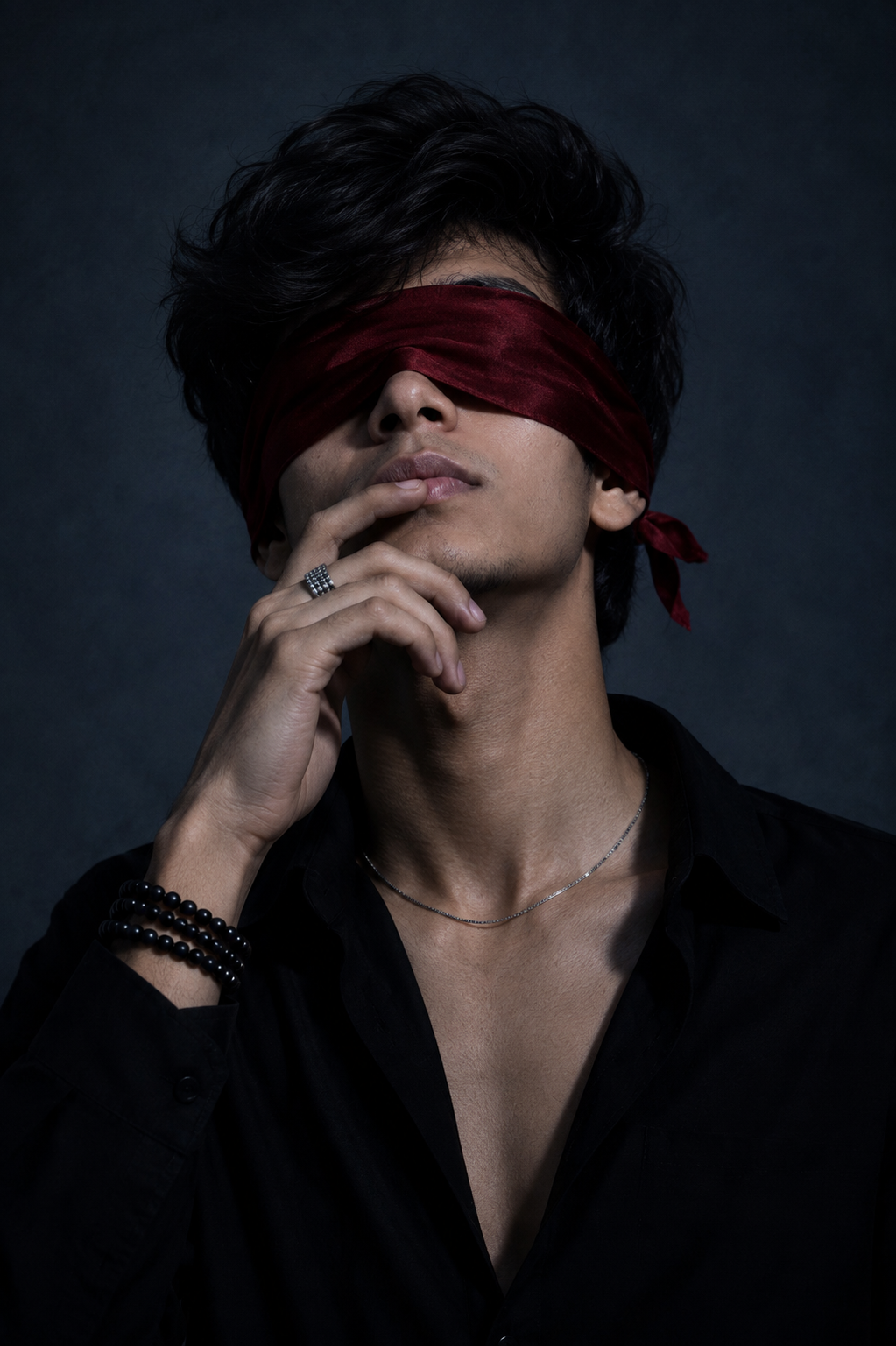
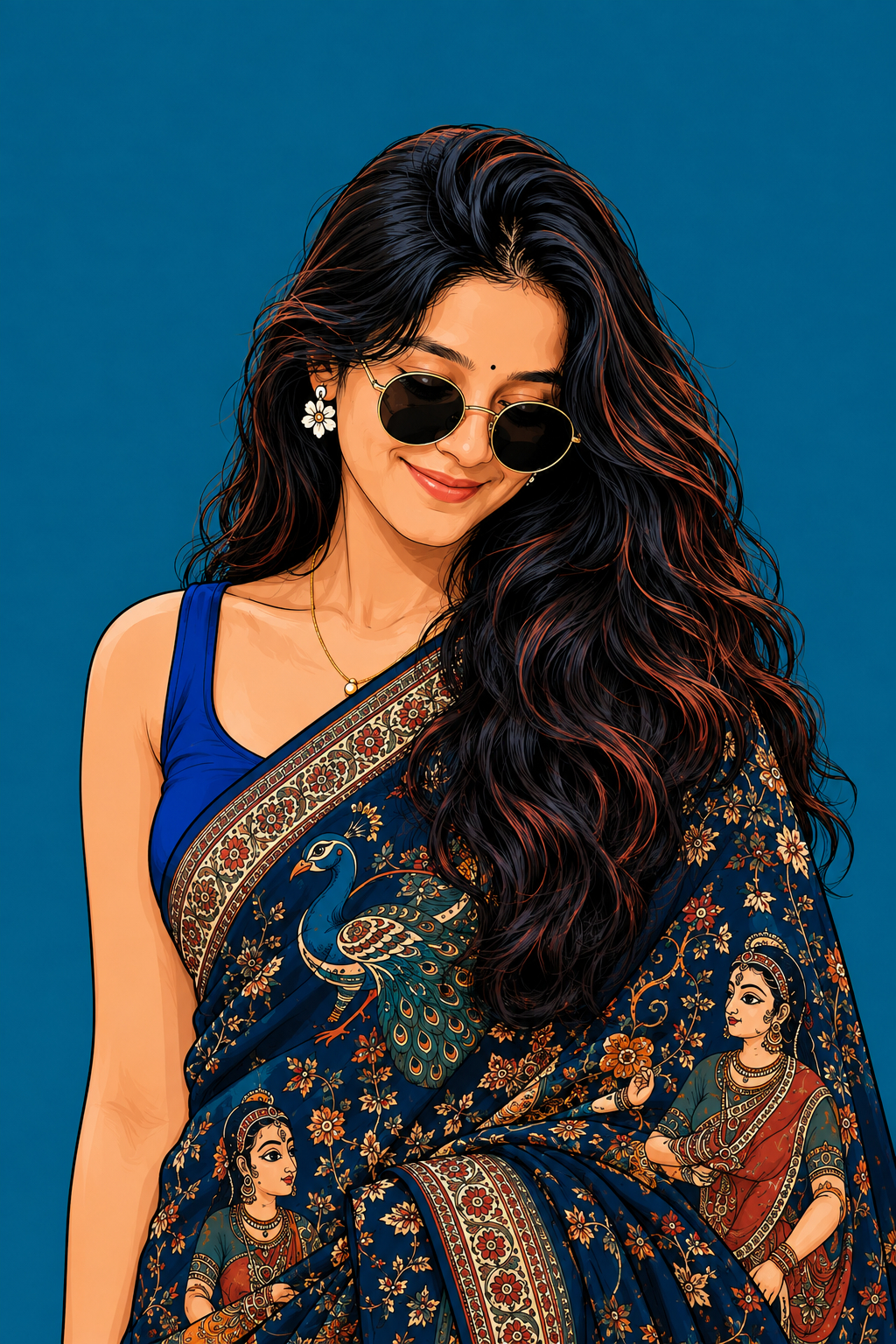
✨ Best Prompt for Trending Ganesha AI Video
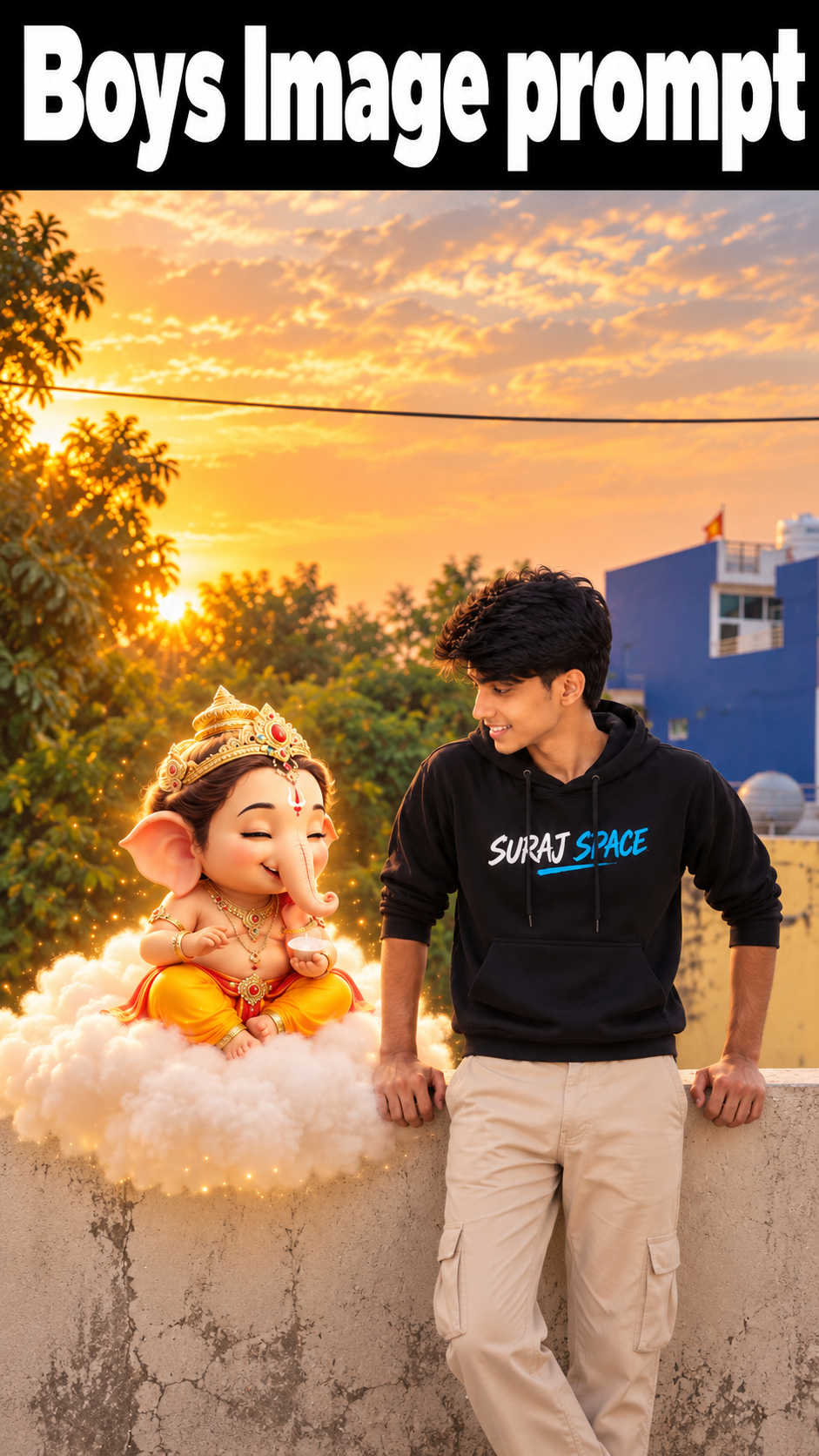
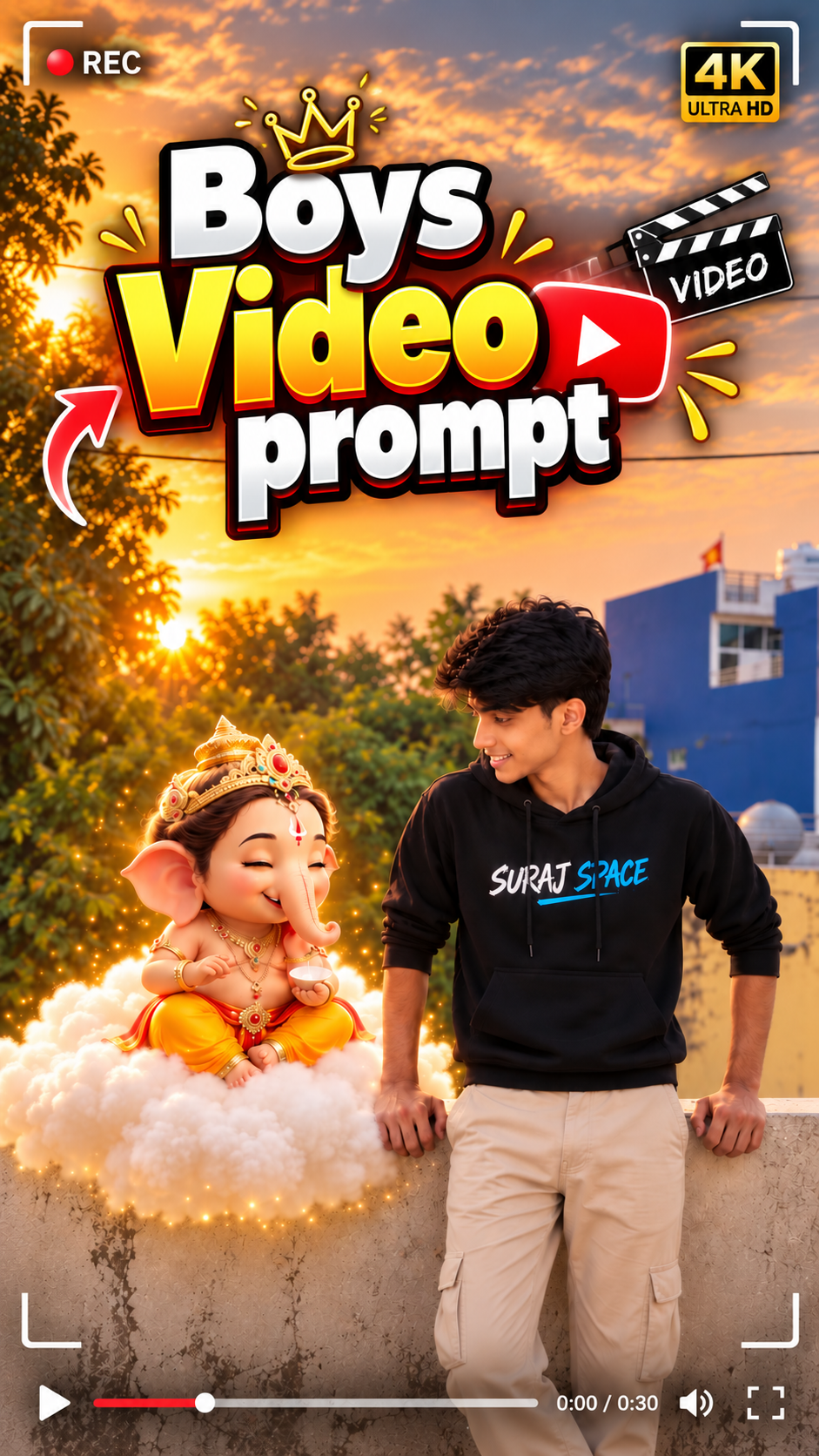
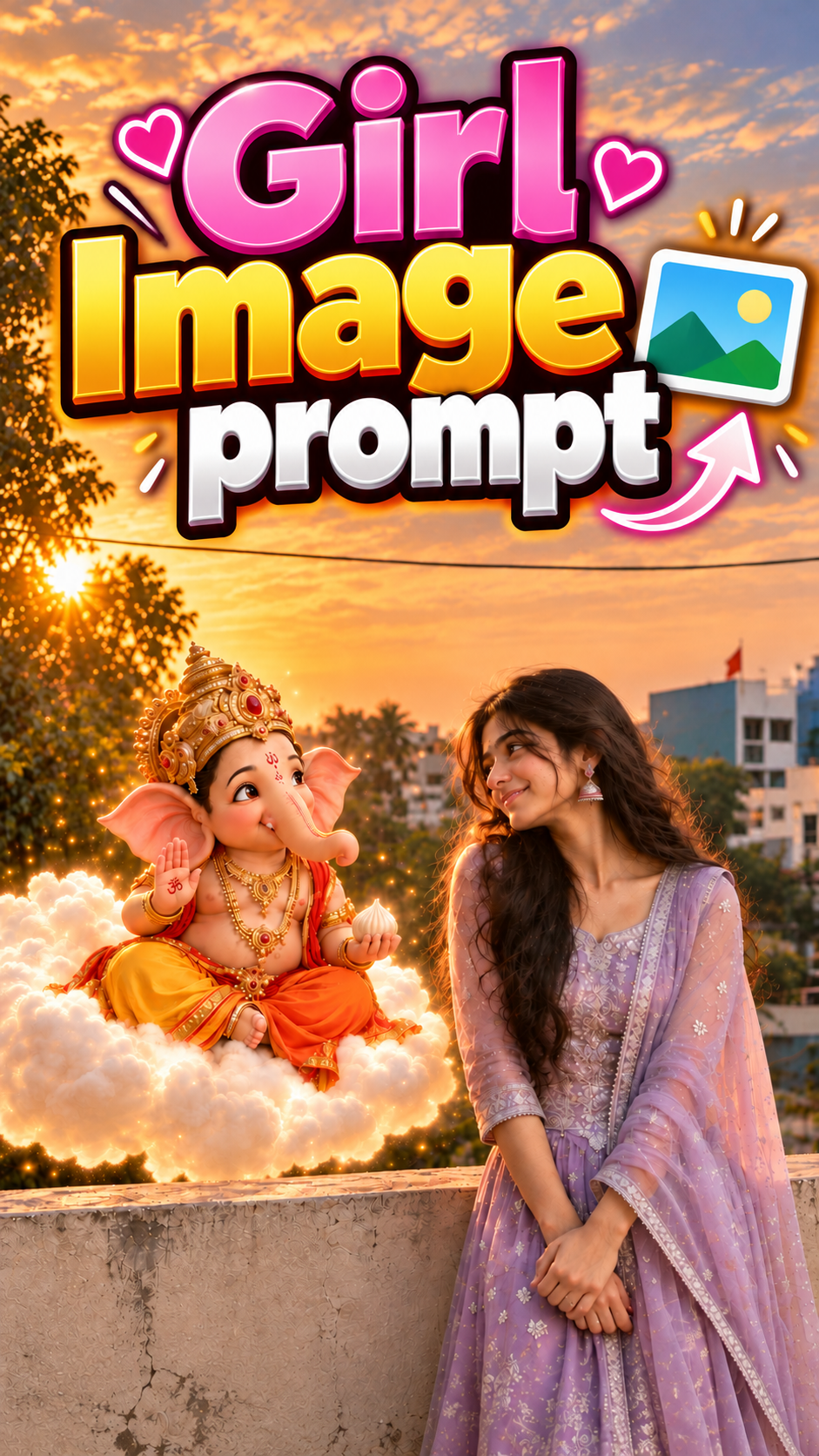
🛠️ How to Create Trending AI Images Using ChatGPT 🔥
1: Open the Suraj Space website. 2: Find the post featuring the AI image you want to create and open it. 3: Copy the Image Prompt from that post. 4: Open ChatGPT and upload your clear photo. 5: Paste the copied prompt into ChatGPT along with your uploaded photo. 6: Click on Generate. 7: Within a few seconds, your AI image will be generated using your photo. 8: If you don't understand any part of the process, search “Suraj Space” on Instagram and watch the tutorial video for the complete process.
🎨 How to make Ganesha AI video
Step 1: Sabse pehle ChatGPT open karo.
Step 2: Upar diye gaye Boy ya Girl mein se jo bhi aapko chahiye, uska sirf Image Prompt copy karo.
Step 3: ChatGPT mein apni ek clear photo add karo.
Step 4: Image Prompt ko ChatGPT mein paste kar do.
Step 5: Aapki photo generate hokar mil jayegi, us photo ko save kar lo.
Step 6: Ab isi website par wapas aao.
Step 7: Upar ki taraf Girl aur Boy dono ke Video Prompts mil jayenge.
Step 8: Simply Copy button par click karke apna Video Prompt copy kar lo.
Step 9: Ab Play Store se Google Flow AI application install kar lo.
Step 10: Google Flow AI application open karo aur New AI par click karo.
Step 11: ChatGPT se save ki hui photo upload kar do.
Step 12: Photo select karne ke baad neeche Image par click karo aur Video option select kar lo.
Step 13: Plus icon par click karke apni image select karo.
Step 14: Jo Video Prompt copy kiya tha, usko paste kar do.
Step 15: Generate par click karo, aapki AI video generate hokar mil jayegi.
Step 16: Ab kisi bhi editing software mein jao aur AI se banayi hui video add karo.
Step 17: Mere Telegram channel par jao. Telegram channel ka link aapko mere Instagram bio mein mil jayega.
Step 18: Telegram par aapko ek video milega, us video ko download karke editing software mein add kar lo.
Step 19: Telegram se download ki hui video mein jo dialogue bola hua hoga, usko overlay karke apni AI video ke saath accurate match kar do.
Step 20: Apni AI video ka audio zero percent kar do aur Telegram se download ki hui dialogue video ka audio hundred percent kar do.
Step 21: Dialogue ke hisaab se AI video ko sequence wise arrange kar do.
Step 22: Jo last ka clip hai, usko edit karke last mein laga do.
Step 23: Is tarah aapki complete Ganesha AI video bankar ready ho jayegi.
Step 24: Agar in saare steps ke baad bhi aapko samajh nahi aata, toh mujhe DM karo. Main aapke liye AI video sirf ₹50 mein bana kar de dunga.
💡 How to Create Better, More Accurate, Highly Detailed & Realistic AI Images
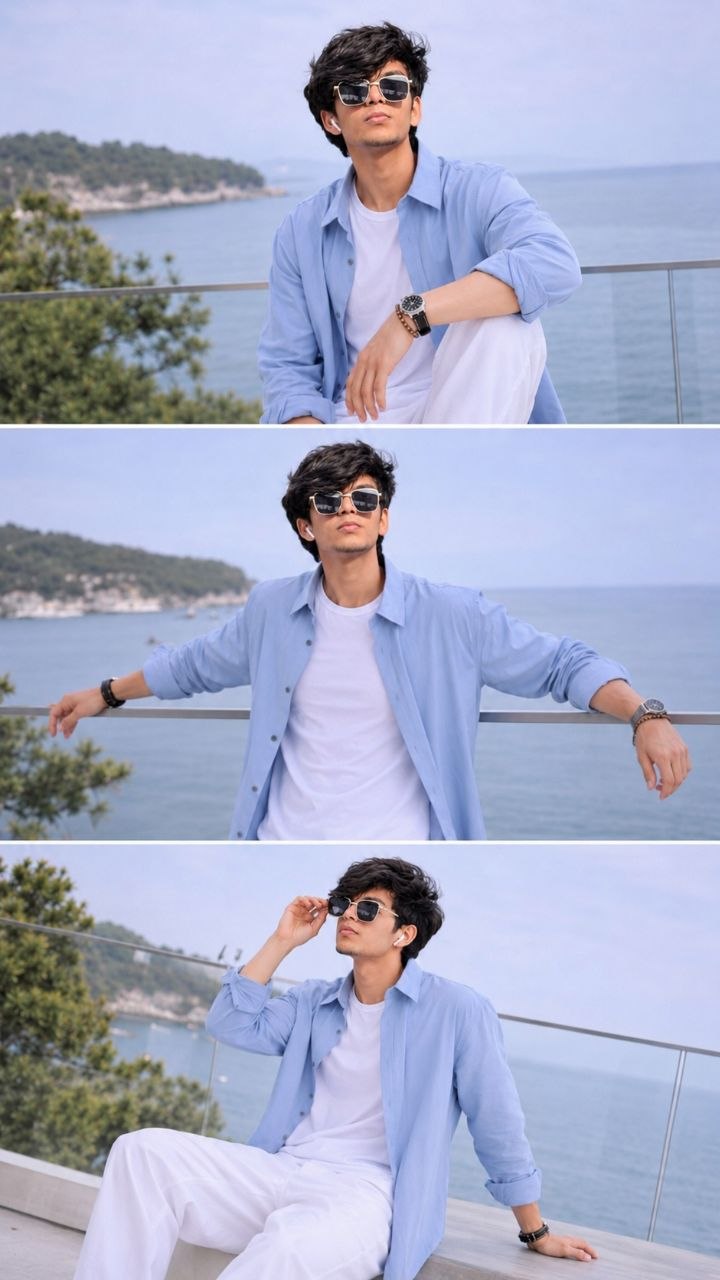
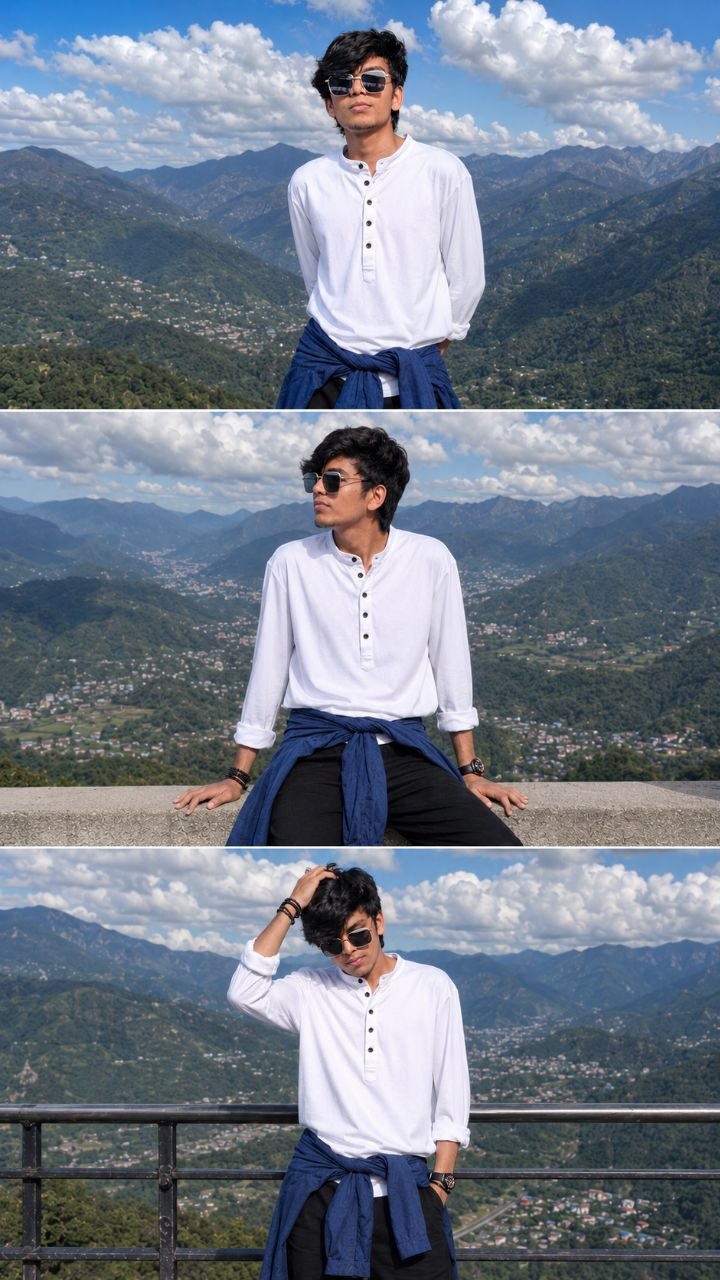
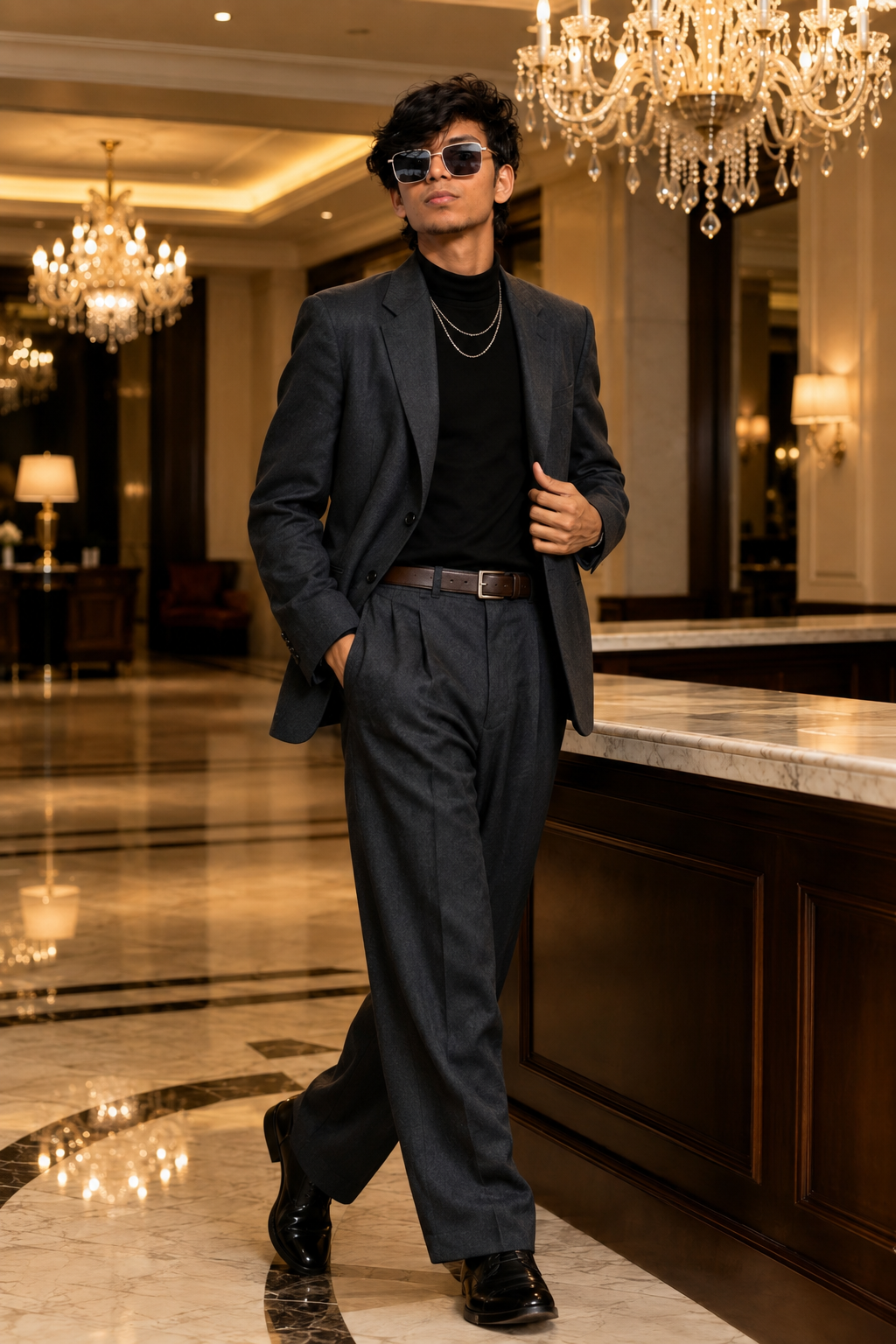
To achieve the best possible results when generating AI images, always begin with a clear, high-quality, natural reference photo of yourself. The quality of the reference image plays an important role in helping the AI understand your real appearance and create a more accurate and consistent result.
🙏 Final Words
Agar aapko ye Ganesha AI Video Tutorial pasand aaya ho toh video ko like karo aur apne doston ke saath share karo. Aise hi trending AI Video Prompts aur AI Editing Tutorials ke liye mere channel ko subscribe karo. Agar aapko AI Video banane mein koi problem aa rahi hai toh mujhe DM karo. Main aapke liye AI Video sirf ₹50 mein bana kar de dunga. ❤️ Jai Shree Ganesha 🙏

💬 Recent Comments