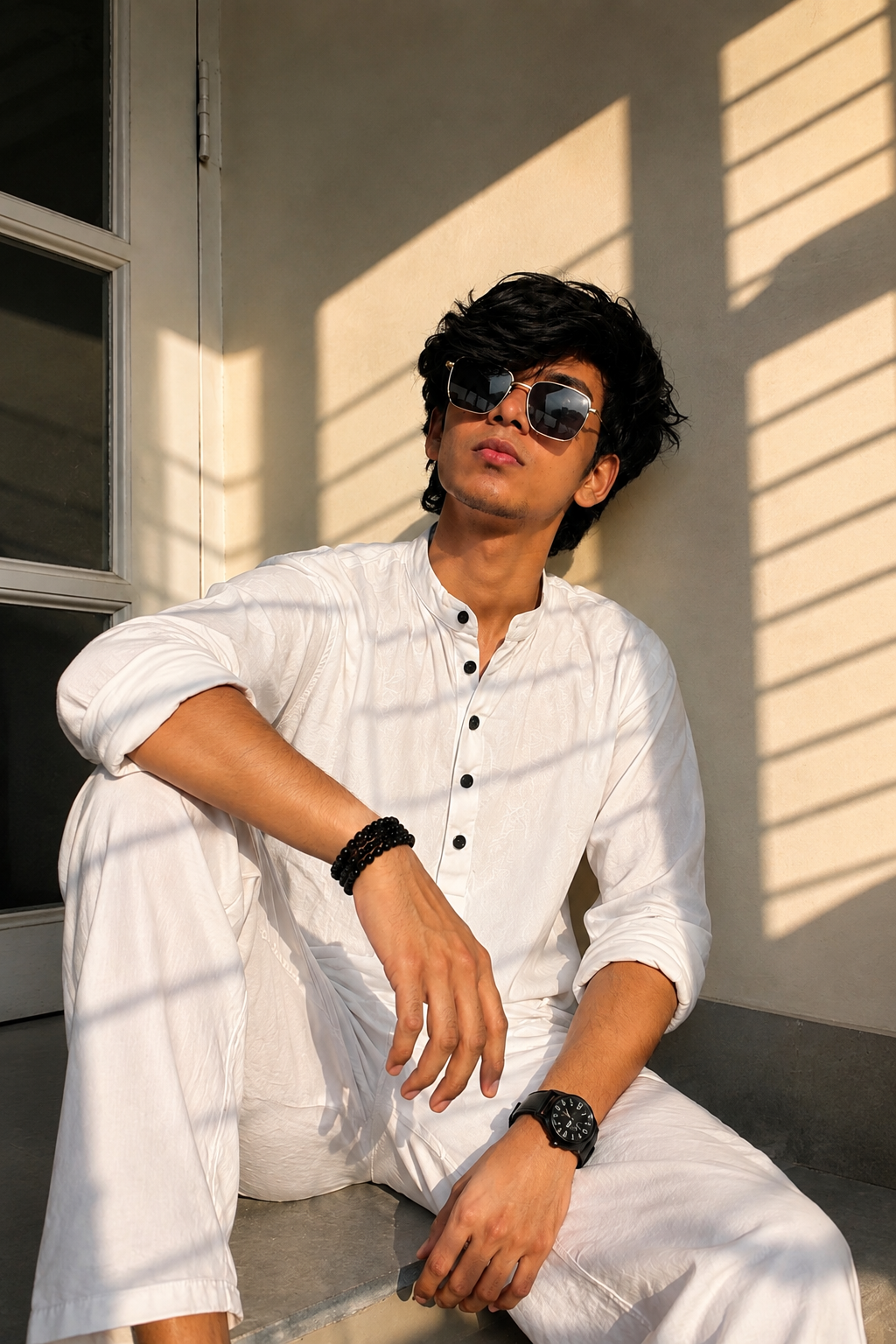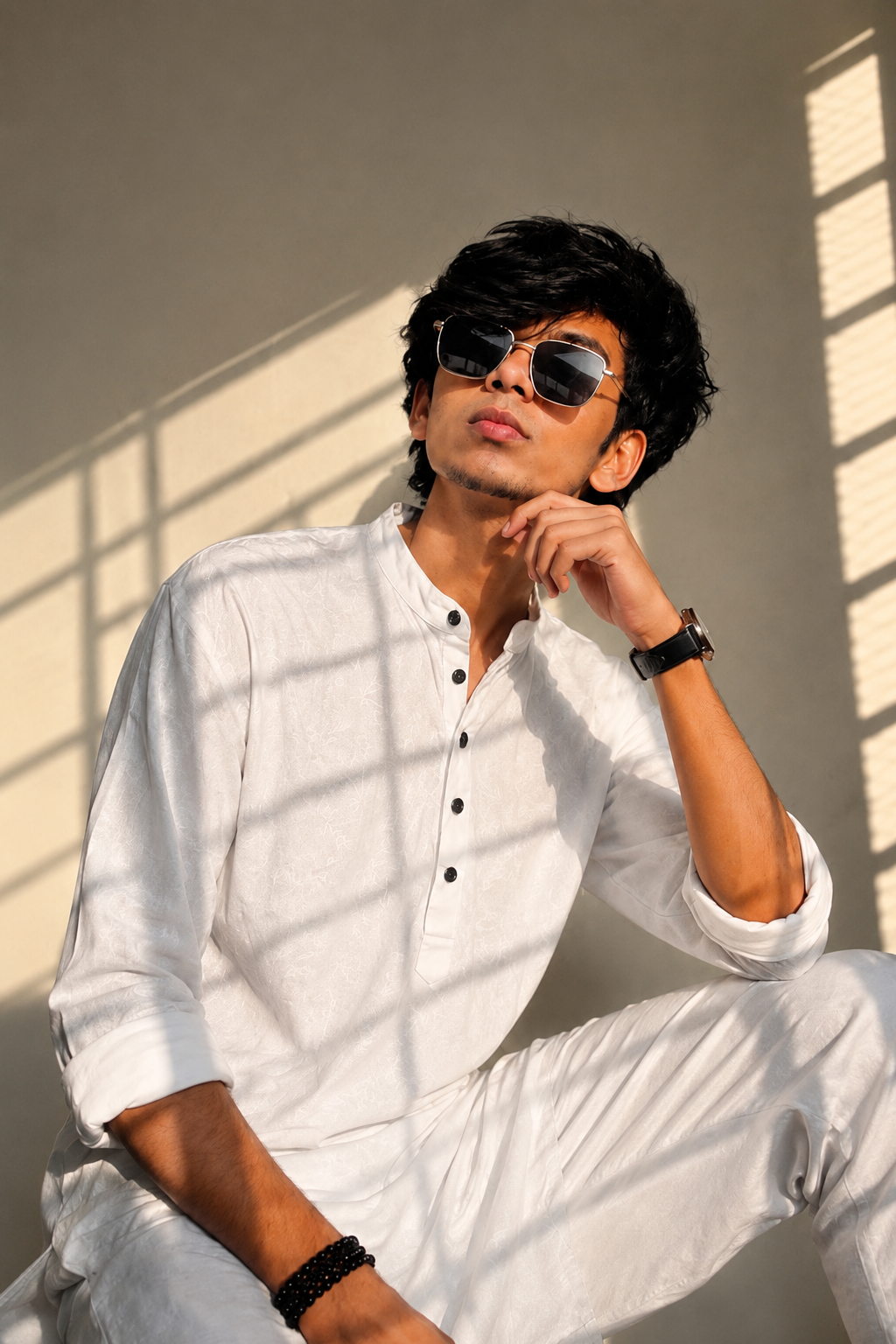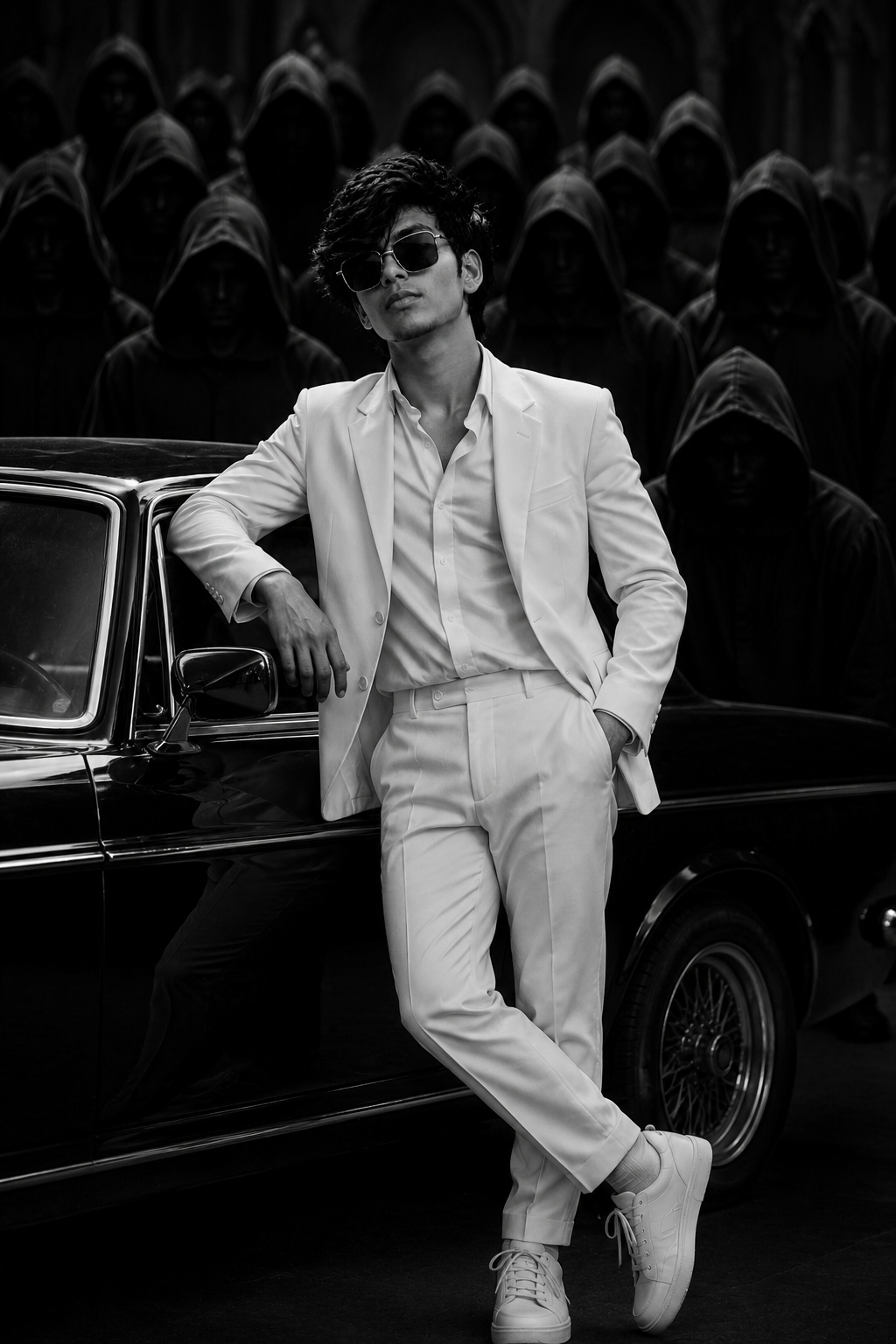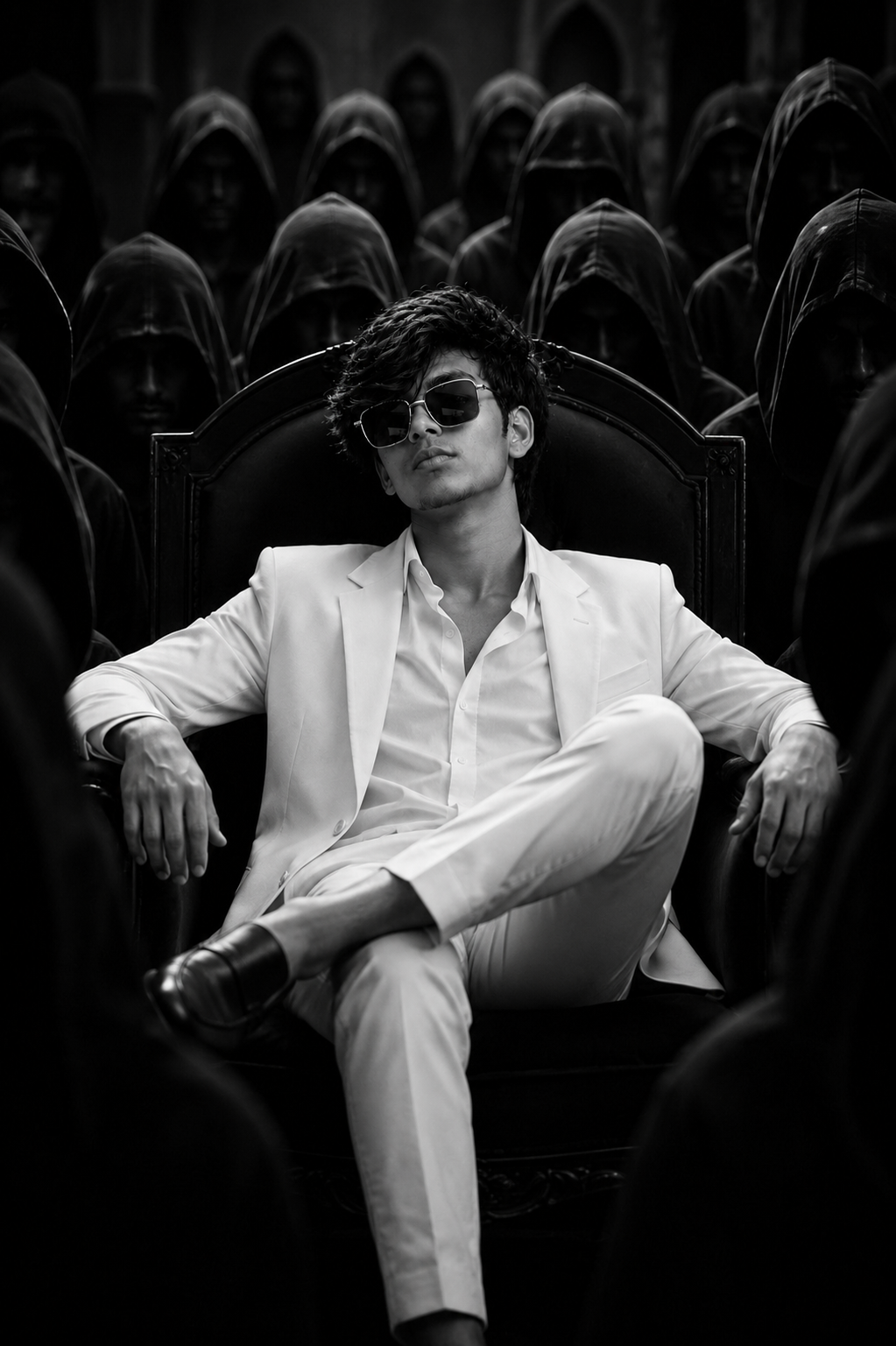
Red Motion Glitch Portrait image 1
AI Prompt
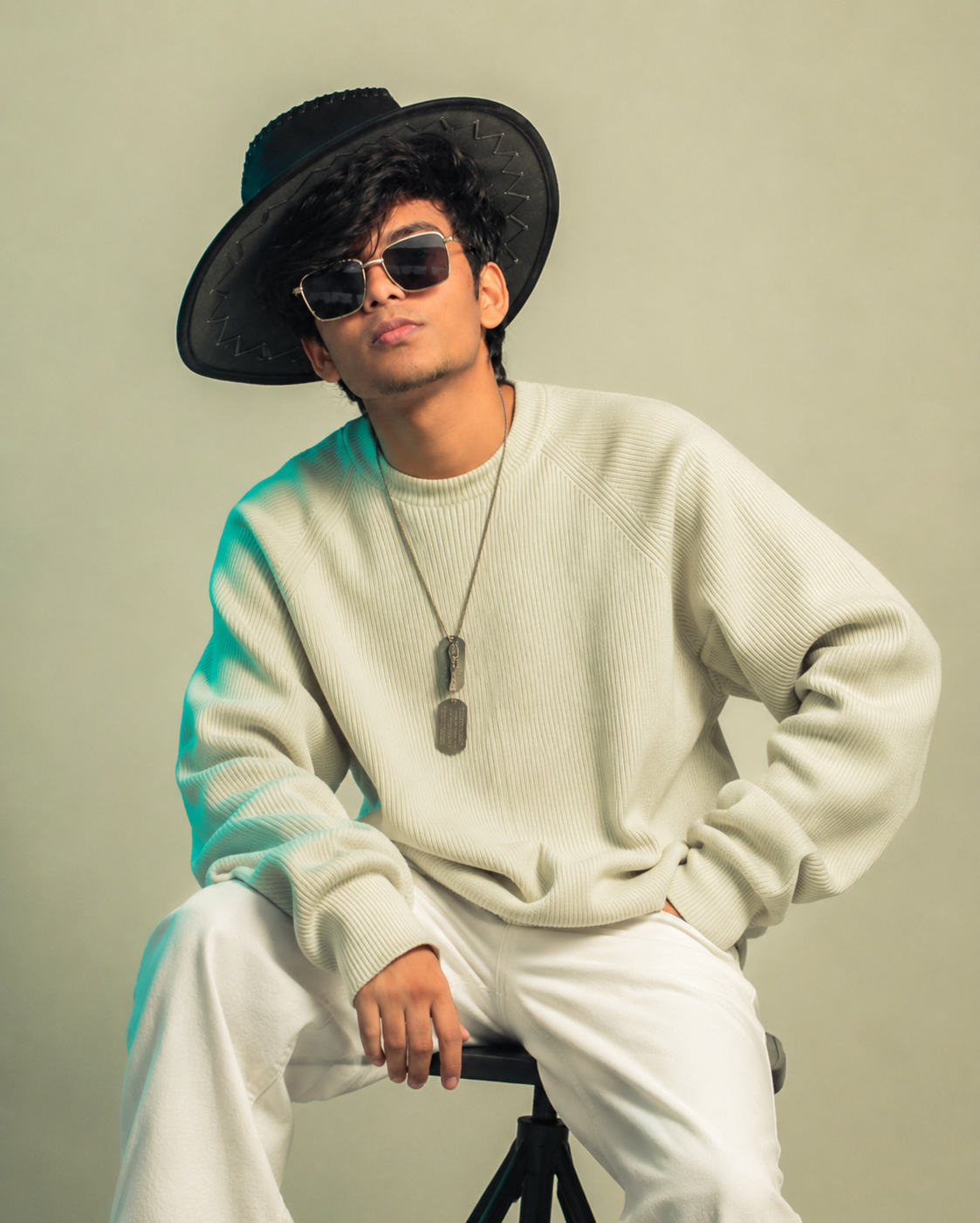
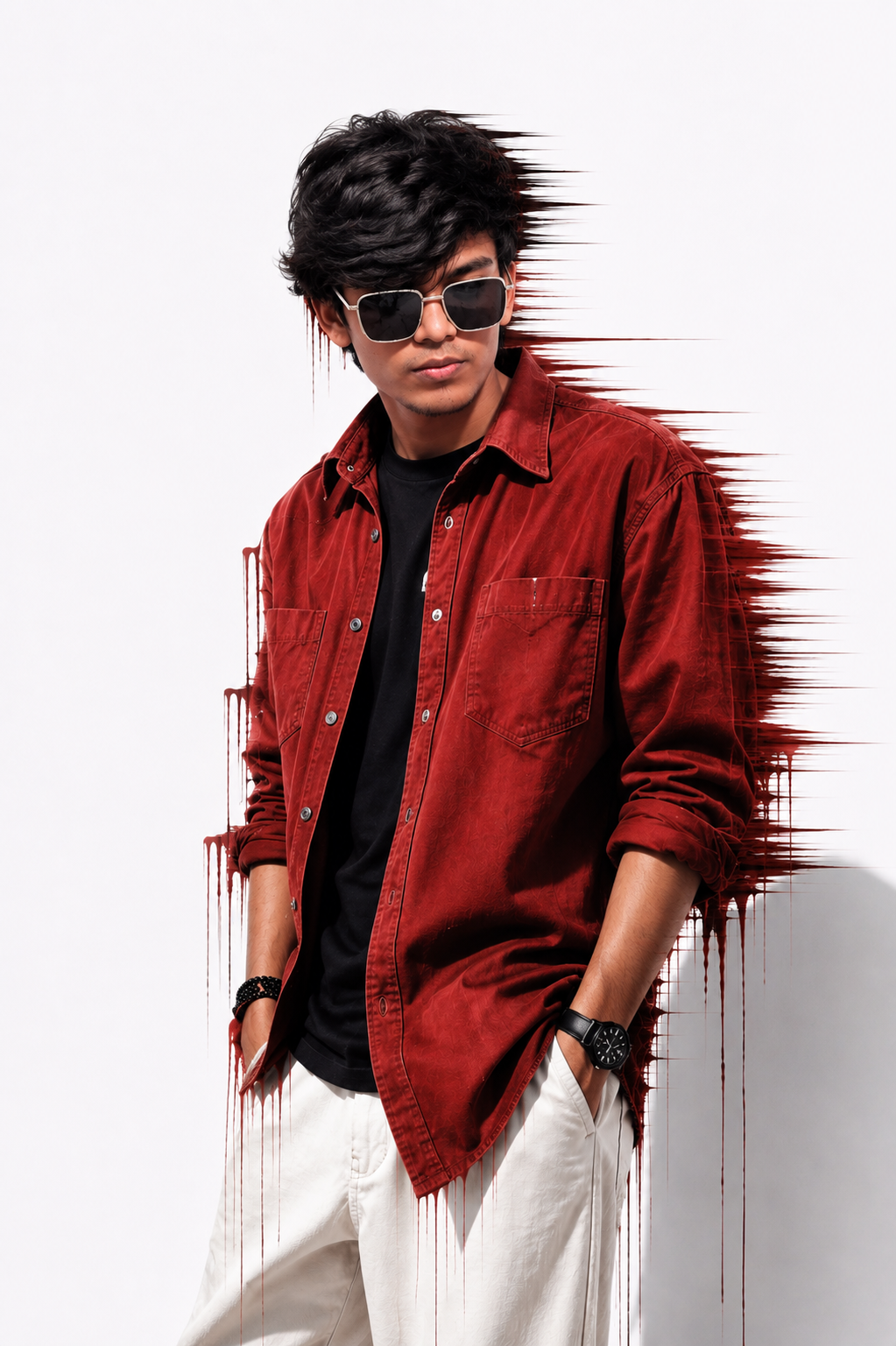
Use the uploaded reference image ONLY for the person's identity. Replace the person in the example with the person from my uploaded reference image while preserving my identity 100%. DO NOT copy the original person's face. Keep my exact face, hairstyle, hair volume, fringe, eyebrows, eyes, nose, lips, jawline, beard/moustache (if any), skin texture, natural brown skin tone, facial proportions, expression style, and overall personality exactly the same as in my reference image. Do NOT beautify, reshape, age, or modify my face in any way. My face must remain completely unchanged and instantly recognizable.
Keep my body structure exactly as in the reference image. I am naturally slim, so DO NOT make me muscular, bulky, broad-shouldered, athletic, or heavier. Preserve my exact height proportions, shoulder width, arm size, neck, waist, hands, and overall slim physique exactly.
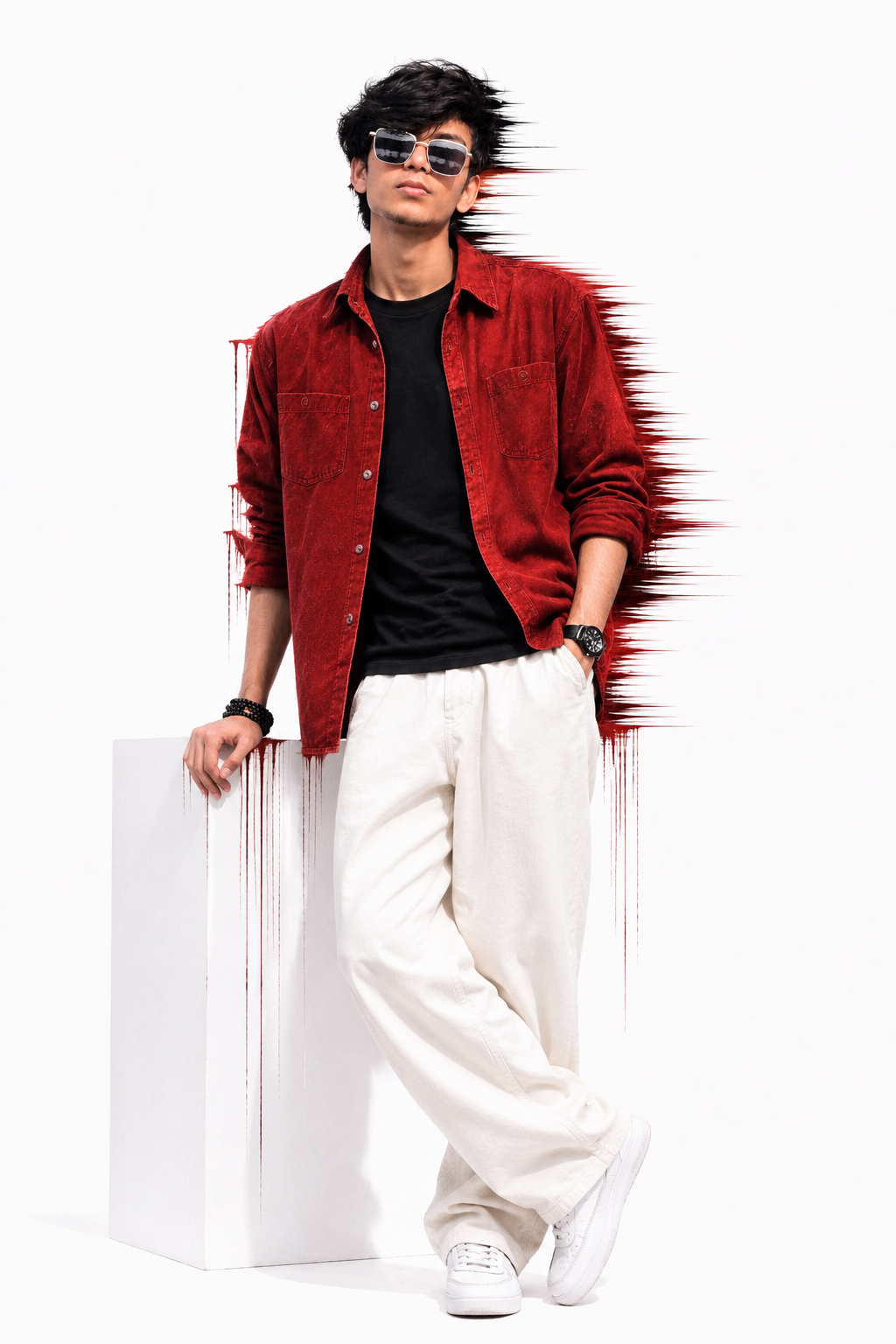
Recreate the composition exactly like the sample image. Vertical 9:16 portrait. Subject standing slightly angled to the left, head tilted slightly downward, looking toward the left side, both hands inside pant pockets, relaxed confident pose, shoulders naturally relaxed, same body angle, same camera height, same framing from thighs upward, same distance from the camera, same perspective, same crop.
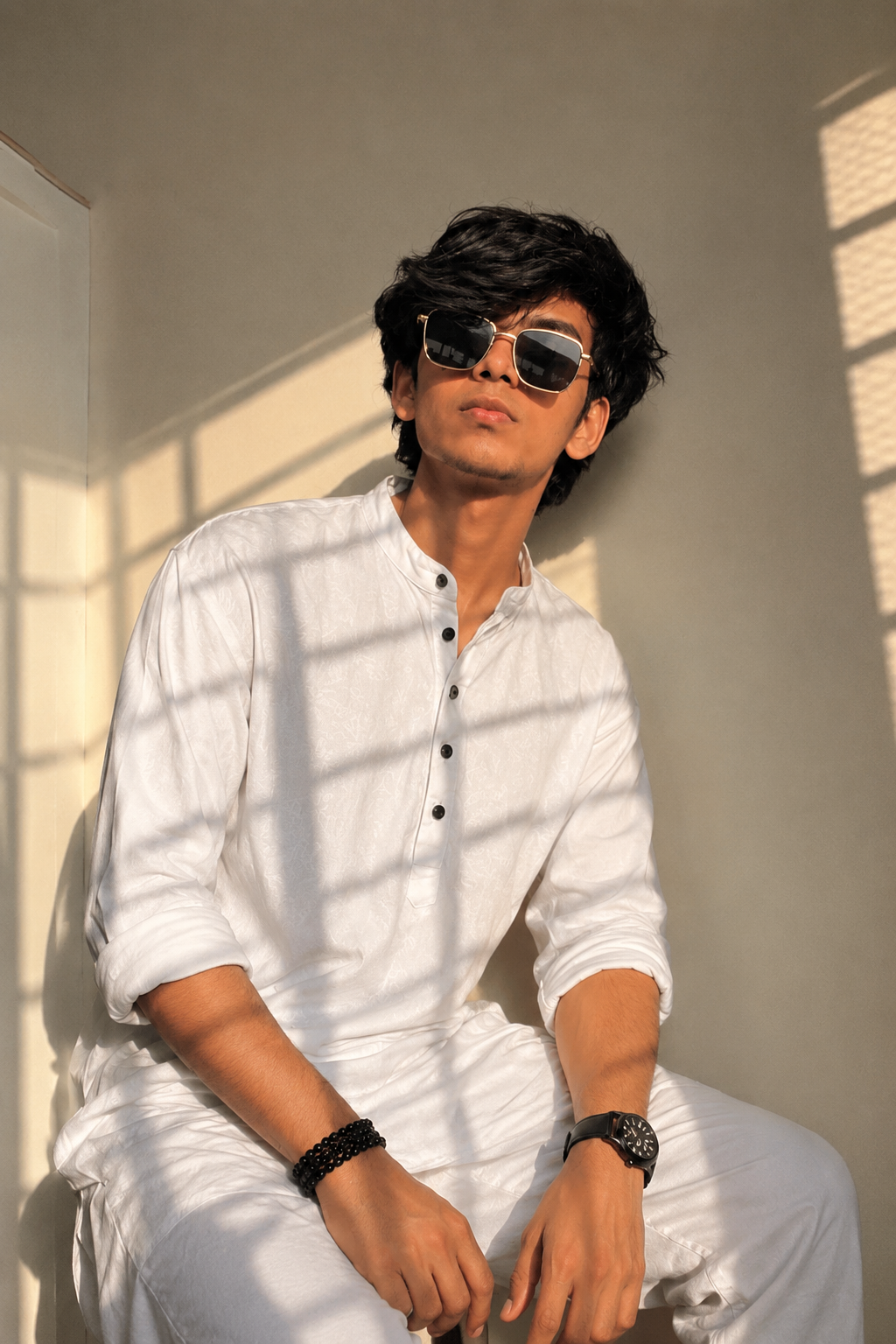
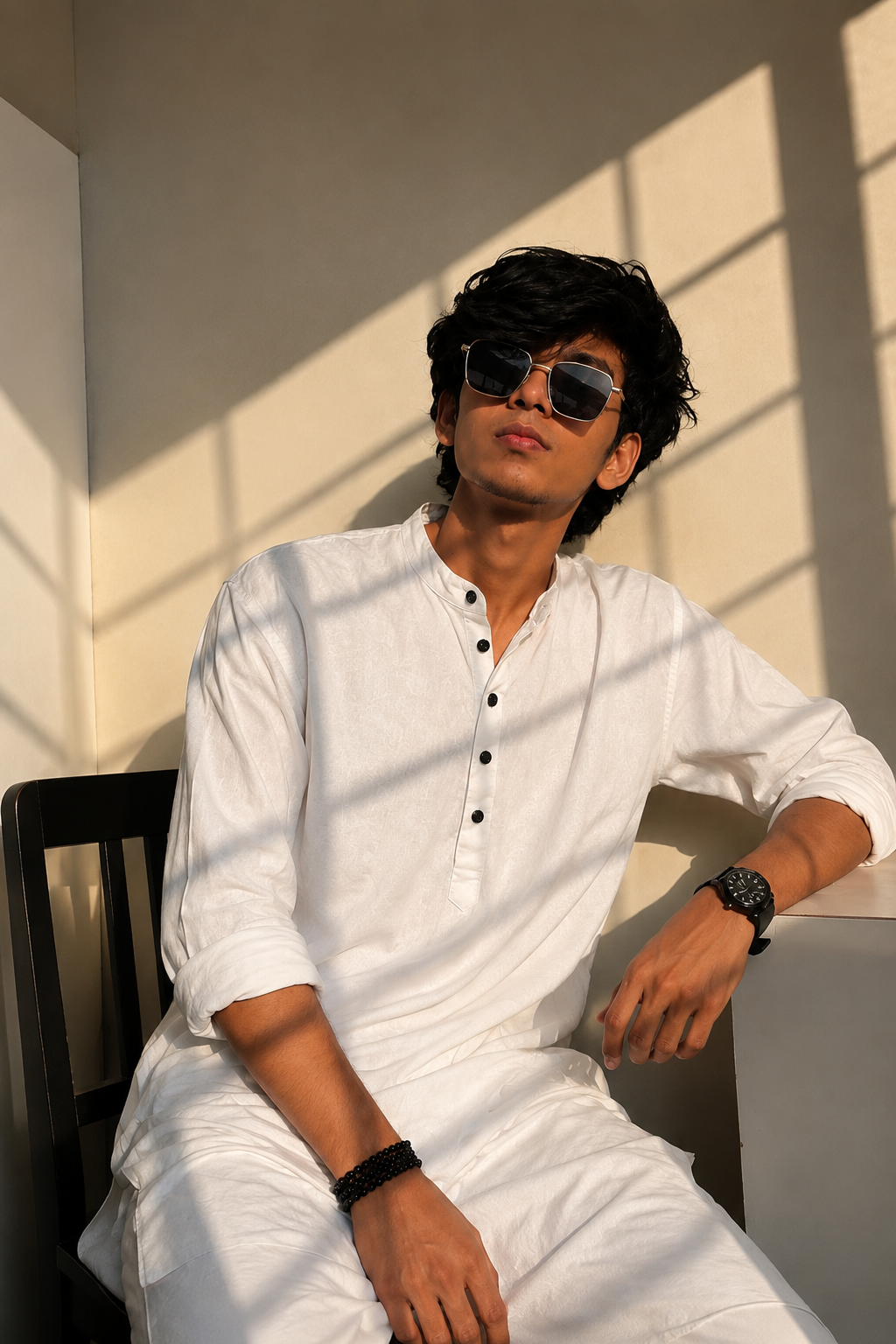
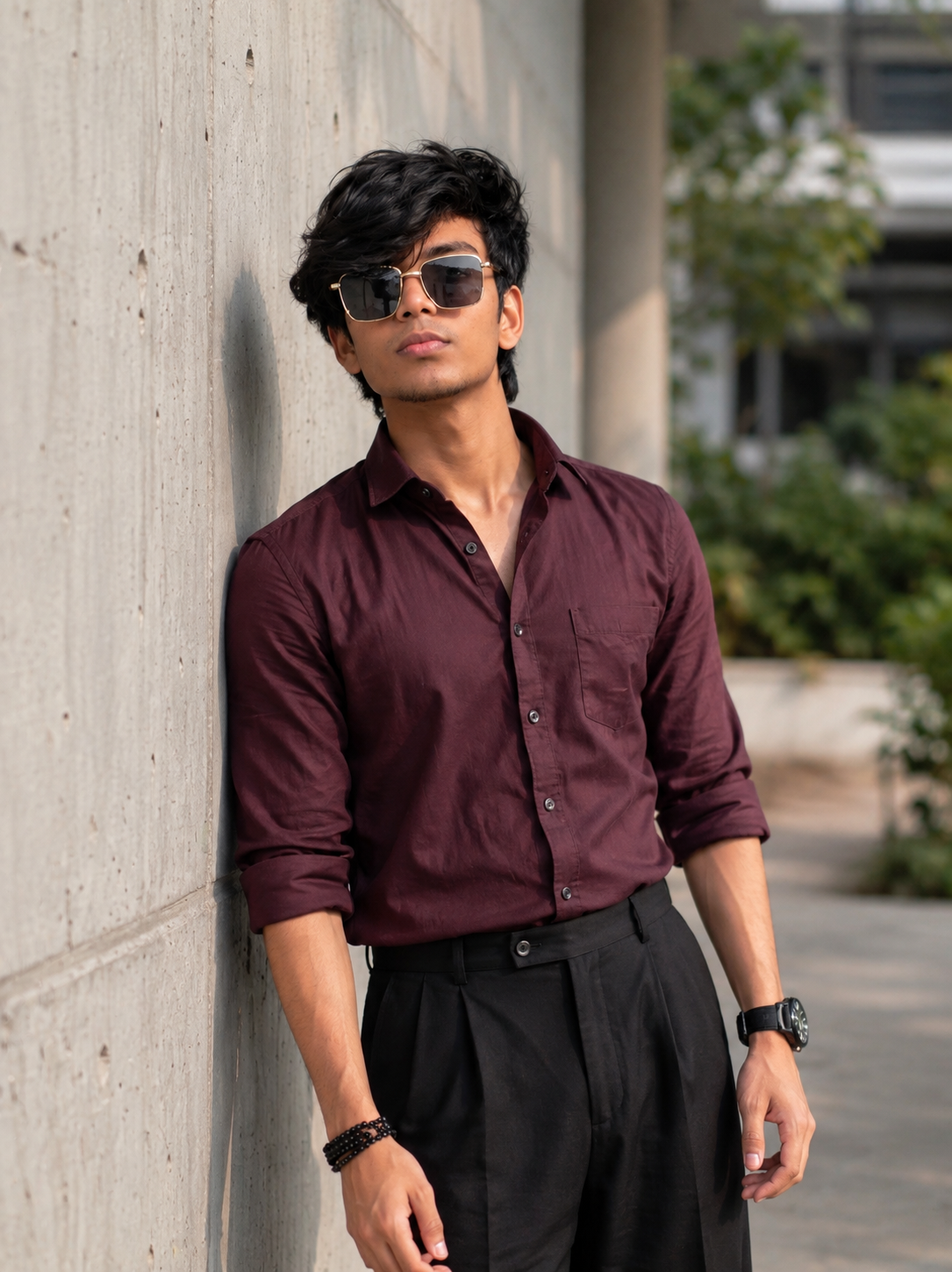
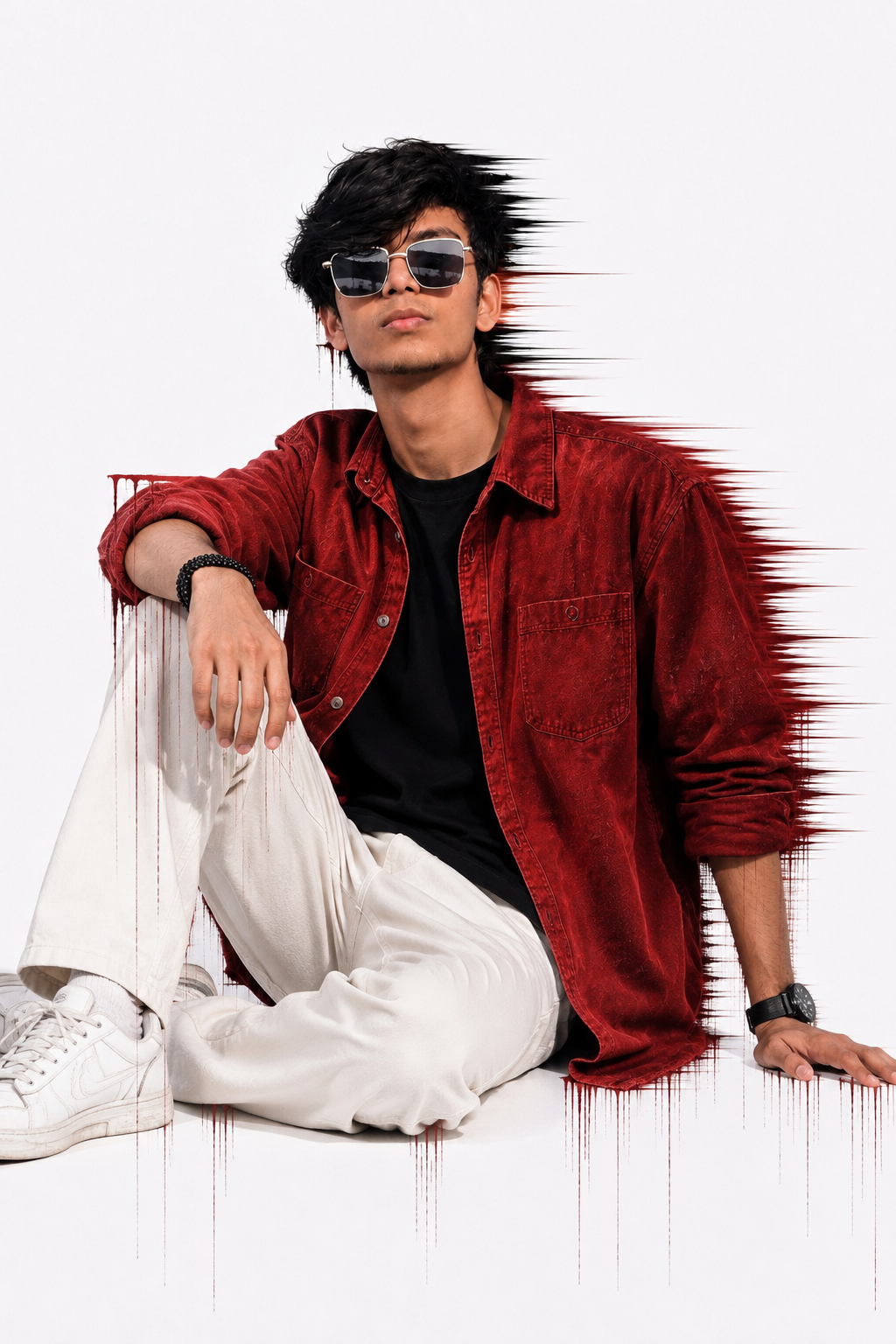
Outfit must match exactly: oversized deep maroon/red overshirt with sleeves folded to the forearms, black round-neck t-shirt underneath, loose white pants, black square sunglasses with a silver frame, black wristwatch on the left wrist, black beaded bracelet on the right wrist. Clothing fit, folds, fabric texture, colors, sleeve roll, collar position, buttons, and styling should be identical to the sample.
Background must be recreated exactly: clean matte white wall with a modern artistic deep maroon paint-smear effect behind the subject. The paint effect should start behind the head and continue down behind the body, extending horizontally toward the right with sharp stretched brush streaks, motion-like paint trails, dripping paint lines flowing downward from multiple areas, abstract glitch-style paint texture, identical placement, size, color, and intensity. Keep the rest of the wall plain white with soft natural shadows.
Lighting must match exactly: bright natural daylight from the upper left, soft realistic shadows falling toward the lower right, high-end editorial fashion photography look, realistic skin tones, natural contrast, crisp details, ultra-sharp focus, premium DSLR quality, 85mm portrait lens, f/2.8, shallow depth of field, HDR, 8K ultra-realistic, highly detailed fabric texture, realistic hair strands, realistic skin pores, no over-smoothing, no AI-generated facial look.
FINAL RULE: Only replace the original model with ME from my uploaded reference image. Everything else—including pose, camera angle, outfit, accessories, background, artistic paint effect, framing, lighting, colors, composition, and overall style—must remain as close as possible to the sample image while keeping my face and slim body completely unchanged.
Description
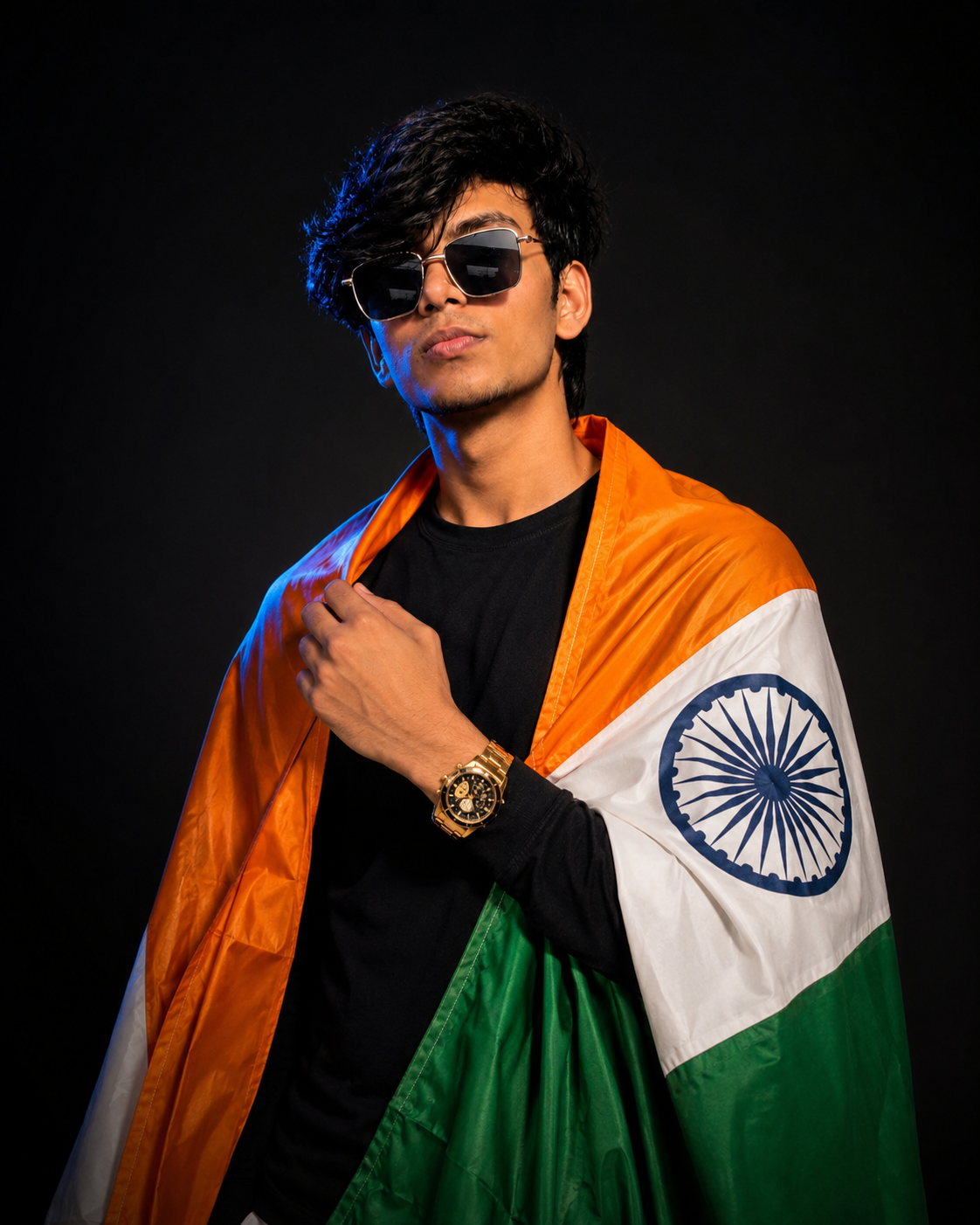
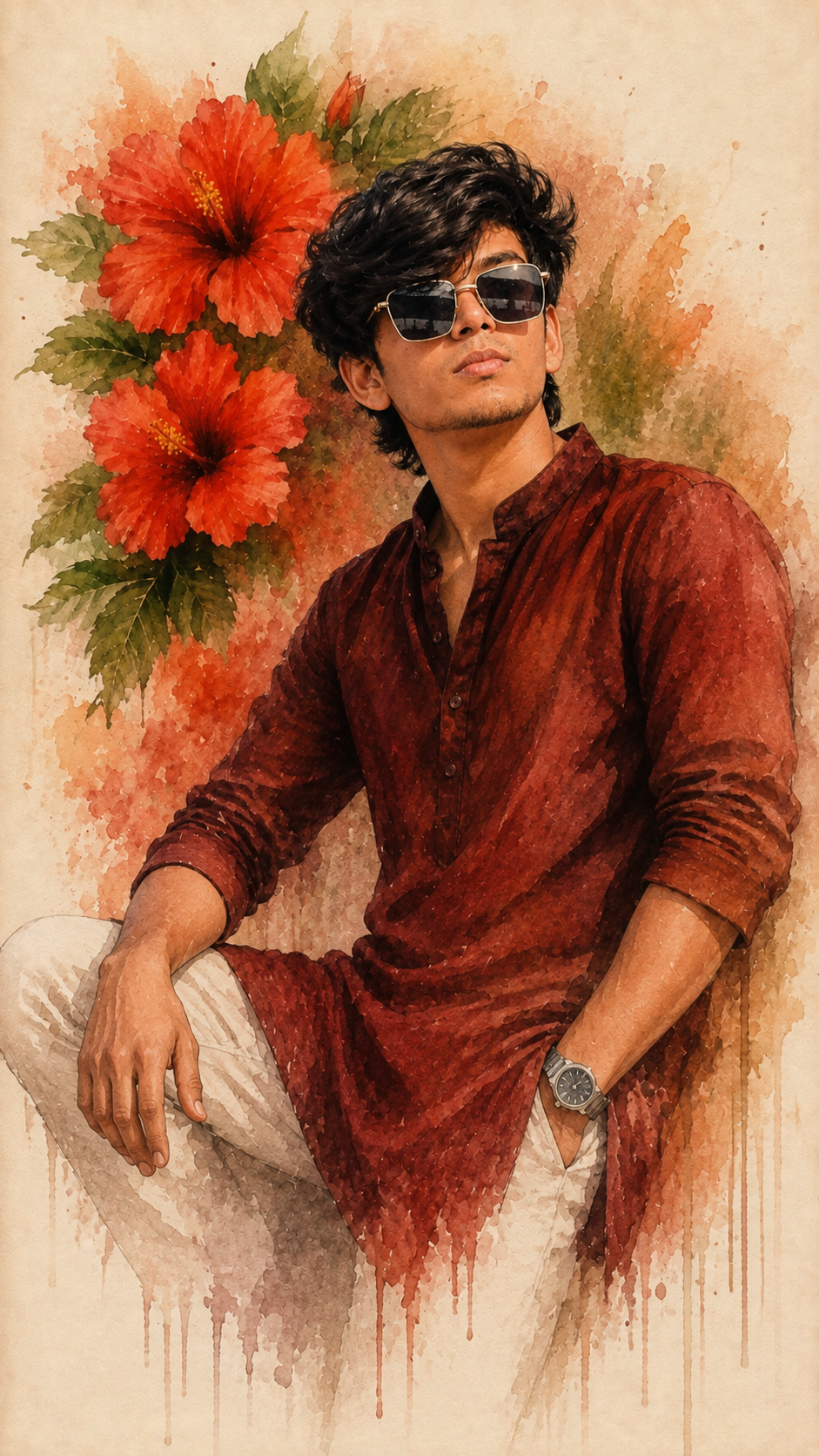
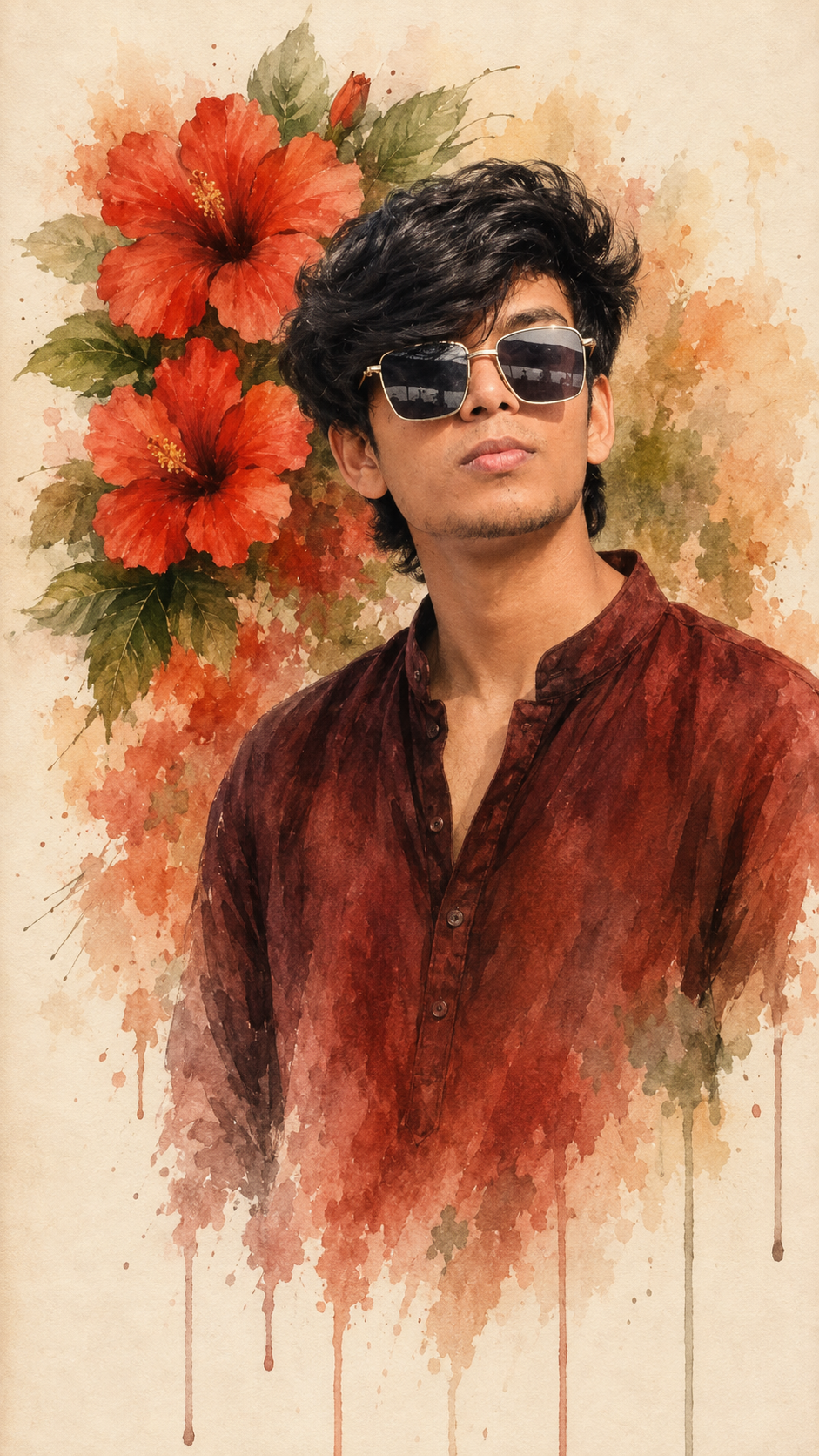
A modern portrait of a stylish young man wearing a red overshirt, black t-shirt, white pants, sunglasses, and a wristwatch. The clean white background is enhanced with a bold red glitch and paint-drip effect, creating a unique blend of fashion and digital art with a striking, contemporary aesthetic.
📖 How To Use This Prompt
- Copy the prompt text above by tapping the Copy Prompt button.
- Open ChatGPT (or Midjourney, Flux, Bing Image Creator, Leonardo AI).
- Paste the prompt into the input box. You can replace keywords like outfit, background, or mood to match your preference.
- Press Generate and enjoy your high-resolution AI masterpiece!
⚙️ Recommended AI Generator Settings
Aspect Ratio
9:16 (Story) or 16:9 (Landscape)
Best AI Engine
Midjourney v6 / Flux.1 / DALL-E 3
Stylize / CFG Scale
--s 250 / CFG 7.0
Negative Prompt
blurry, distorted, bad hands, low resolution, extra limbs
💡 How to Customize & Tweak
To make this prompt uniquely yours, consider adjusting these variables:
- Lighting: Swap with golden hour glow, neon cyberpunk backlight, or soft studio portrait softbox.
- Outfit & Styling: Change the garment description to modern streetwear, traditional attire, or futuristic armor.
- Camera Lens: Use 35mm cinematic lens for wider shots or 85mm prime lens f/1.2 for buttery background bokeh.
❓ Frequently Asked Questions
Can I use this prompt for commercial projects?
Yes! The prompt text is free to use. Images you generate on your AI tool belong to you in accordance with that platform's commercial licensing terms.
Which AI generator gives the closest look?
Midjourney v6.1 and Flux.1 produce the highest fidelity photorealistic textures. ChatGPT DALL-E 3 is best for creative interpretations.
How do I copy the prompt?
Simply click the "Copy Prompt" button above and paste directly into your generator of choice.