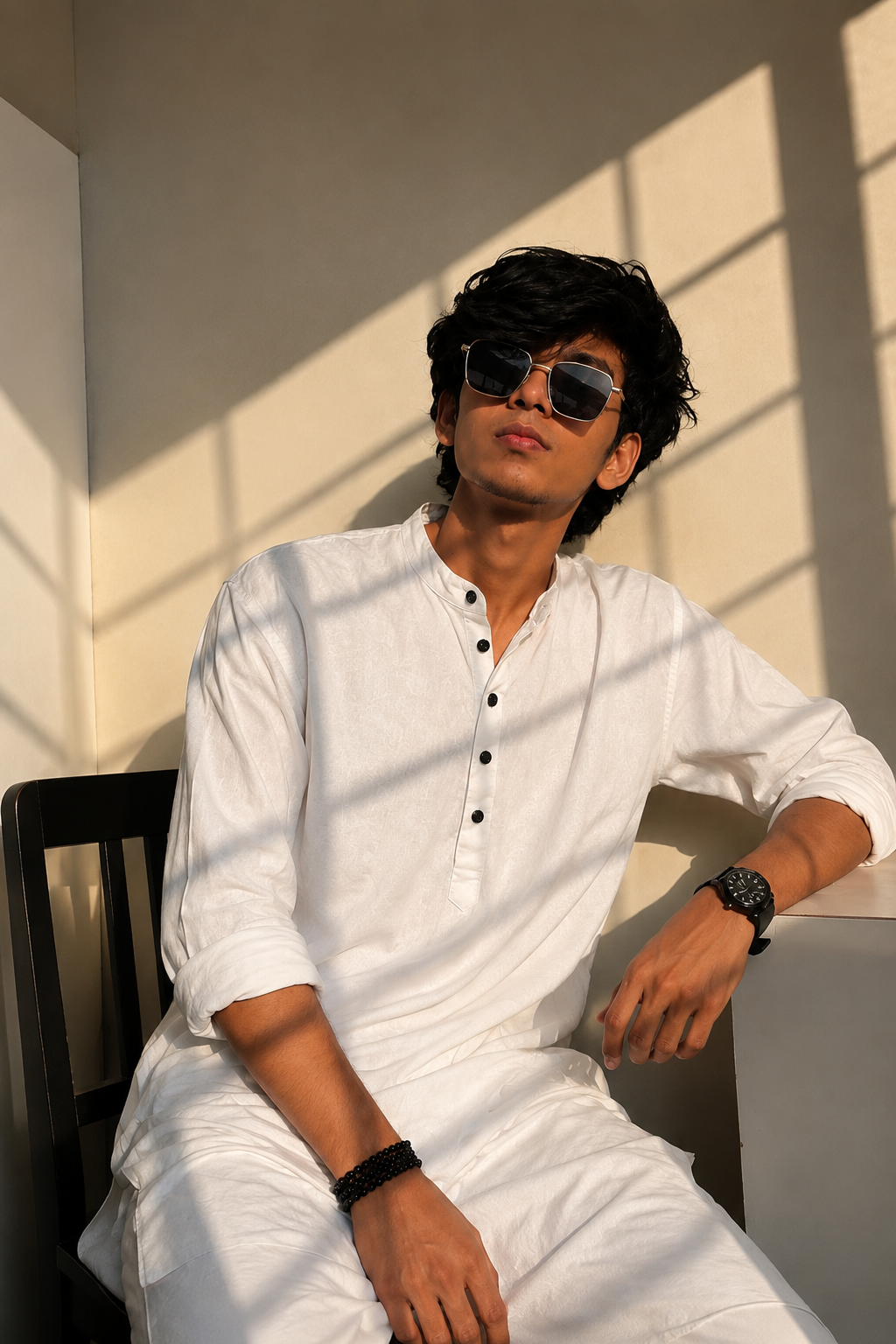
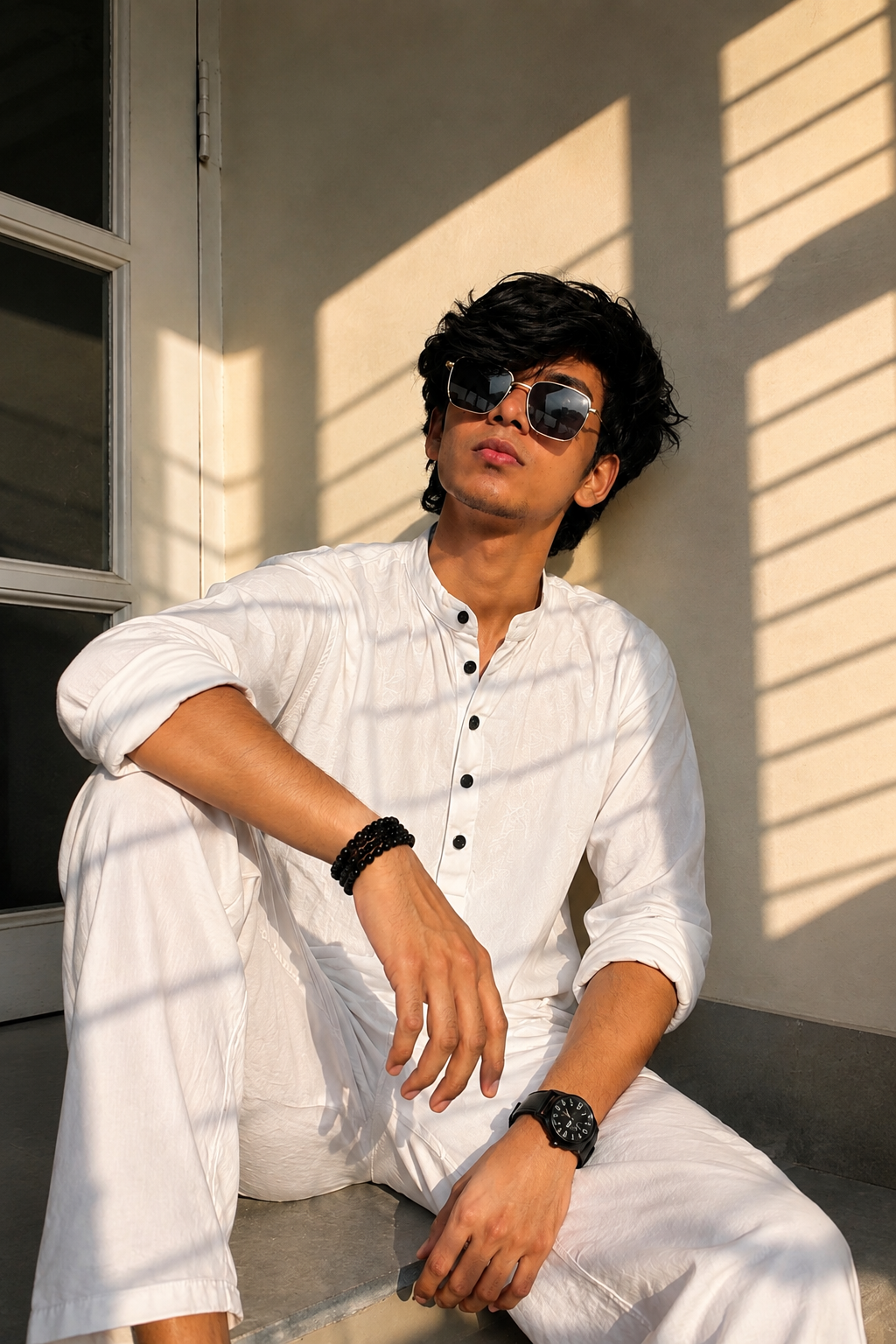
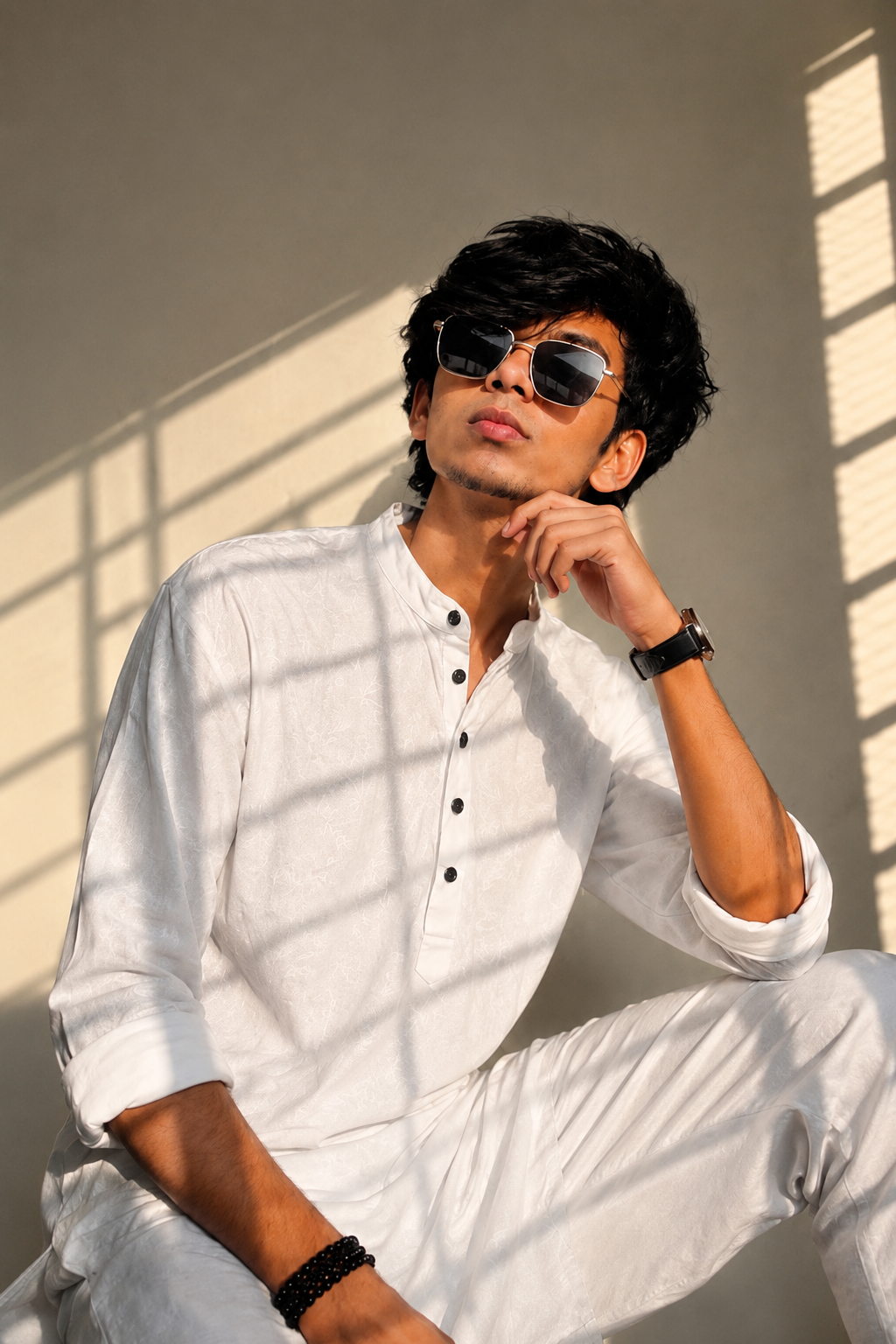
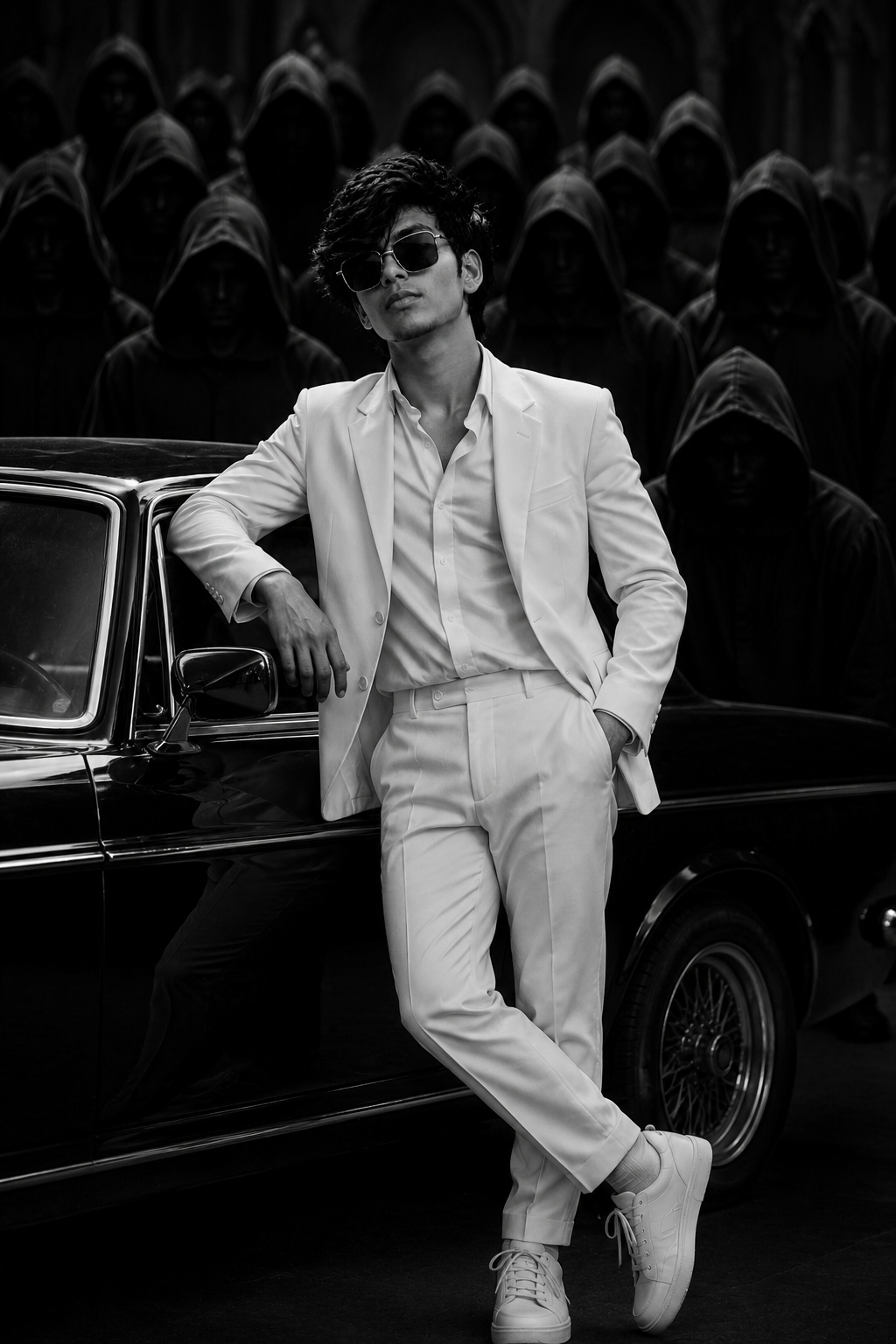
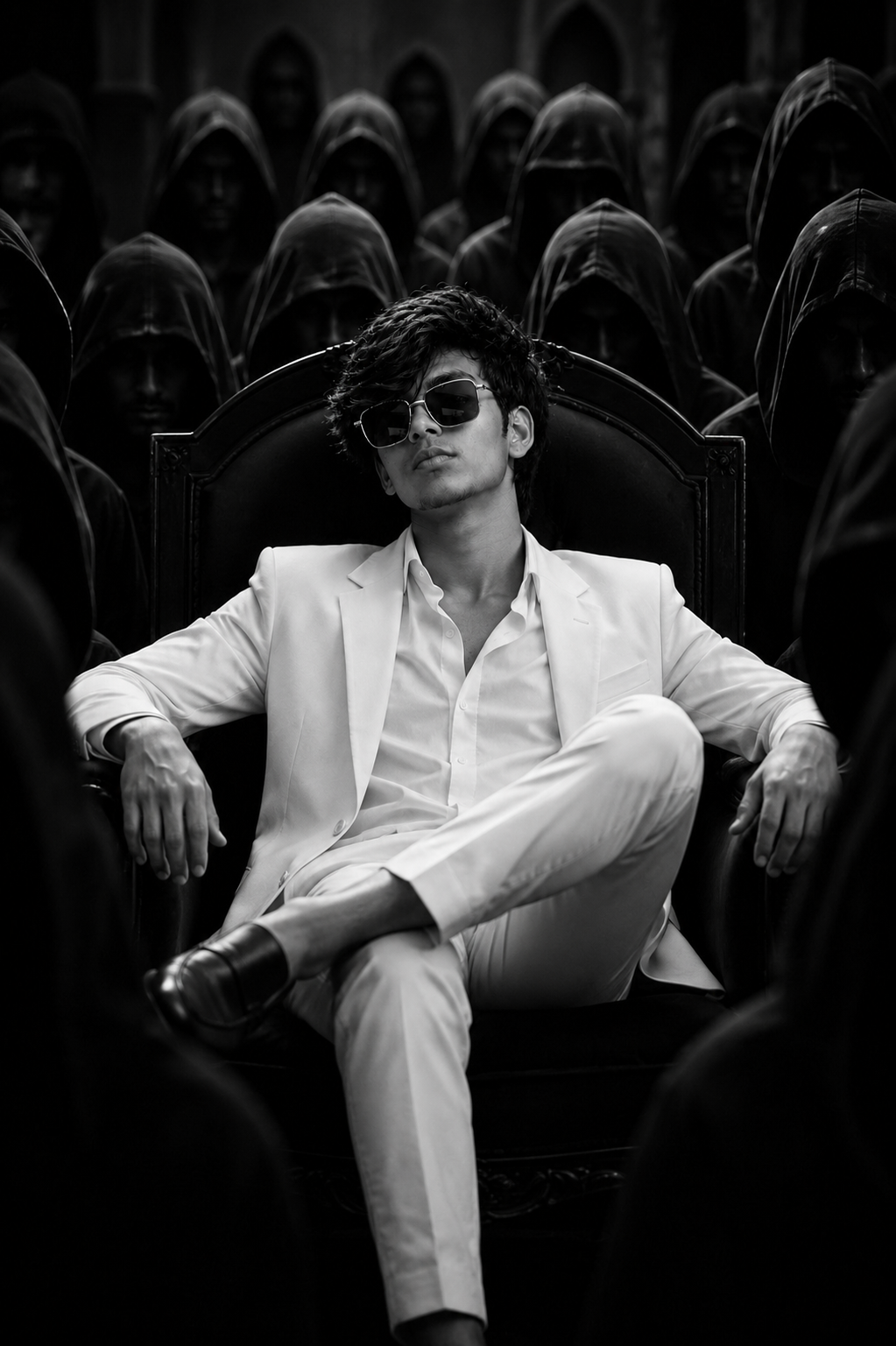
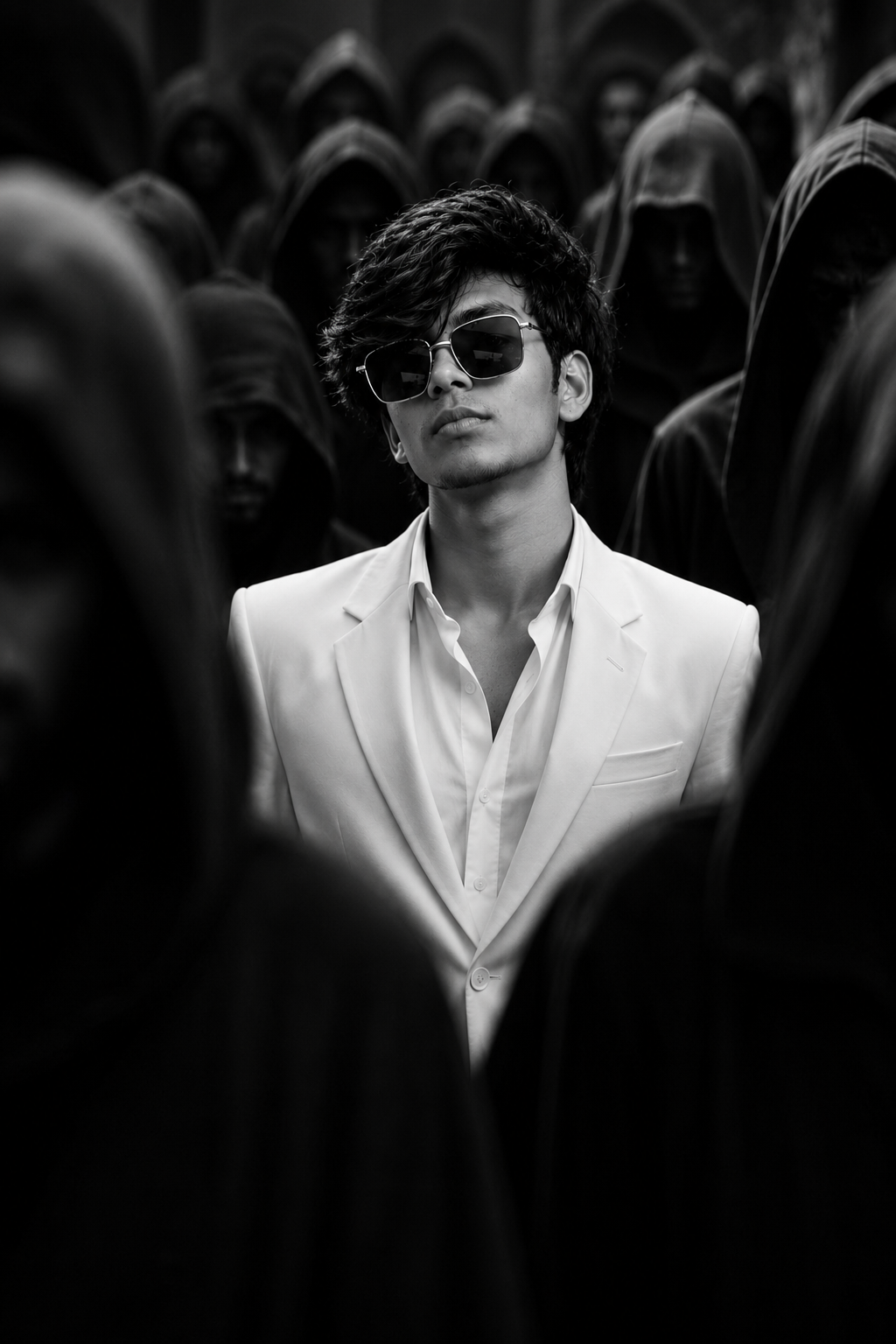
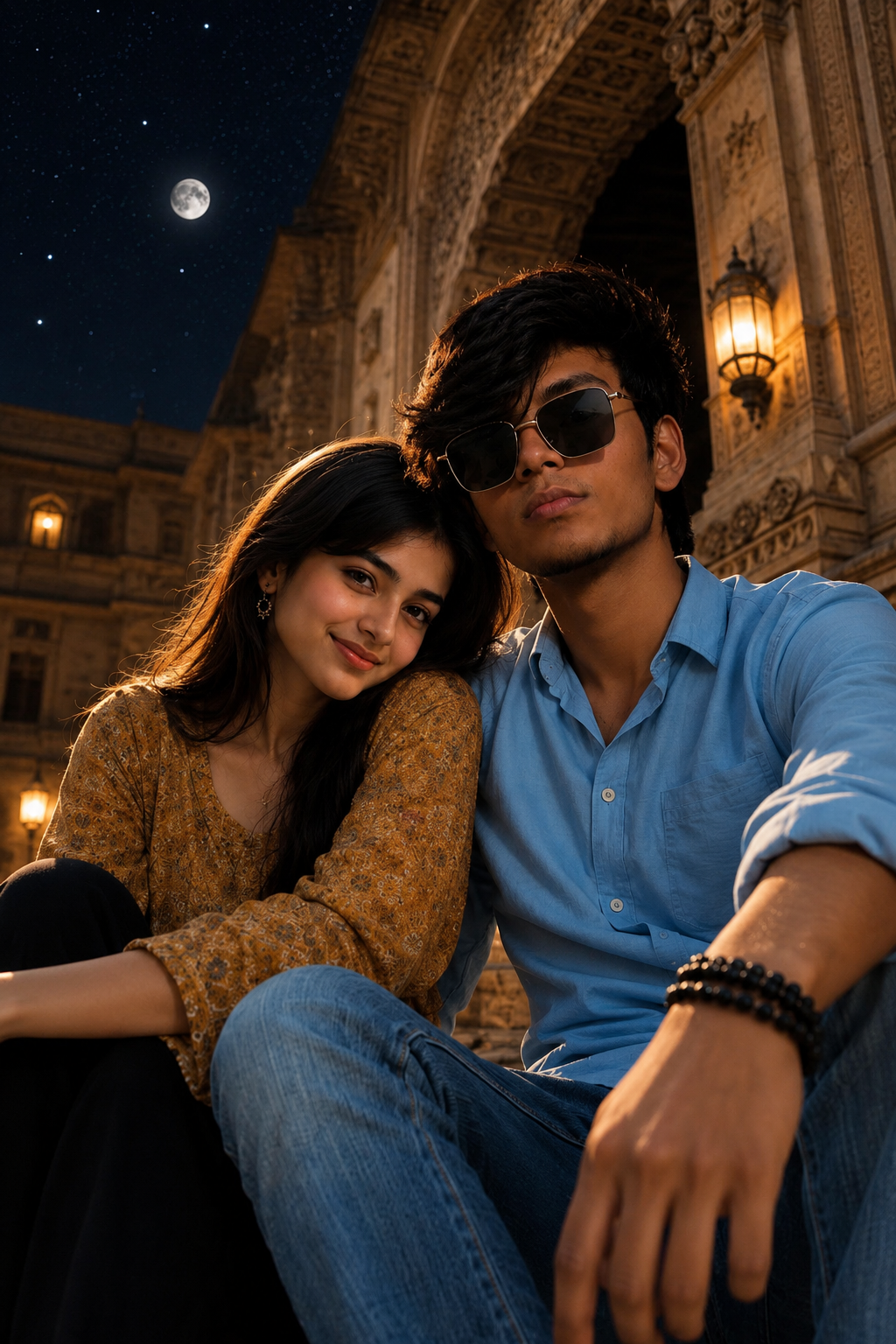
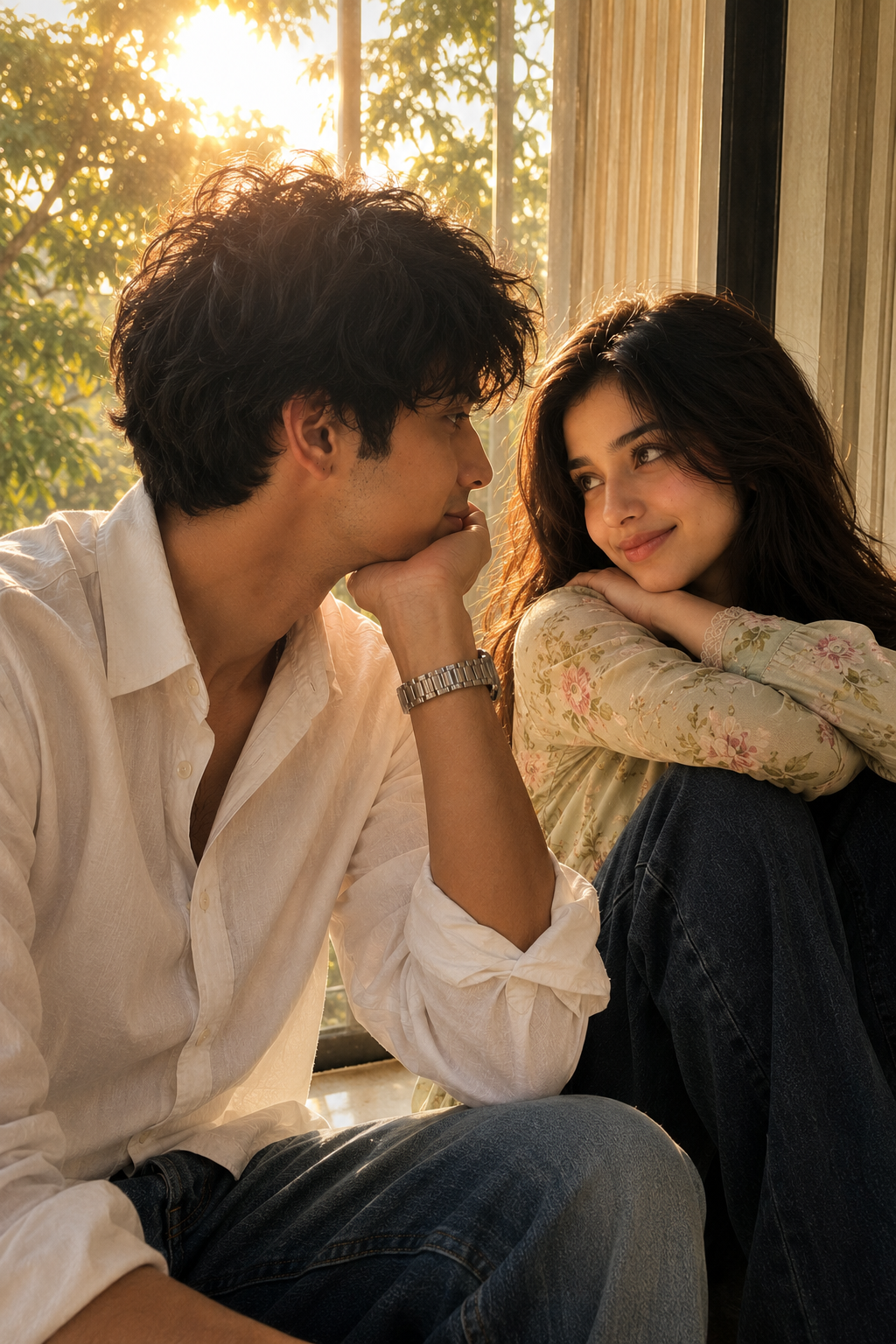
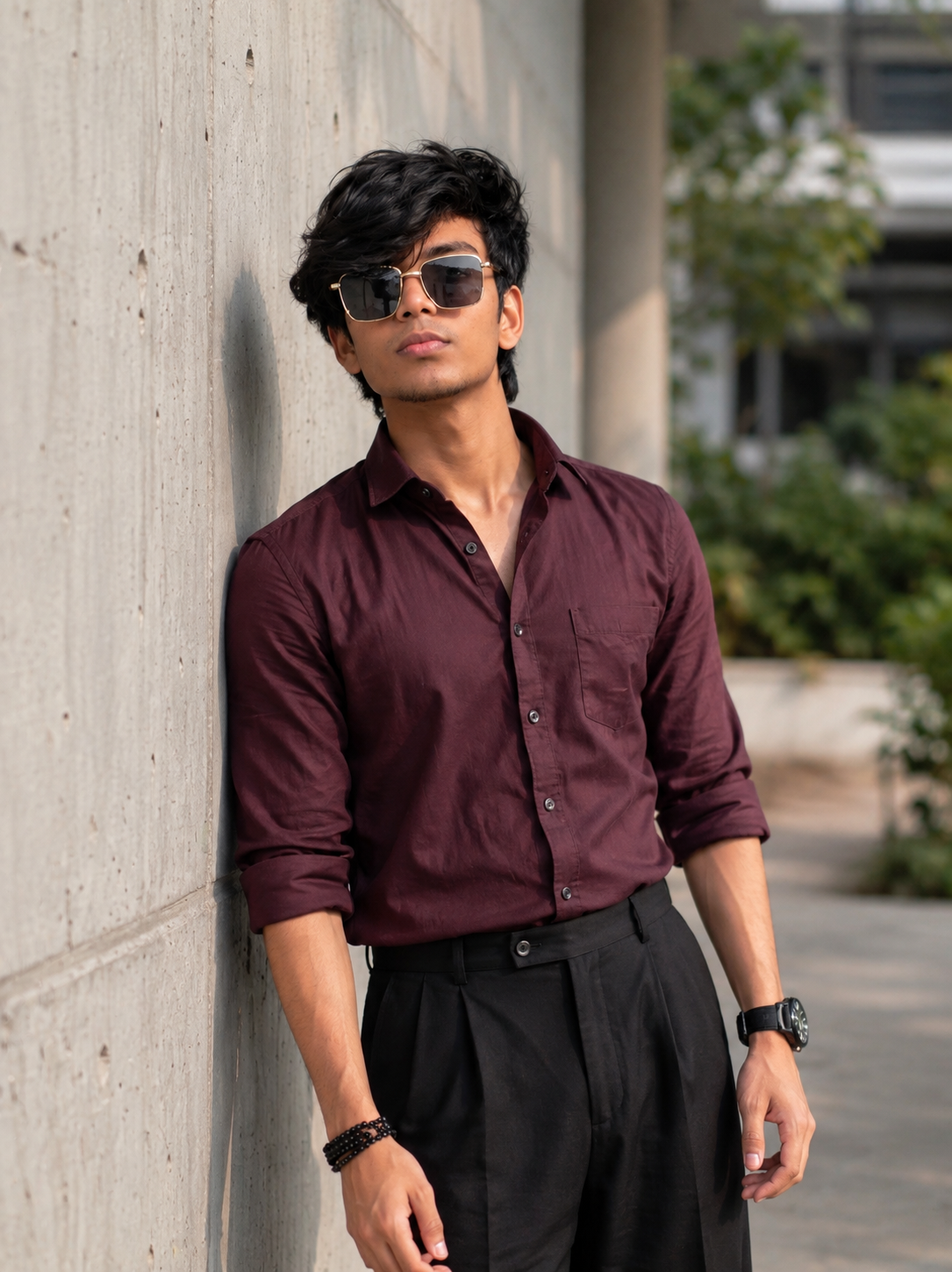
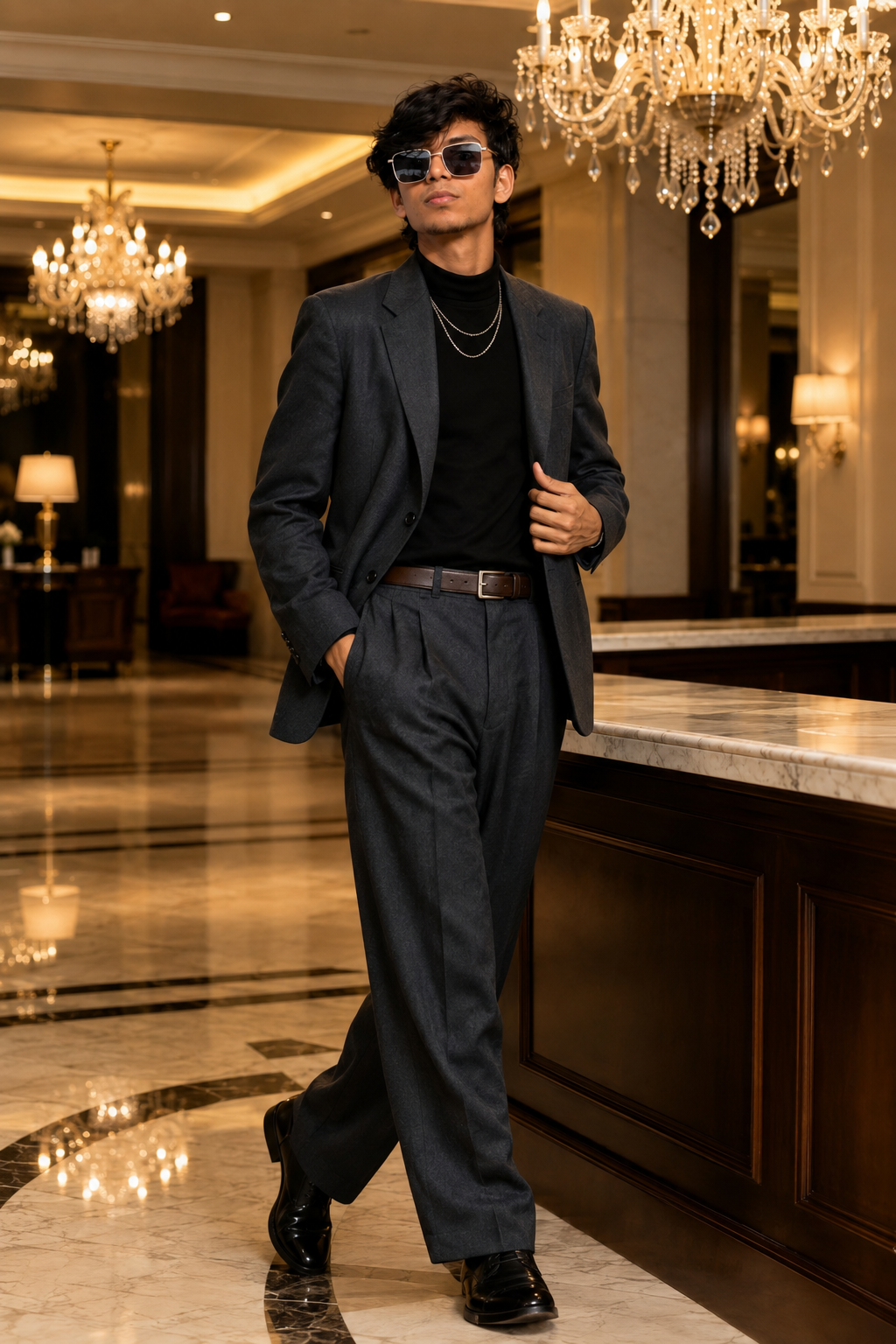
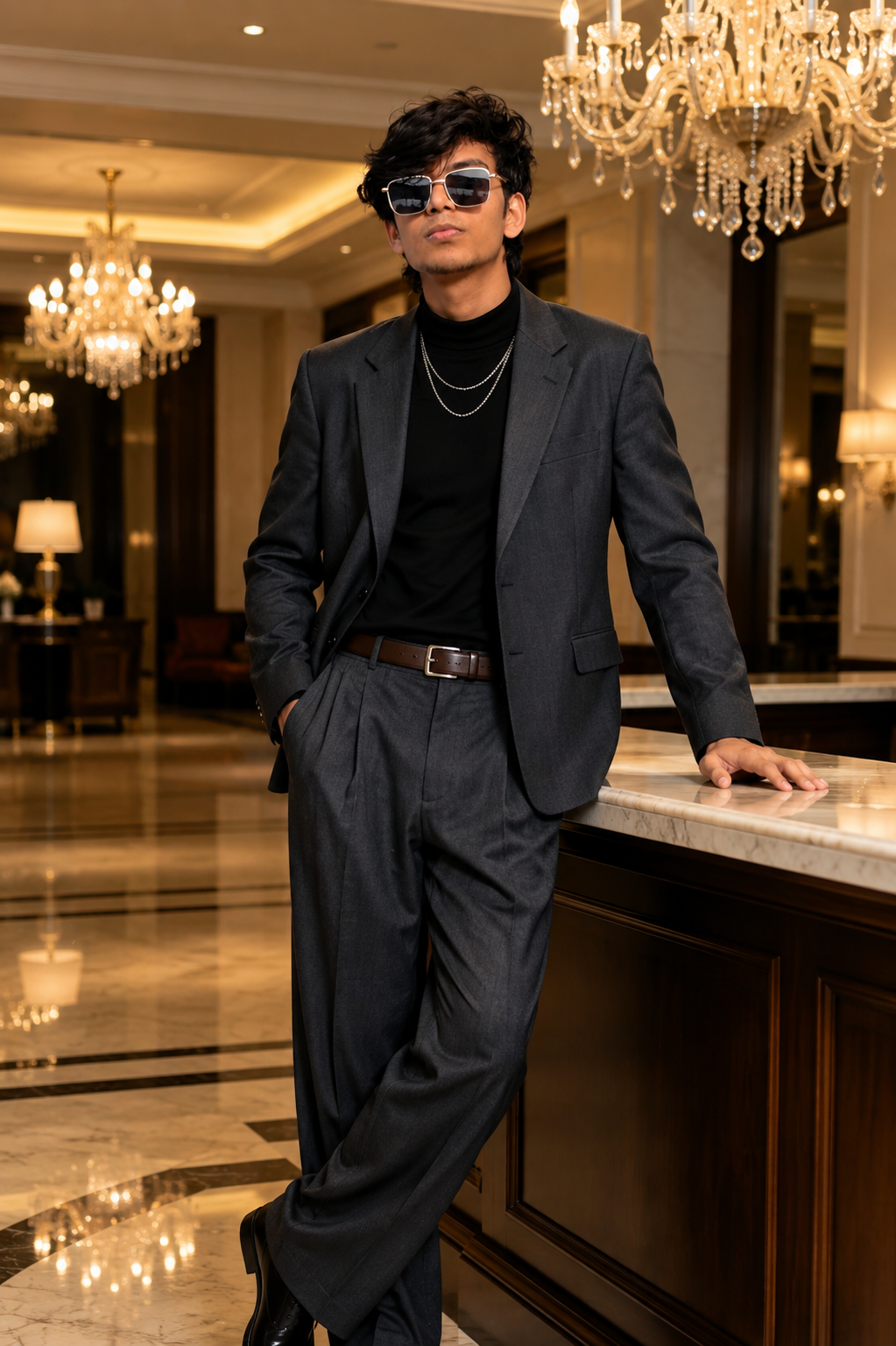
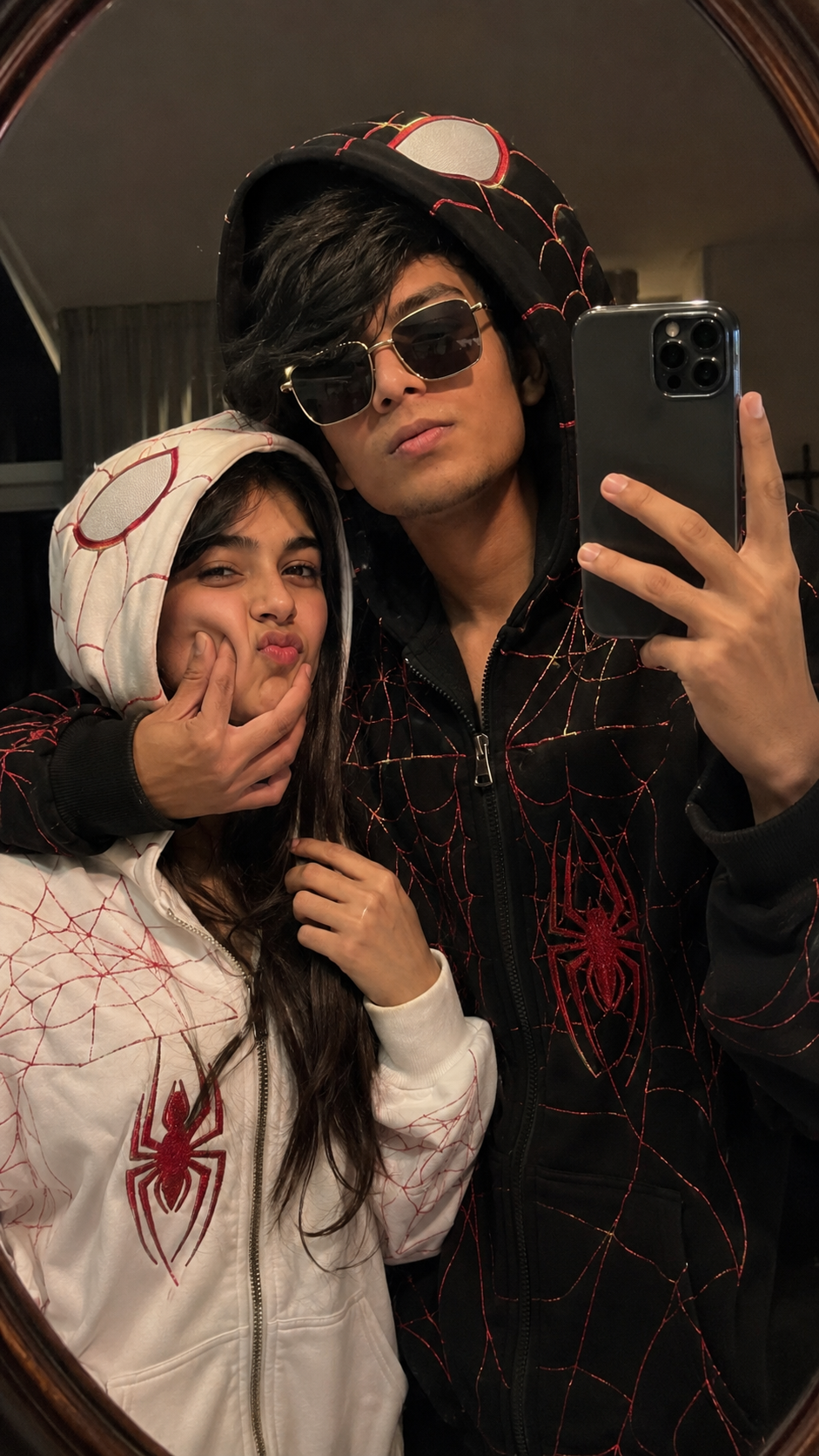
Use the uploaded reference image of my face/person as the identity reference. Replace the original boy in the target composition with me, while keeping my face and identity 100% unchanged and recognizable. Do not redesign, beautify, reshape, or generate a different face. Preserve my exact facial structure, eyes, nose, lips, jawline, cheeks, hairstyle/hair texture, skin tone, natural facial proportions and overall appearance from my reference image.
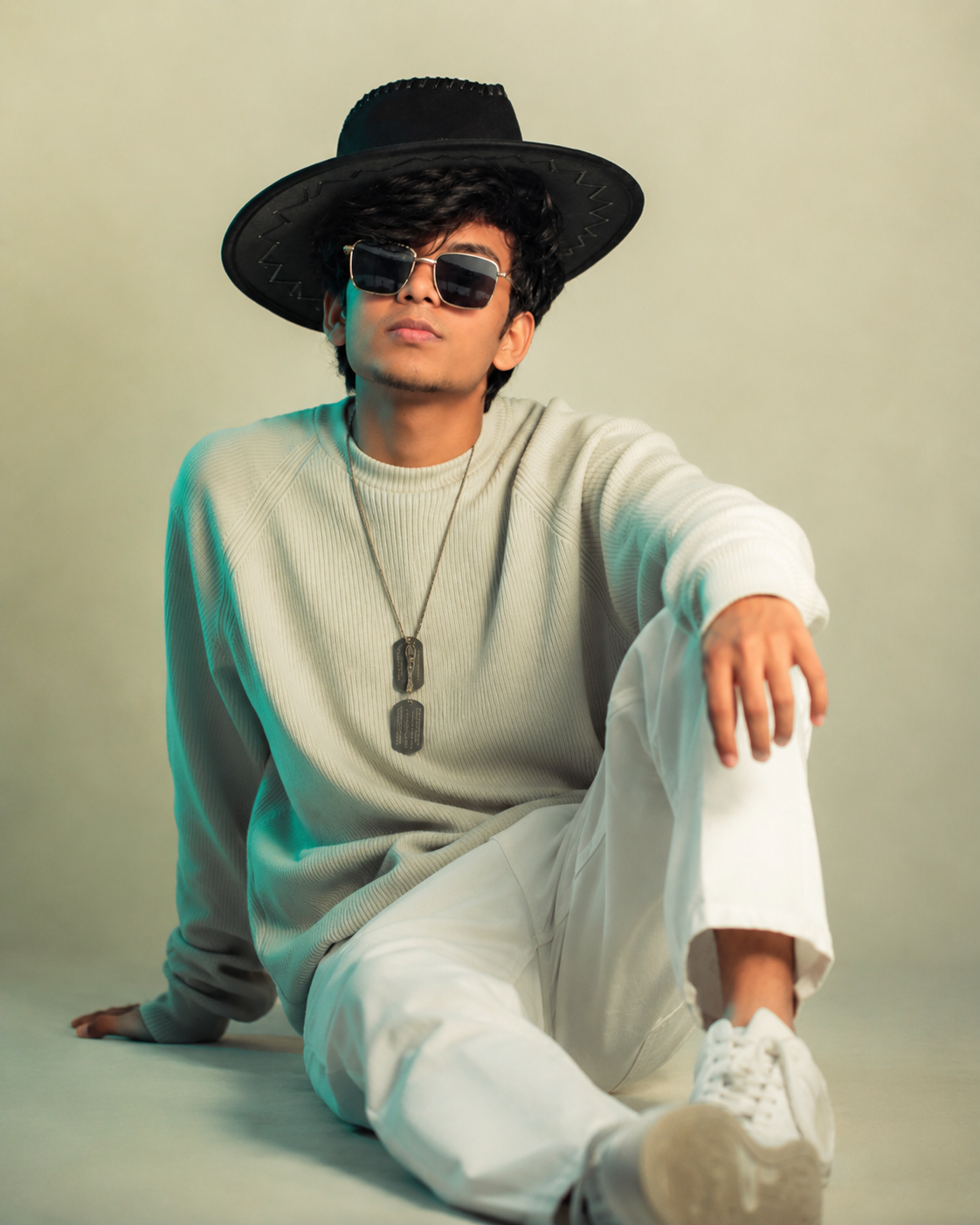
Recreate the target image as closely as possible in composition, framing, camera angle, lighting, outfit, background, and pose. The person is sitting on the floor in the exact same relaxed fashion pose: one leg extended forward toward the camera, the other knee raised upward, one hand resting on the floor beside the body for support, and the other hand naturally resting over the raised knee. Keep the exact same body positioning, limb angles, sitting posture, head tilt, hand placement, leg placement and overall silhouette shown in the target image.
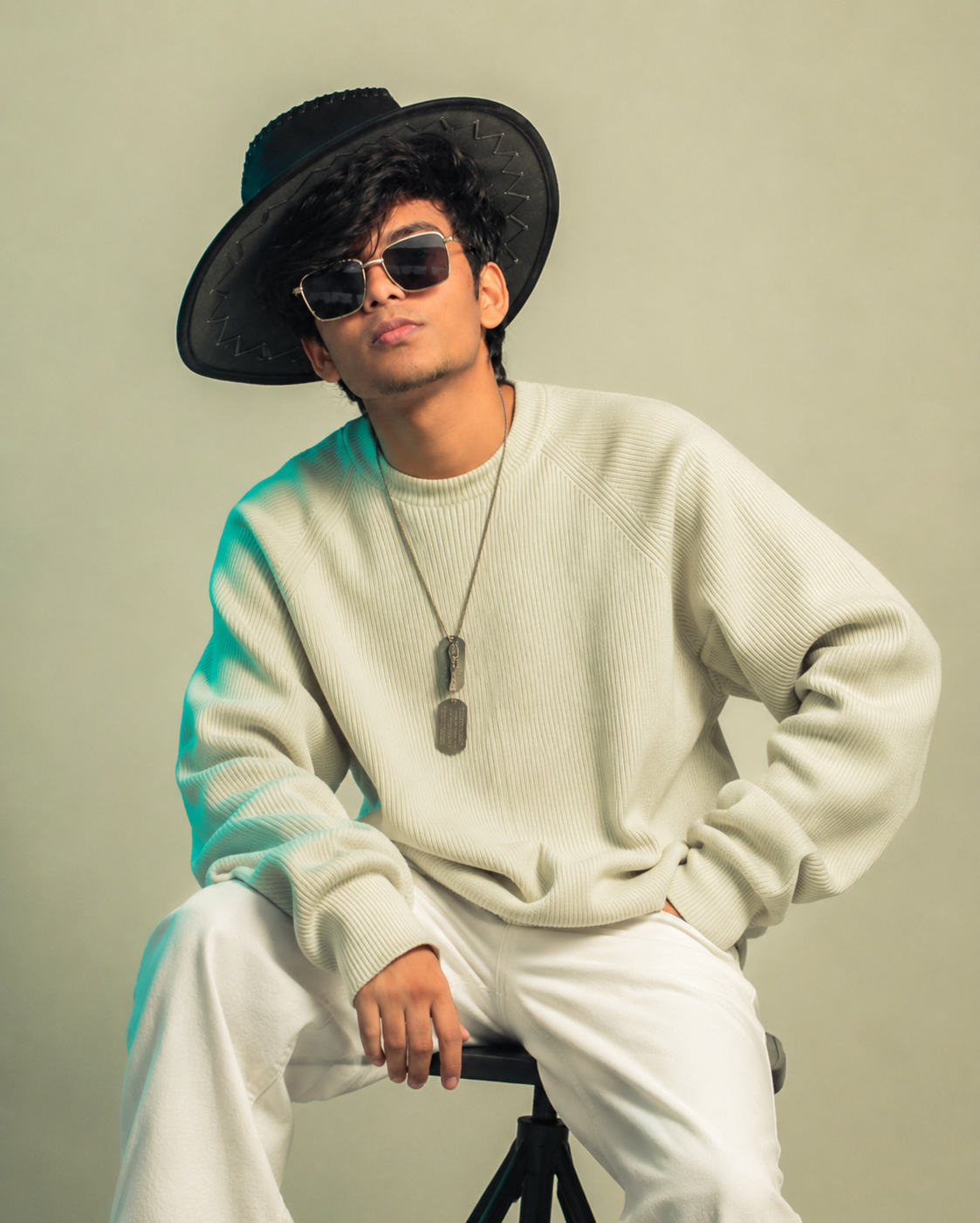
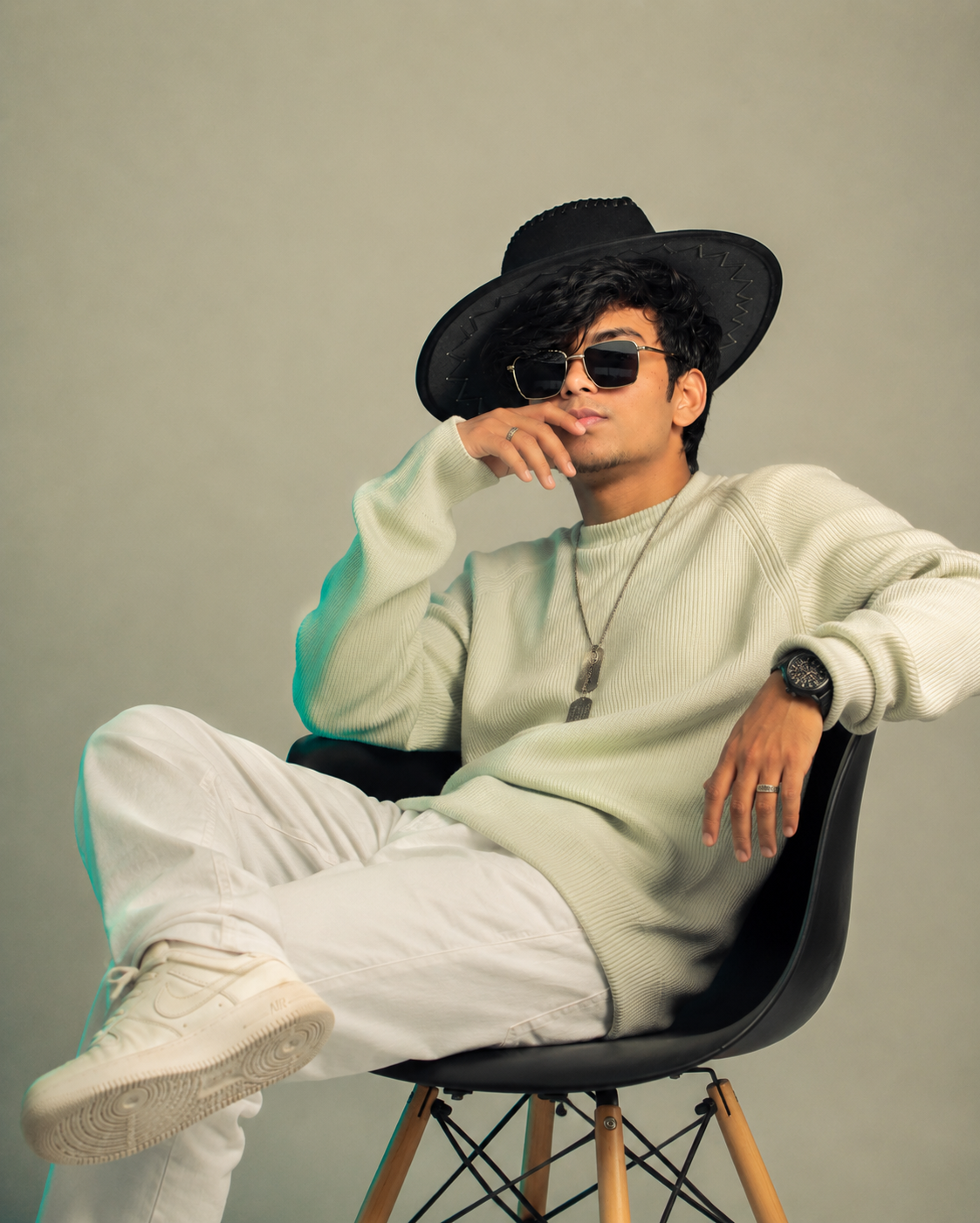
Keep the same outfit: oversized/off-white/light-cream ribbed knitted sweater with long sleeves, loose white/off-white wide-leg pants, white sneakers, a long necklace with two dark metallic dog-tag style pendants, and a large black wide-brim cowboy/western-style hat. Keep the same dark rectangular sunglasses. Clothing fit, folds, texture, colors and accessories should remain visually identical to the target.
Keep the background exactly like the target: a minimal seamless warm beige/cream studio backdrop and matching floor, with no furniture, objects, decorations or additional elements. Reproduce the same soft cinematic studio lighting, warm beige atmosphere, subtle teal/cyan rim light on the left side, gentle shadows, highlights, contrast and photographic mood.
Most importantly, do not change my body structure. If my reference body is naturally slim/thin, keep me naturally slim/thin exactly as I am. Do NOT make me muscular, broad, bulky, taller, heavier or more athletic. Preserve my real body proportions and natural physique. Do not alter my skin tone or make me lighter/darker.
Match the target image's camera perspective, portrait framing, subject scale, focal length, depth of field and visual composition. Keep the person positioned and sized in the frame exactly like the target, including the amount of empty background around the head and body. Make the final result look like a real professional studio photograph, with natural skin texture and realistic fabric details.
STRICT NEGATIVE INSTRUCTIONS: Do not change my face, do not create a different person, do not alter my identity, do not change my body type, do not make me muscular/bulky, do not change skin tone, do not change hairstyle unnecessarily, do not change the outfit, hat, sunglasses, necklace, shoes, pose, hand positions, leg positions, background, camera angle or composition. No cartoon look, no CGI look, no artificial beauty filter, no excessive skin smoothing, no face distortion, no extra fingers, no missing fingers, no malformed hands, no extra limbs, no duplicate body parts, no unnatural anatomy.
Final output: a highly realistic photograph of me from my uploaded reference image, placed into the target scene while preserving my exact face and natural slim body structure, with the same outfit, same pose, same background, same lighting and same composition as the provided target image.
Description
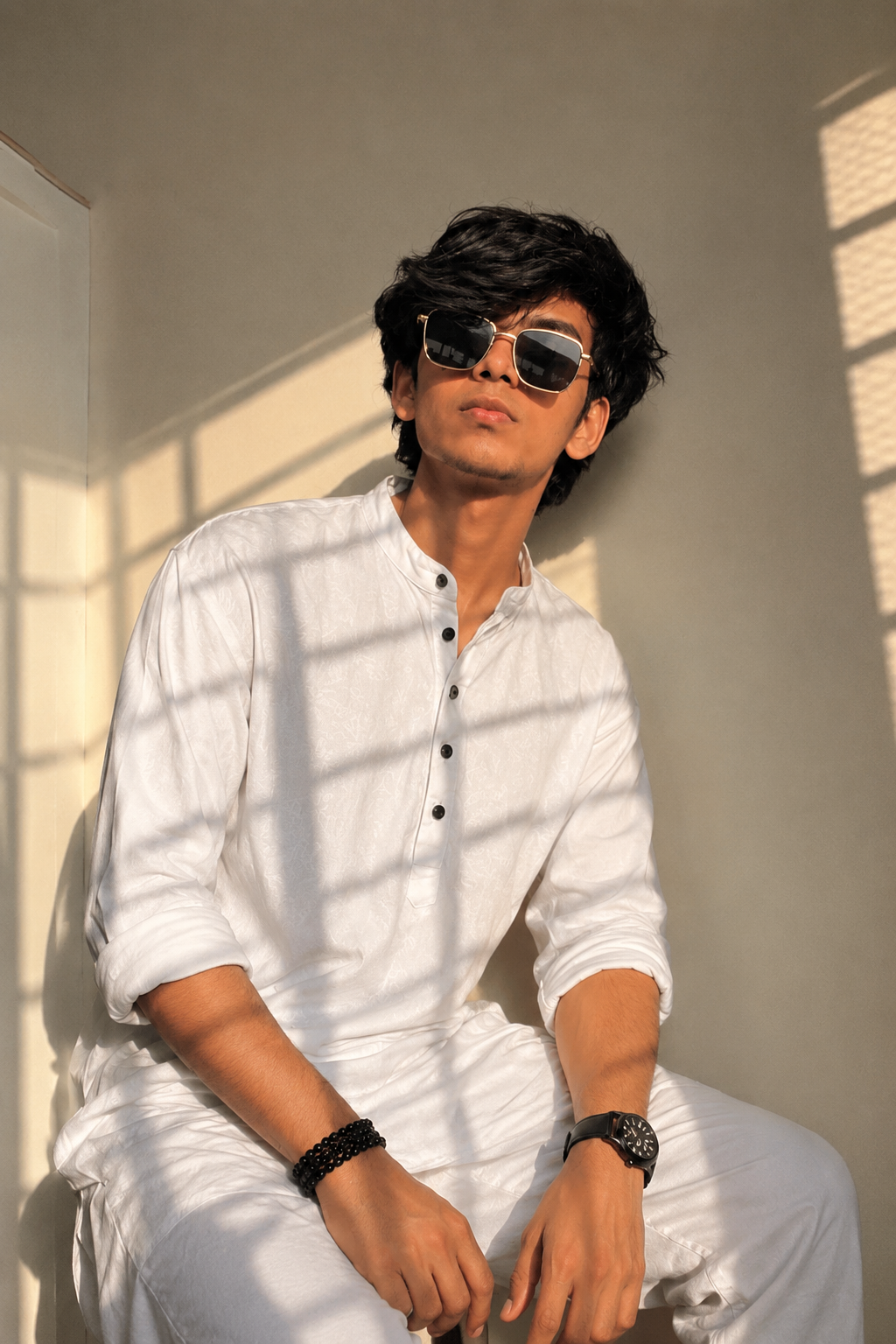
A stylish young man wearing a wide-brim black hat, sunglasses, a light beige knit sweater, white pants, sneakers, and layered dog-tag necklaces. Seated in a relaxed pose against a soft neutral background, the teal accent lighting and warm tones create a modern, cinematic fashion portrait with a cool editorial aesthetic.
📖 How To Use This Prompt
Copy the prompt text above by tapping the Copy Prompt button.
Open ChatGPT (or Midjourney, Flux, Bing Image Creator, Leonardo AI).
Paste the prompt into the input box. You can replace keywords like outfit, background, or mood to match your preference.
Press Generate and enjoy your high-resolution AI masterpiece!
⚙️ Recommended AI Generator Settings
Aspect Ratio
9:16 (Story) or 16:9 (Landscape)
Best AI Engine
Midjourney v6 / Flux.1 / DALL-E 3
Stylize / CFG Scale
--s 250 / CFG 7.0
Negative Prompt
blurry, distorted, bad hands, low resolution, extra limbs
💡 How to Customize & Tweak
To make this prompt uniquely yours, consider adjusting these variables:
Lighting: Swap with golden hour glow, neon cyberpunk backlight, or soft studio portrait softbox.
Outfit & Styling: Change the garment description to modern streetwear, traditional attire, or futuristic armor.
Camera Lens: Use 35mm cinematic lens for wider shots or 85mm prime lens f/1.2 for buttery background bokeh.
❓ Frequently Asked Questions
Can I use this prompt for commercial projects?
Yes! The prompt text is free to use. Images you generate on your AI tool belong to you in accordance with that platform's commercial licensing terms.
Which AI generator gives the closest look?
Midjourney v6.1 and Flux.1 produce the highest fidelity photorealistic textures. ChatGPT DALL-E 3 is best for creative interpretations.
How do I copy the prompt?
Simply click the "Copy Prompt" button above and paste directly into your generator of choice.
AI PromptChatGPT PromptGemini PromptImage PromptPhoto PromptAI Image PromptCinematic PromptRealistic Photo PromptUltra Realistic PromptPhotorealistic PromptGPT Image PromptLeonardo AI PromptFlux PromptMidjourney PromptIdeogram PromptCopy Paste PromptText to Image PromptBest AI Prompt8K PromptMasterpiece Prompt