
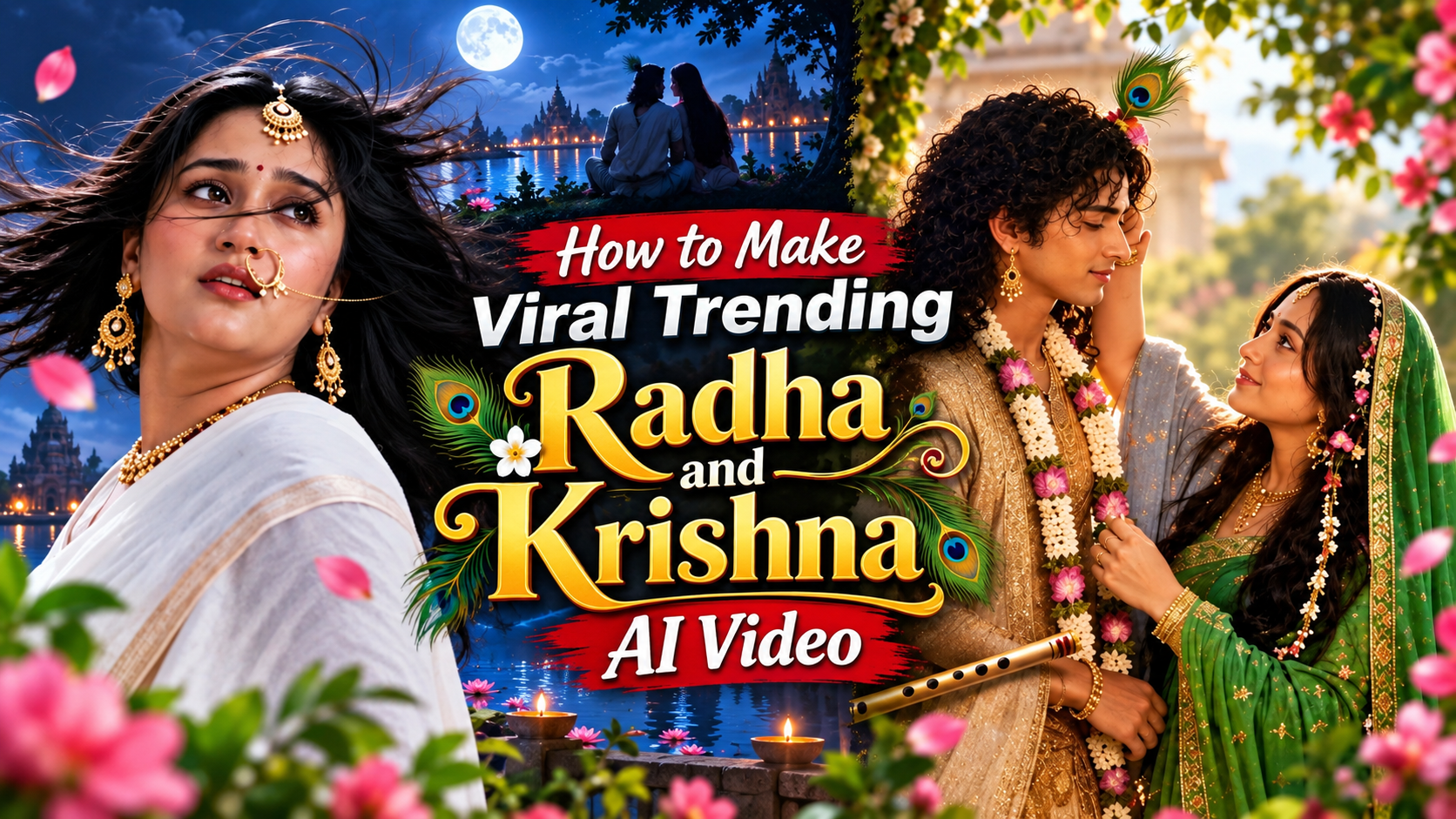
New Trending Radha & Krishna AI Video
👋 About
Create New Trending Radha & Krishna AI Videos with easy step-by-step prompts.
Scroll down to find the Image Prompts and Video Prompts. 👇
Create beautiful Radha & Krishna AI videos with cinematic scenes, realistic images and easy-to-use prompts.
✨ New Trending Radha & Krishna AI Video
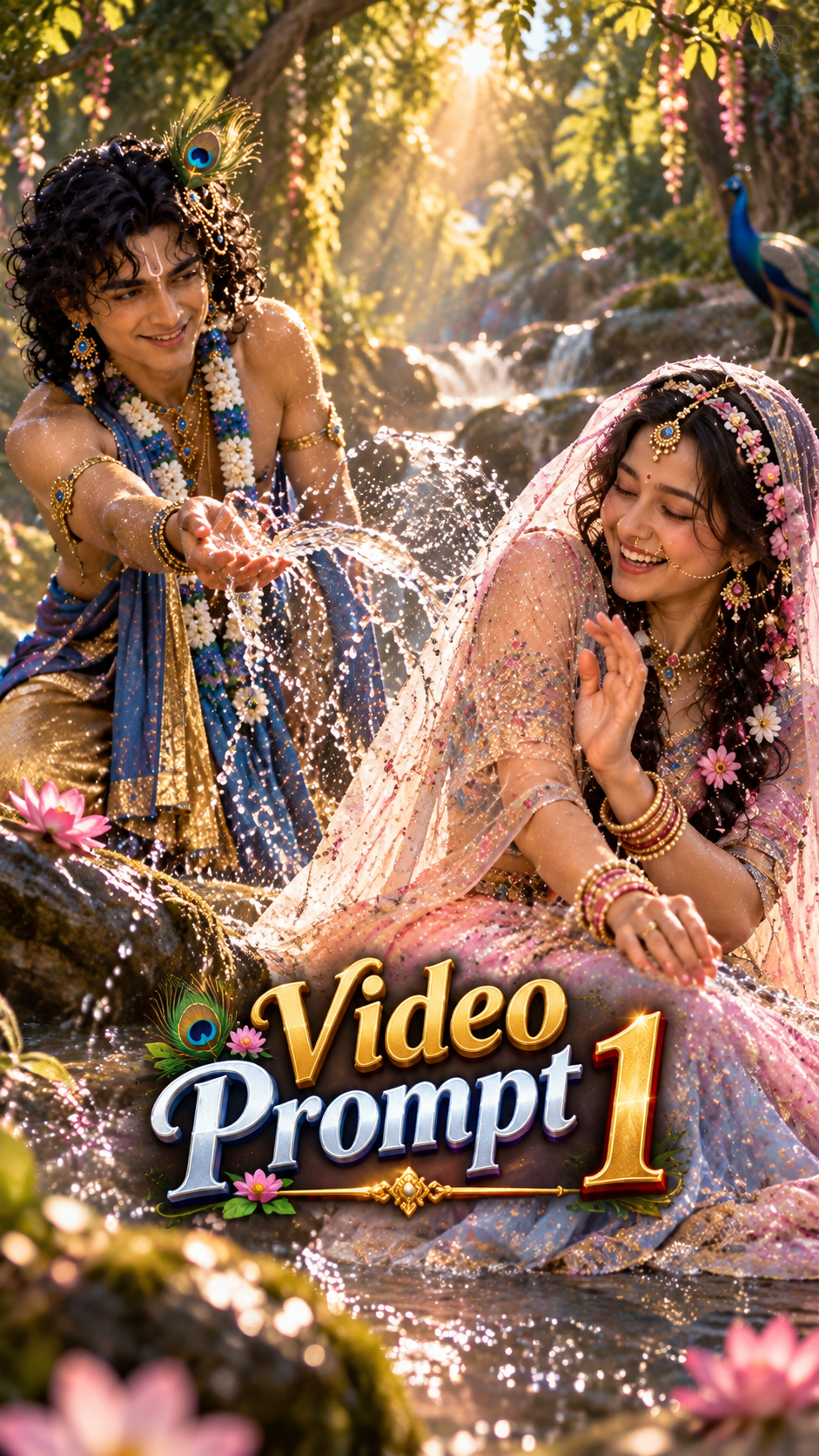
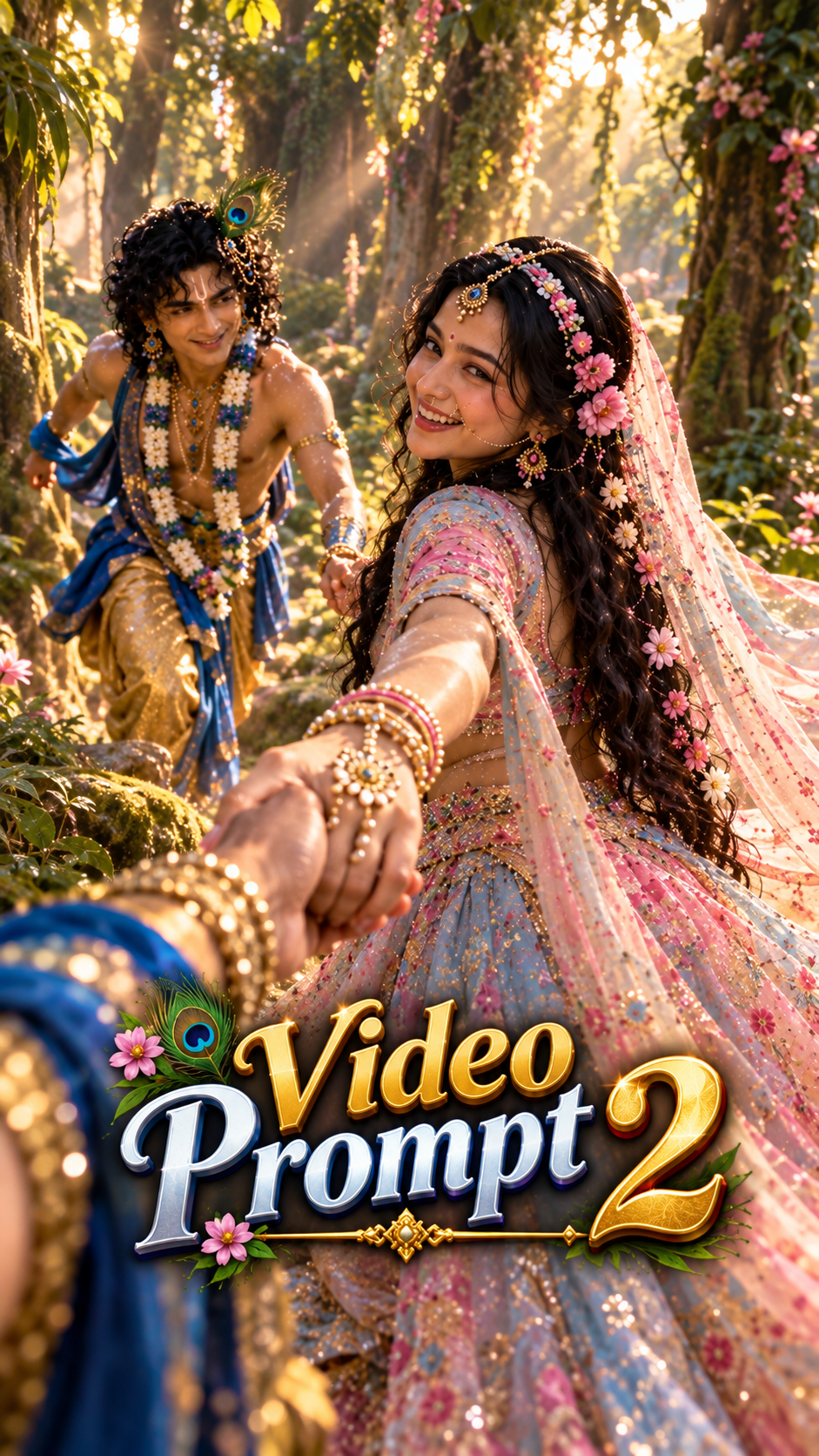
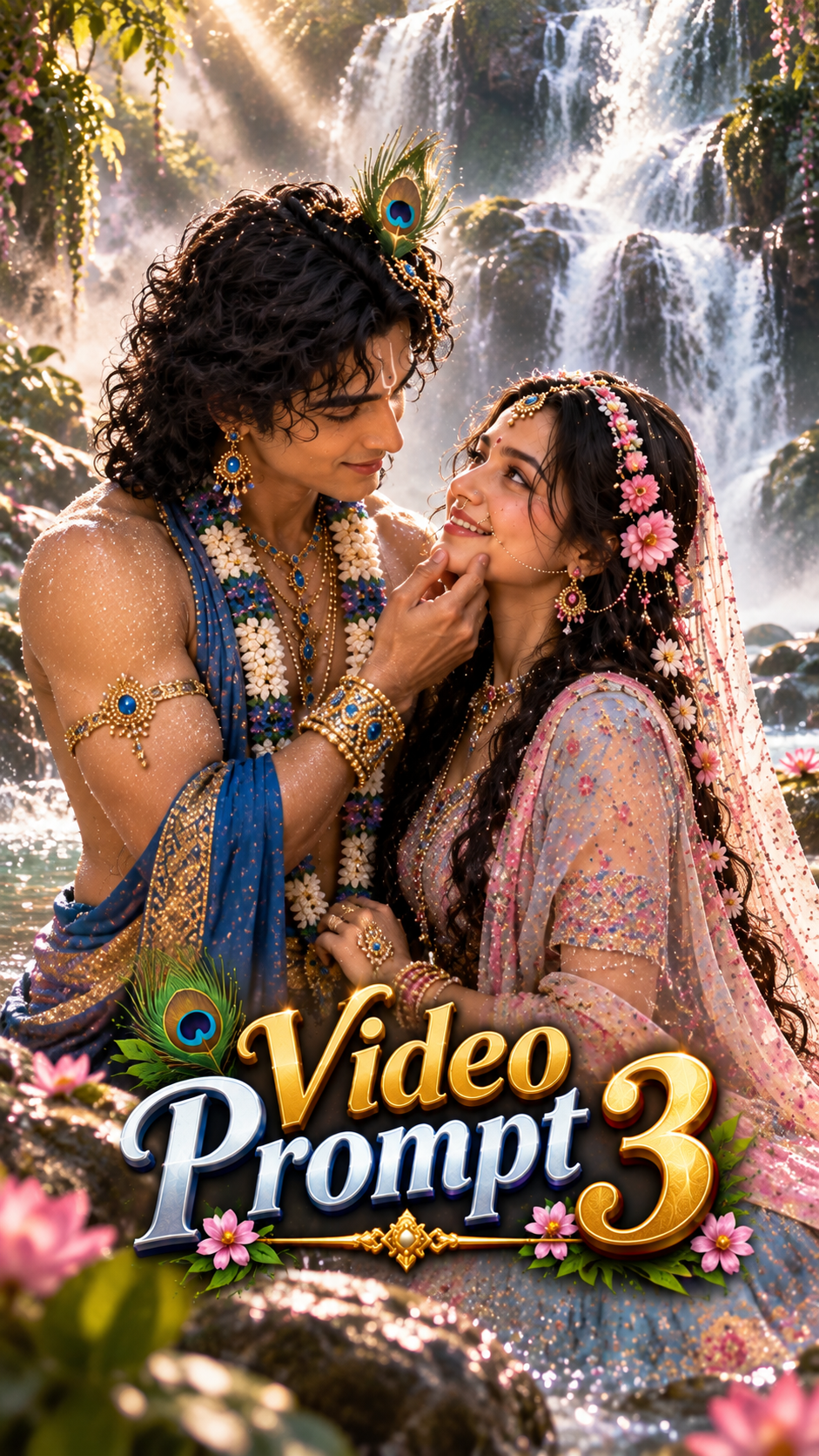
🛠️ How to Create Trending AI Images Using ChatGPT 🔥
1: Open the Suraj Space website. 2: Find the post featuring the AI image you want to create and open it. 3: Copy the Image Prompt from that post. 4: Open ChatGPT and upload your clear photo. 5: Paste the copied prompt into ChatGPT along with your uploaded photo. 6: Click on Generate. 7: Within a few seconds, your AI image will be generated using your photo. 8: If you don't understand any part of the process, search “Suraj Space” on Instagram and watch the tutorial video for the complete process.
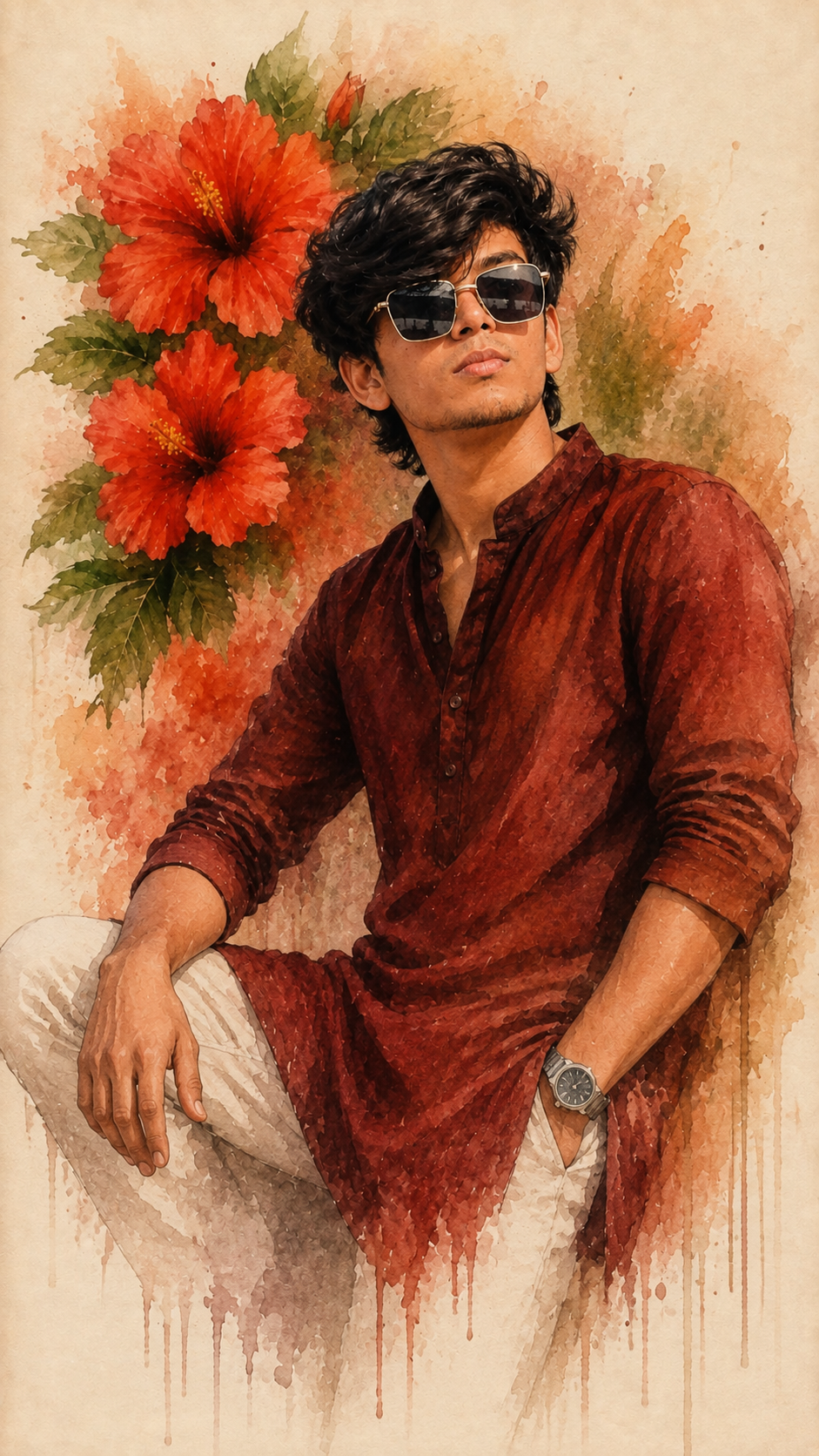
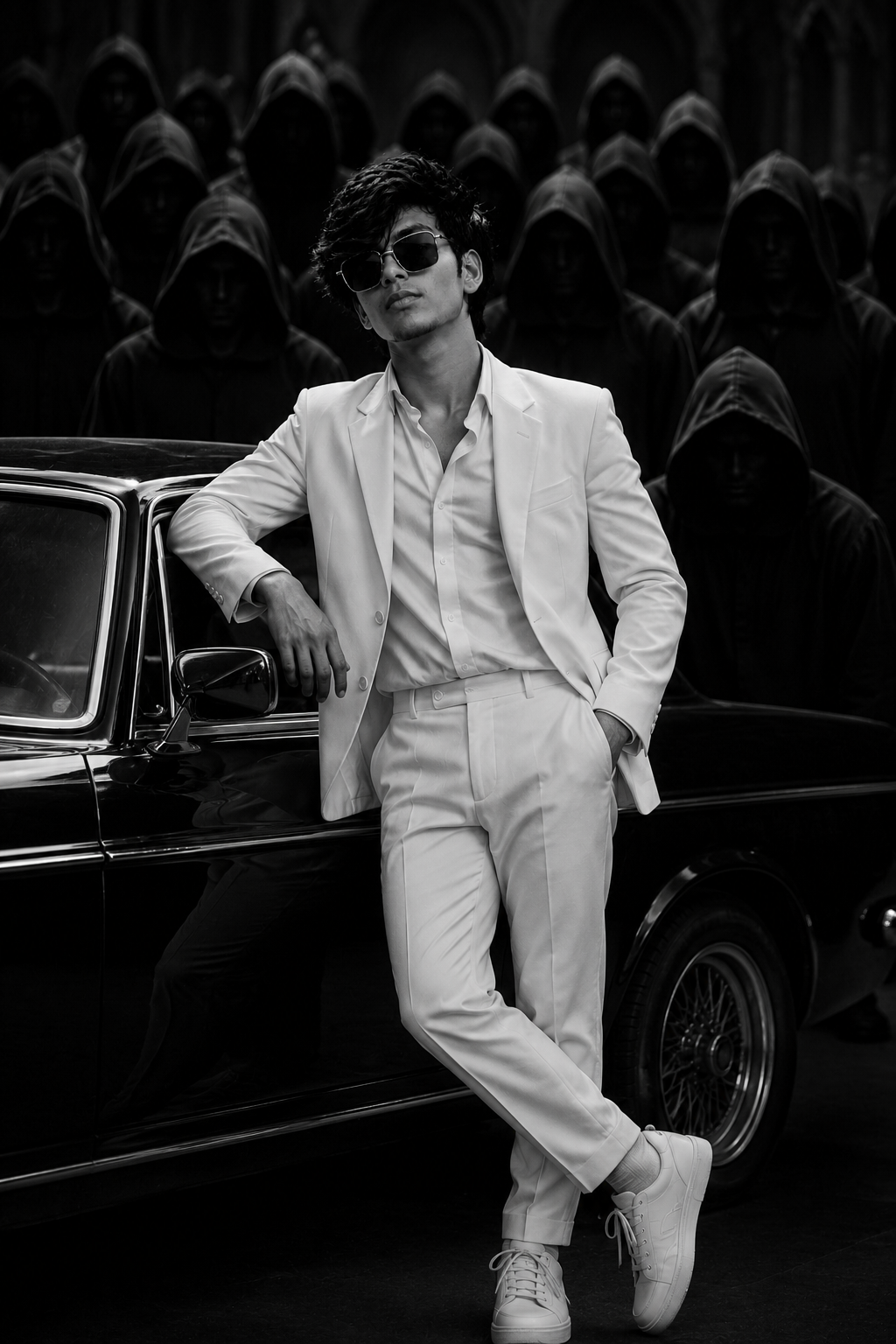
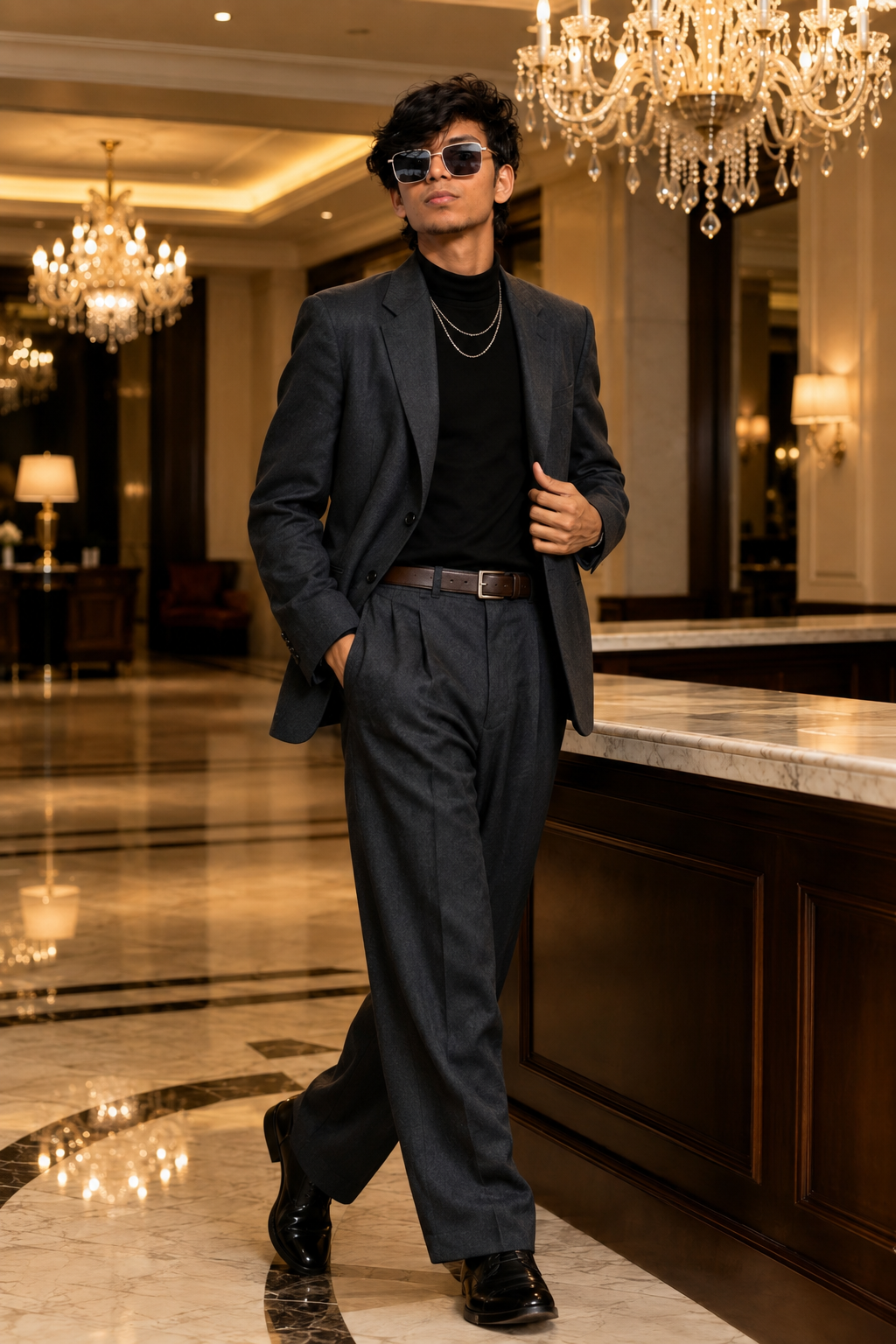
🎨 Photo Editing Ideas
Create beautiful Radha & Krishna images with realistic details, cinematic lighting and divine romantic scenes.
💡 How to Create Better, More Accurate, Highly Detailed & Realistic AI Images
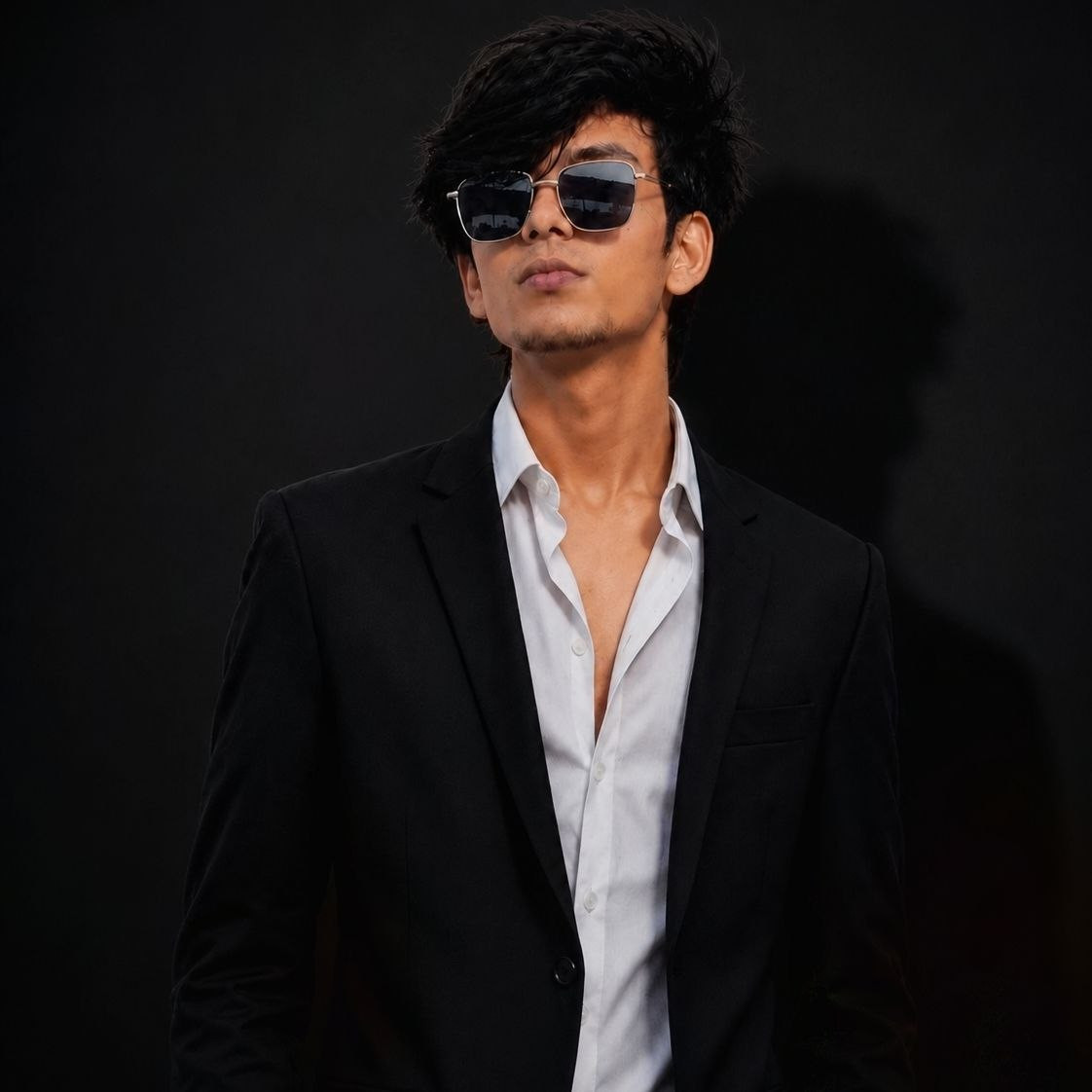
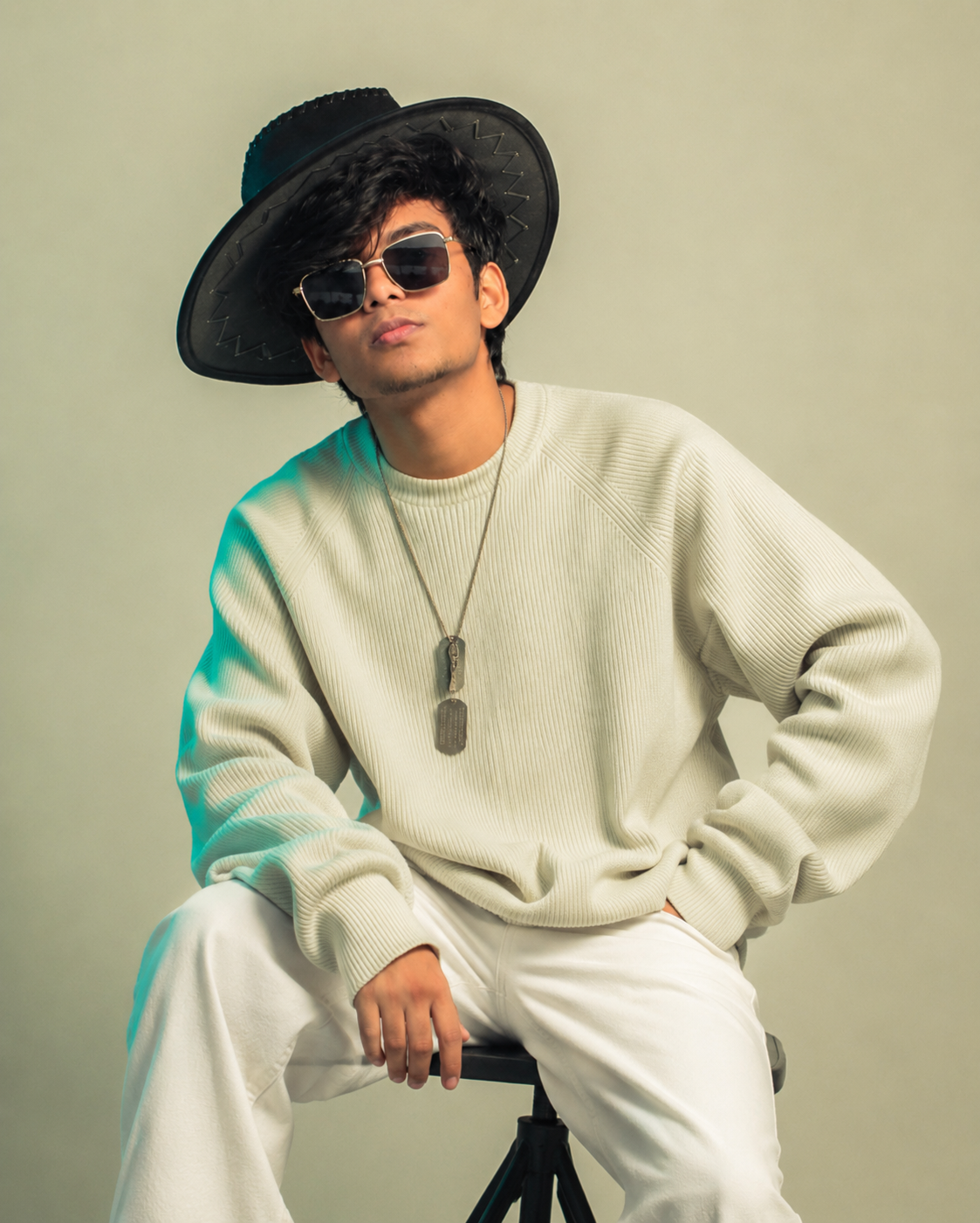
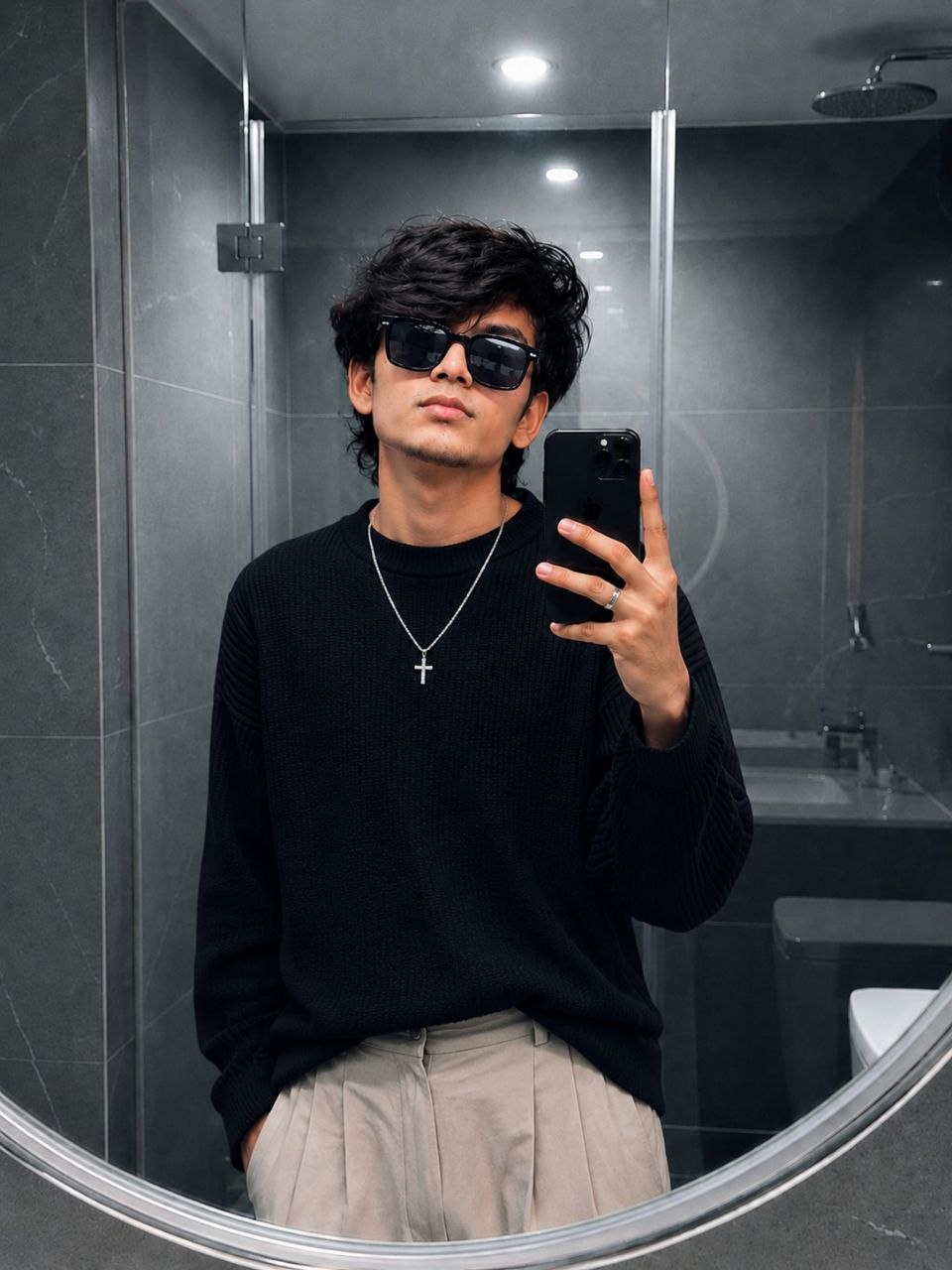
To achieve the best possible results when generating AI images, always begin with a clear, high-quality, natural reference photo of yourself. The quality of the reference image plays an important role in helping the AI understand your real appearance and create a more accurate and consistent result.
🙏 Final Words
Create amazing Radha & Krishna AI Videos using these prompts. Enjoy creating! ❤️







Know you cannot make my video