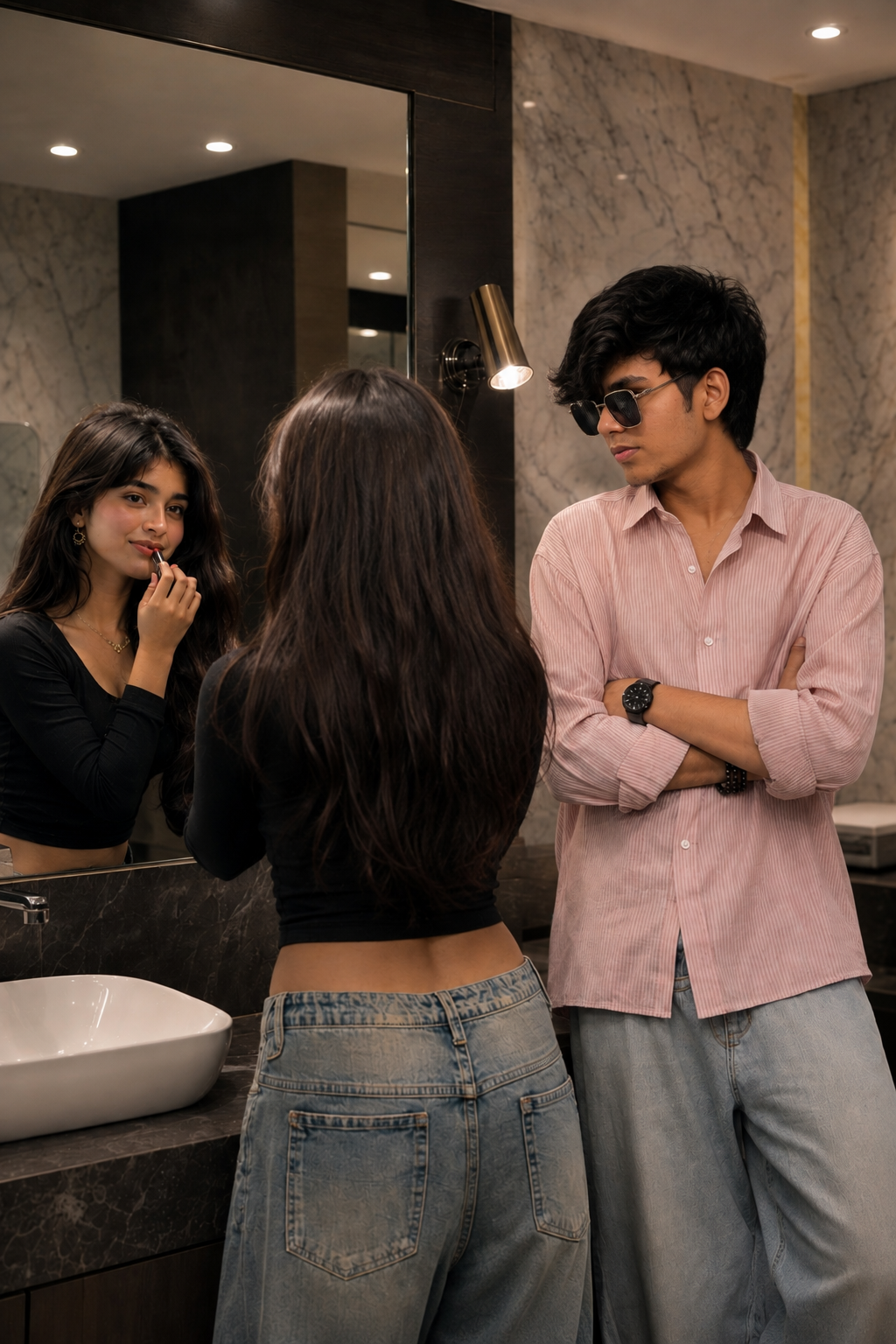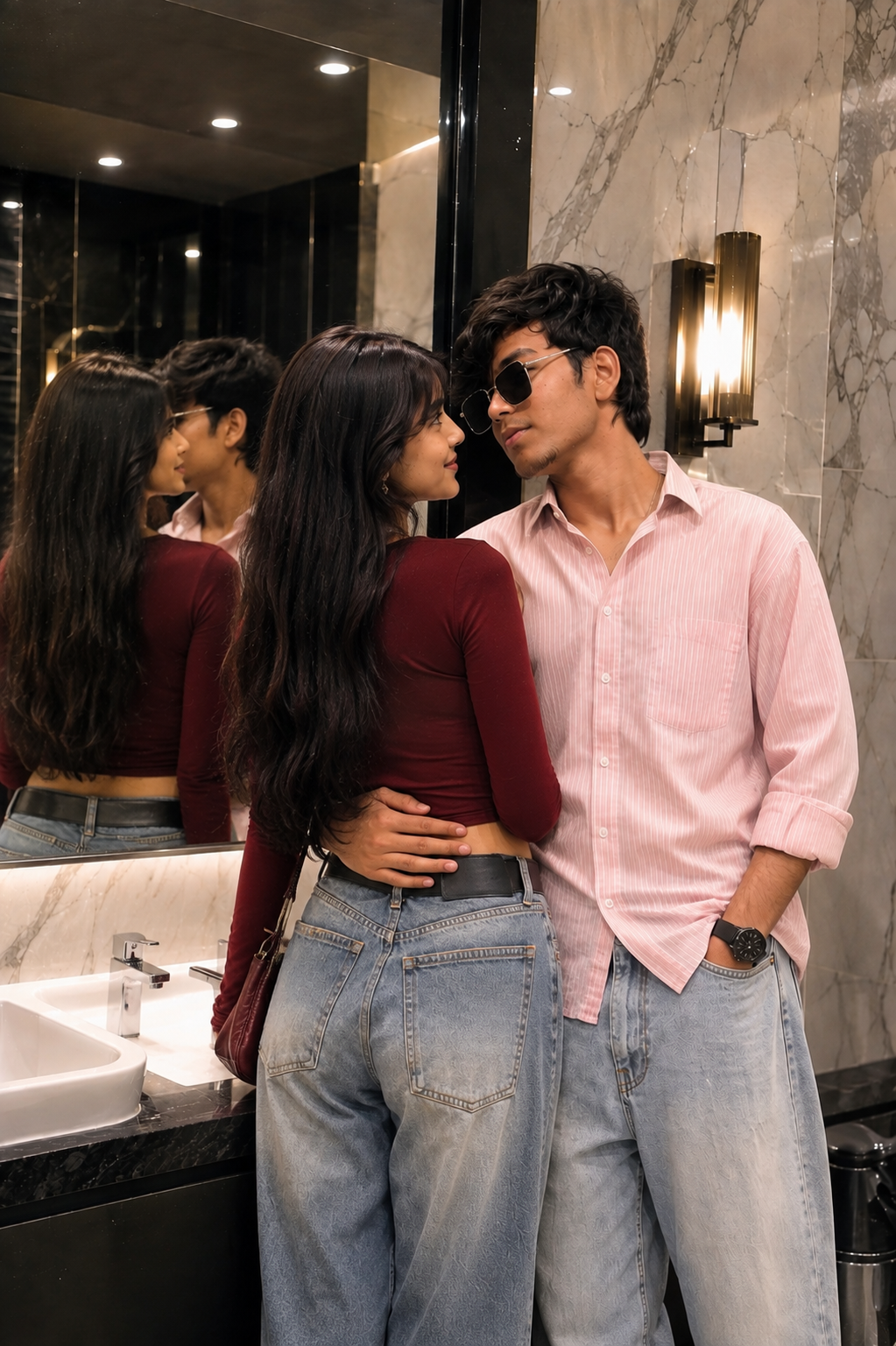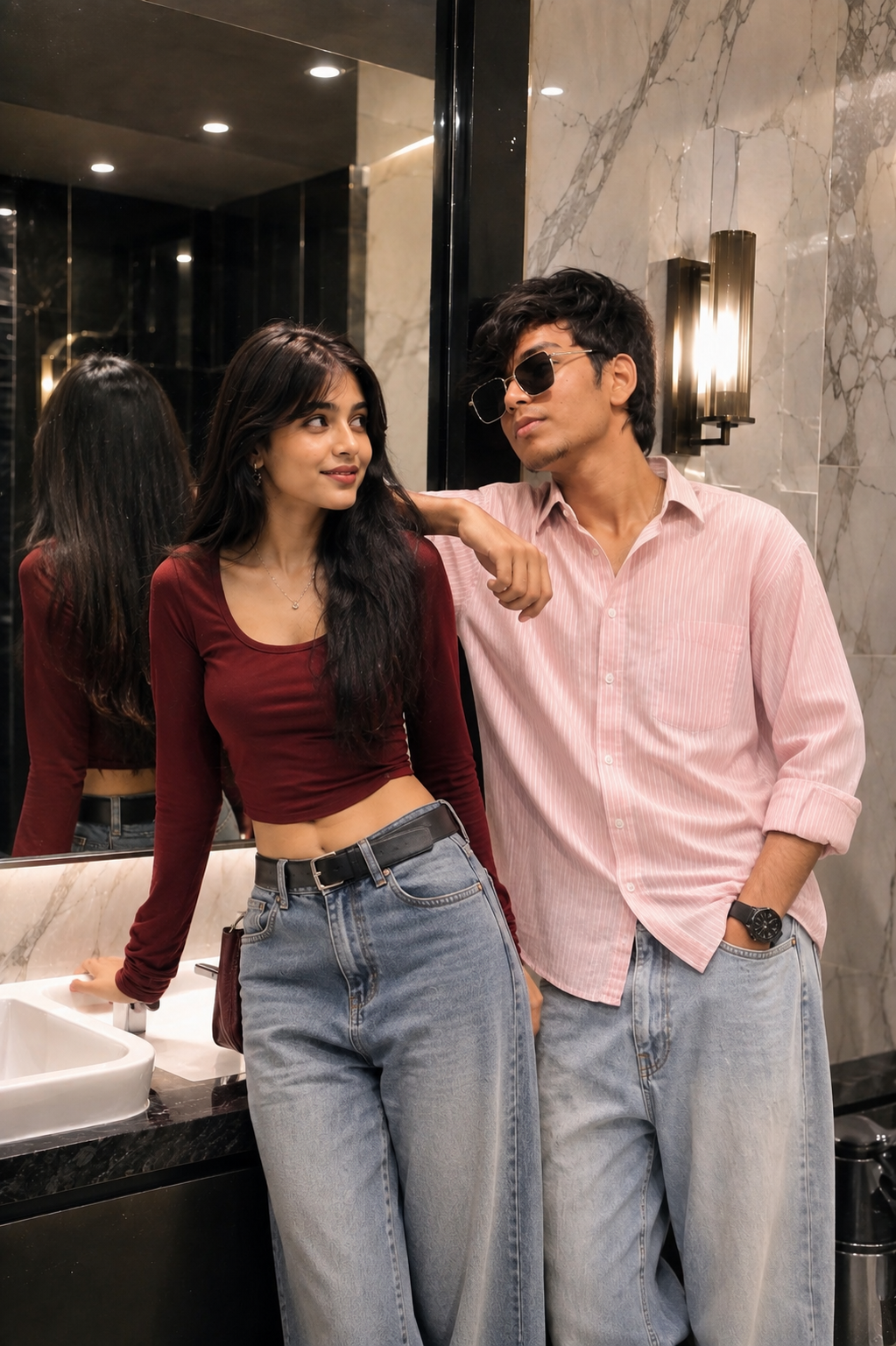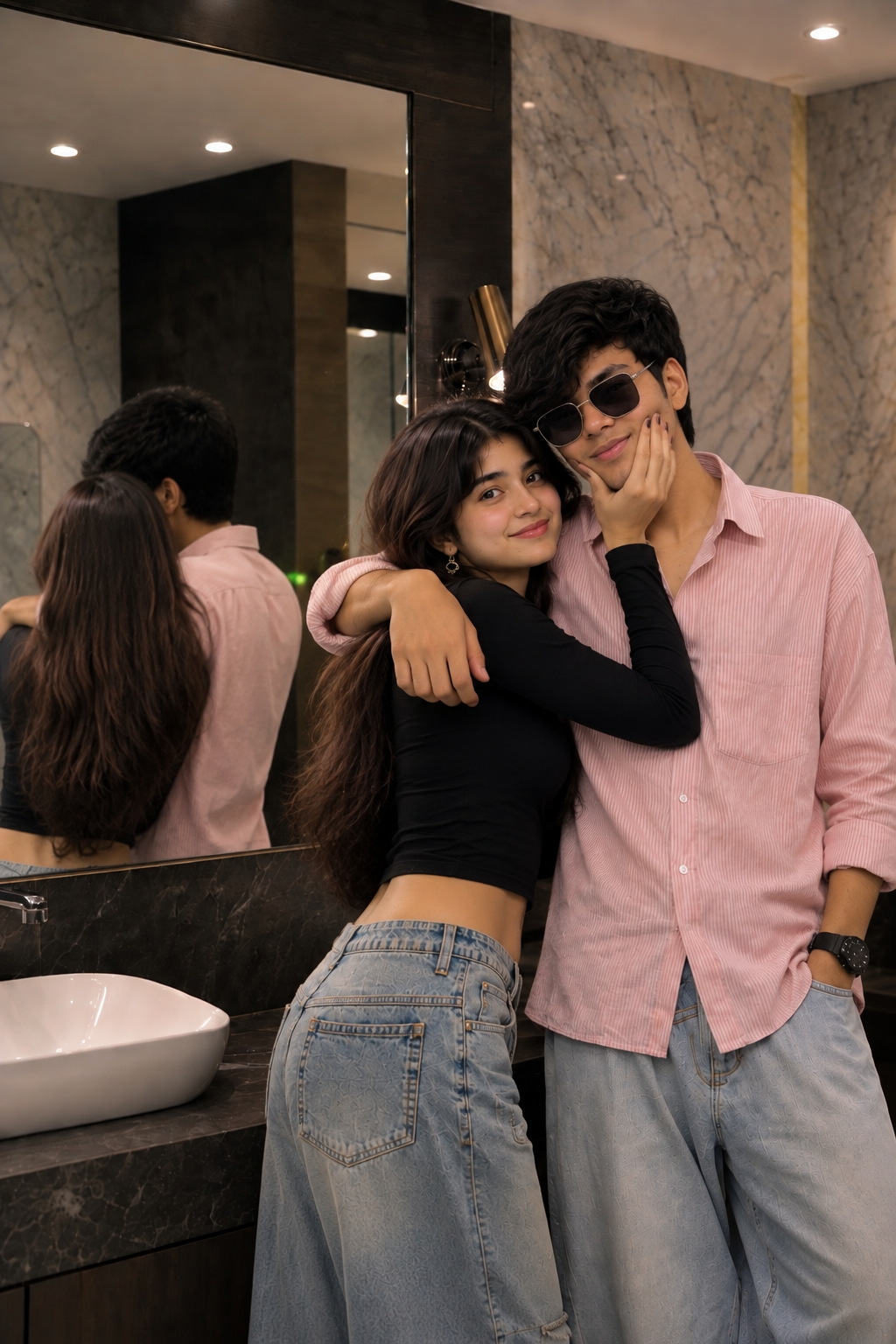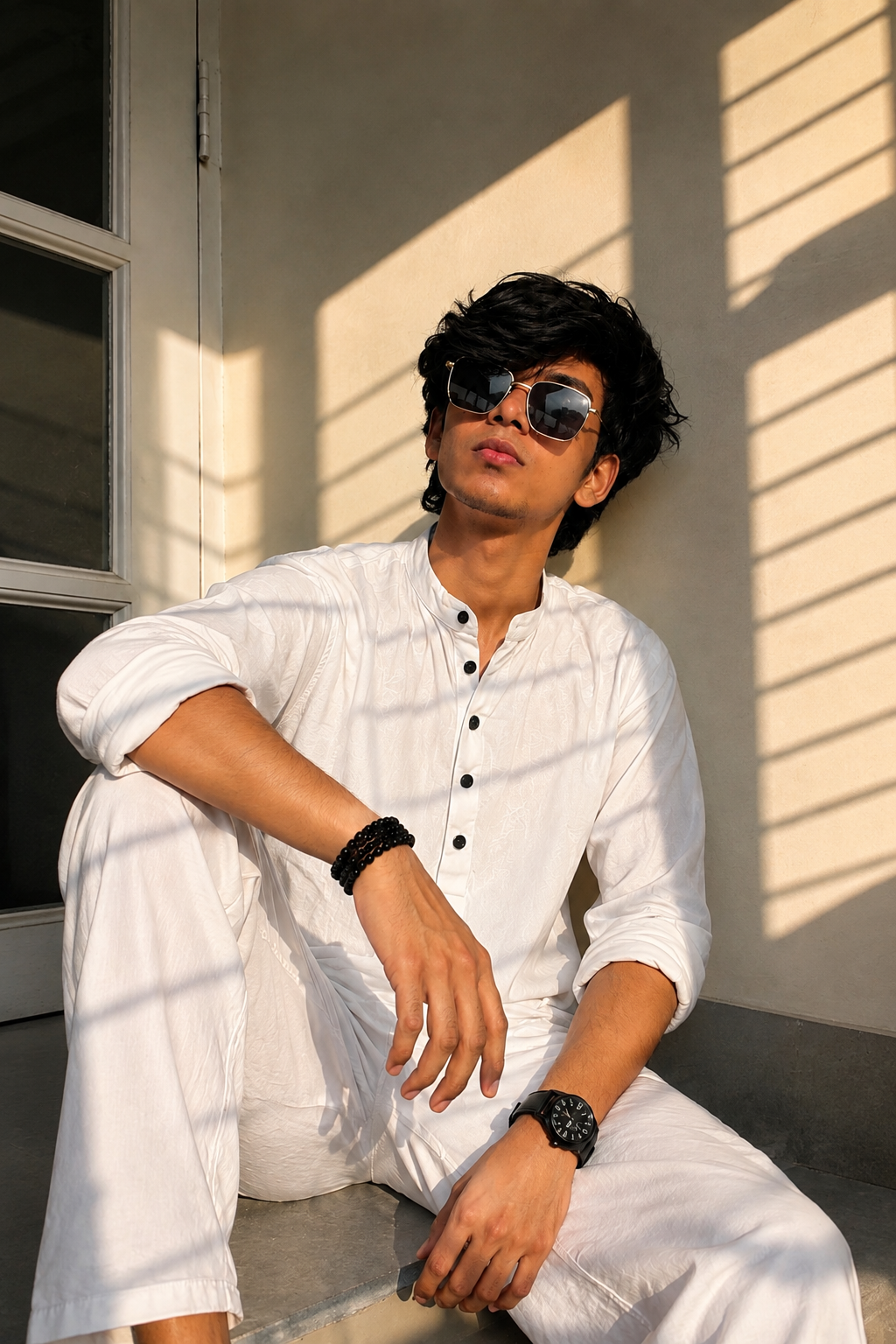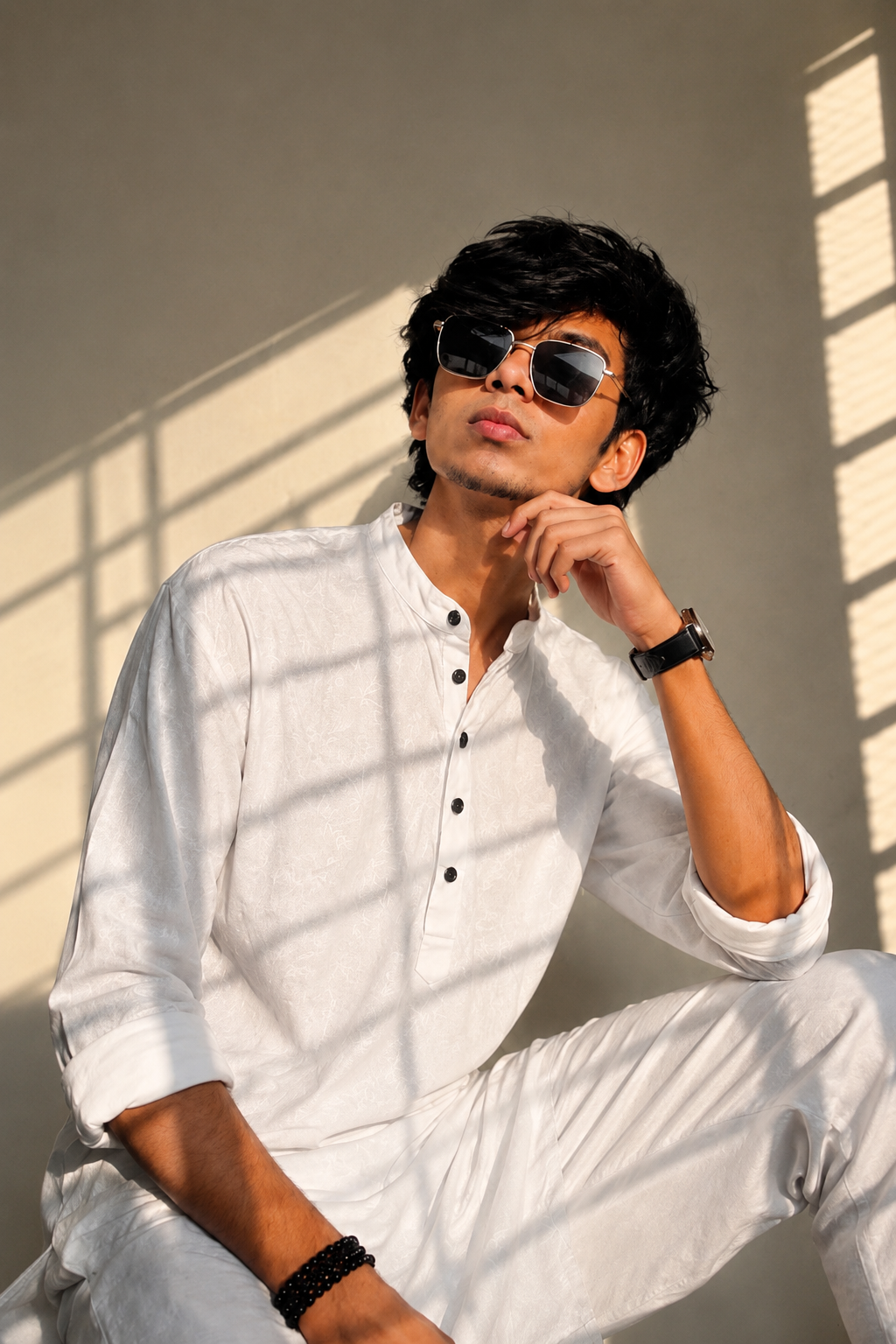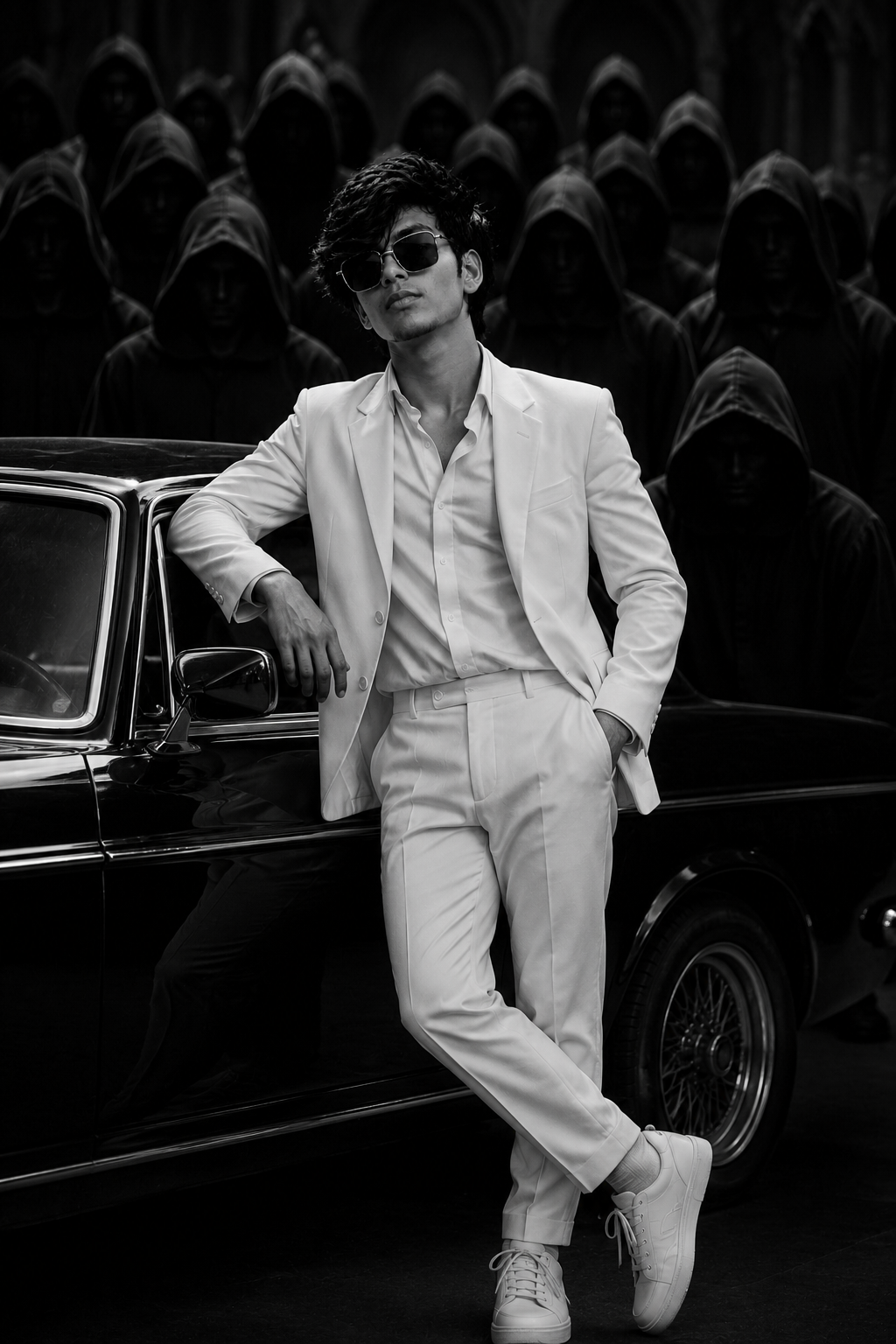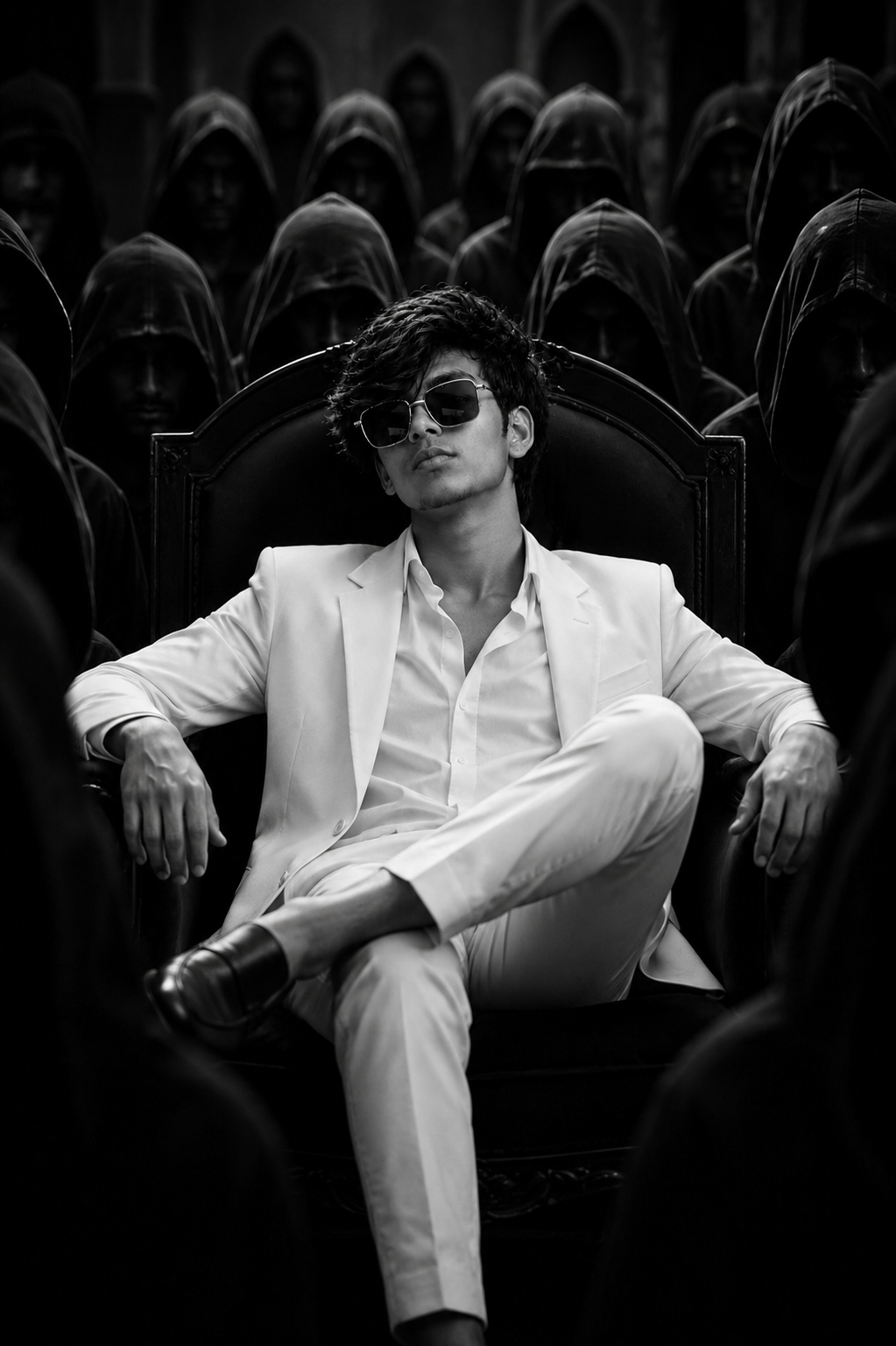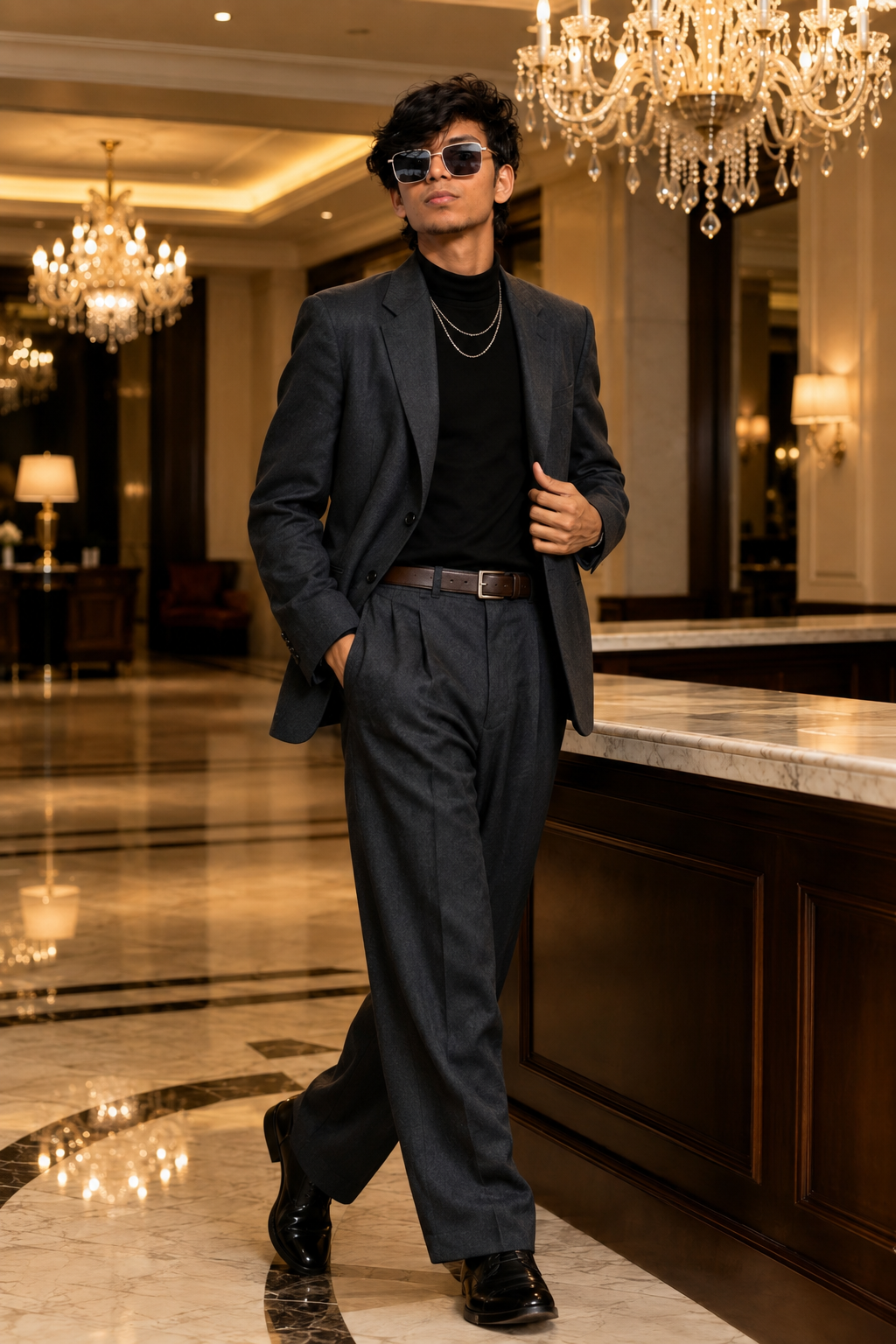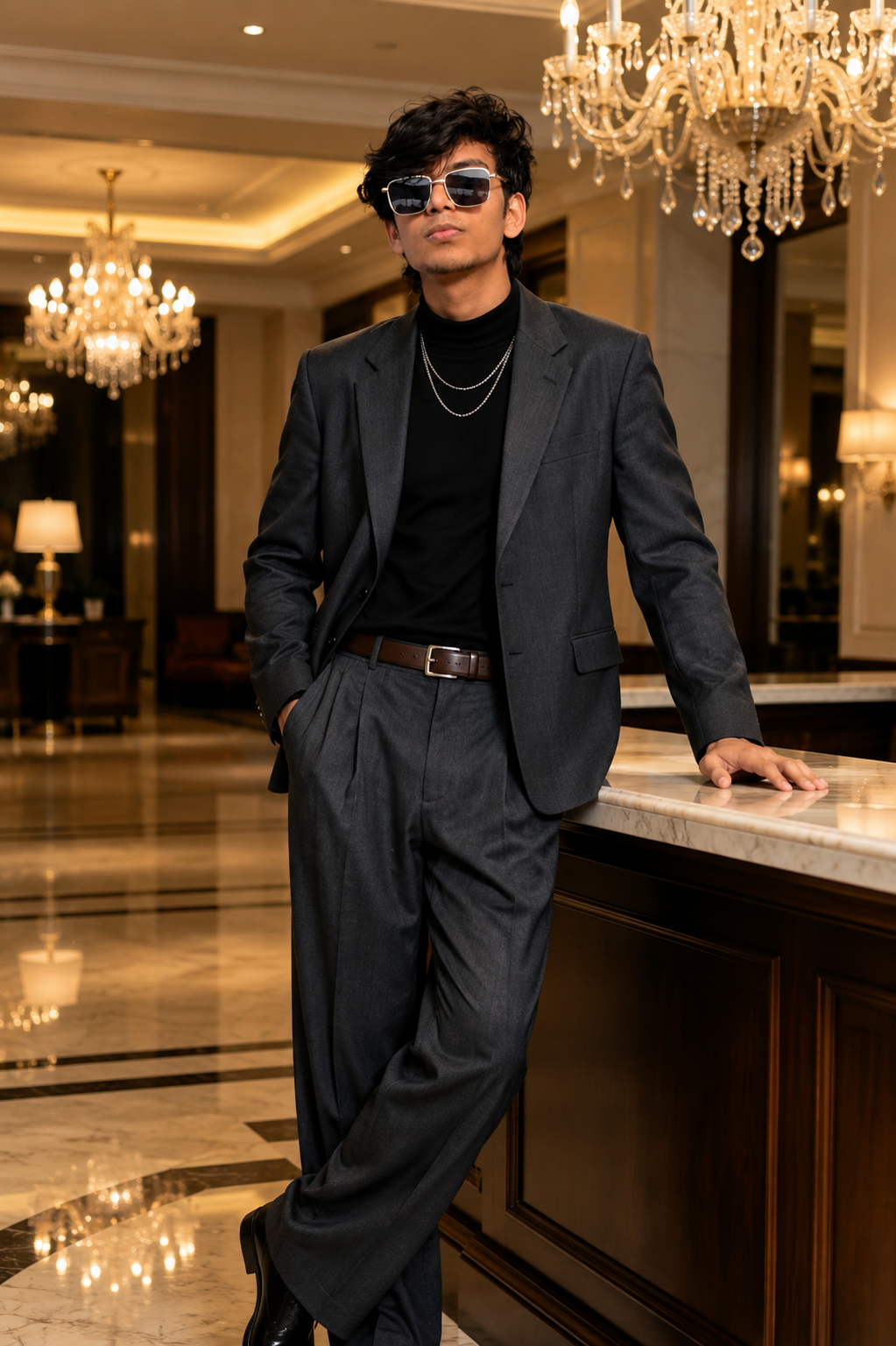
Cinematic Portrait Selfie
AI Prompt
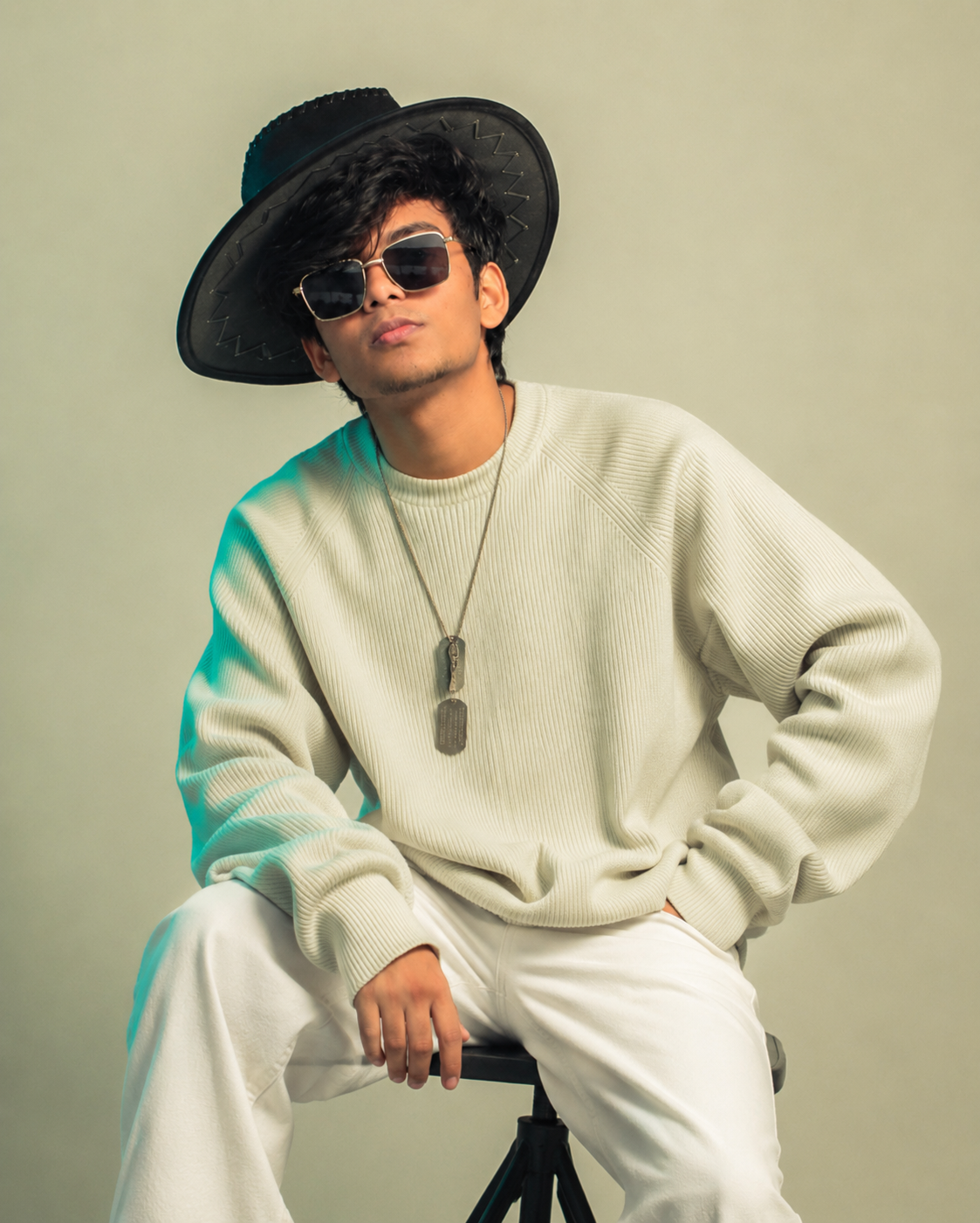
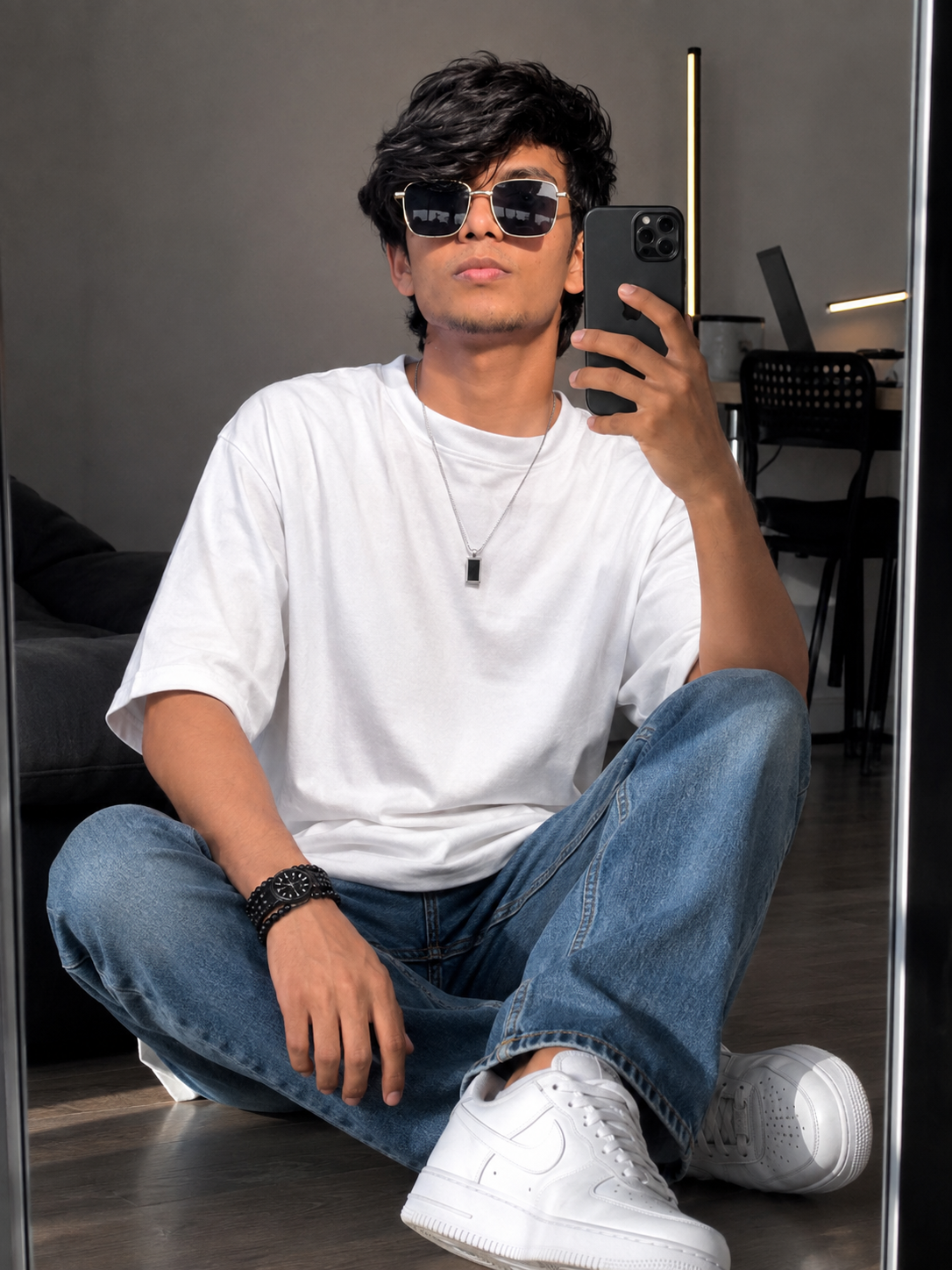
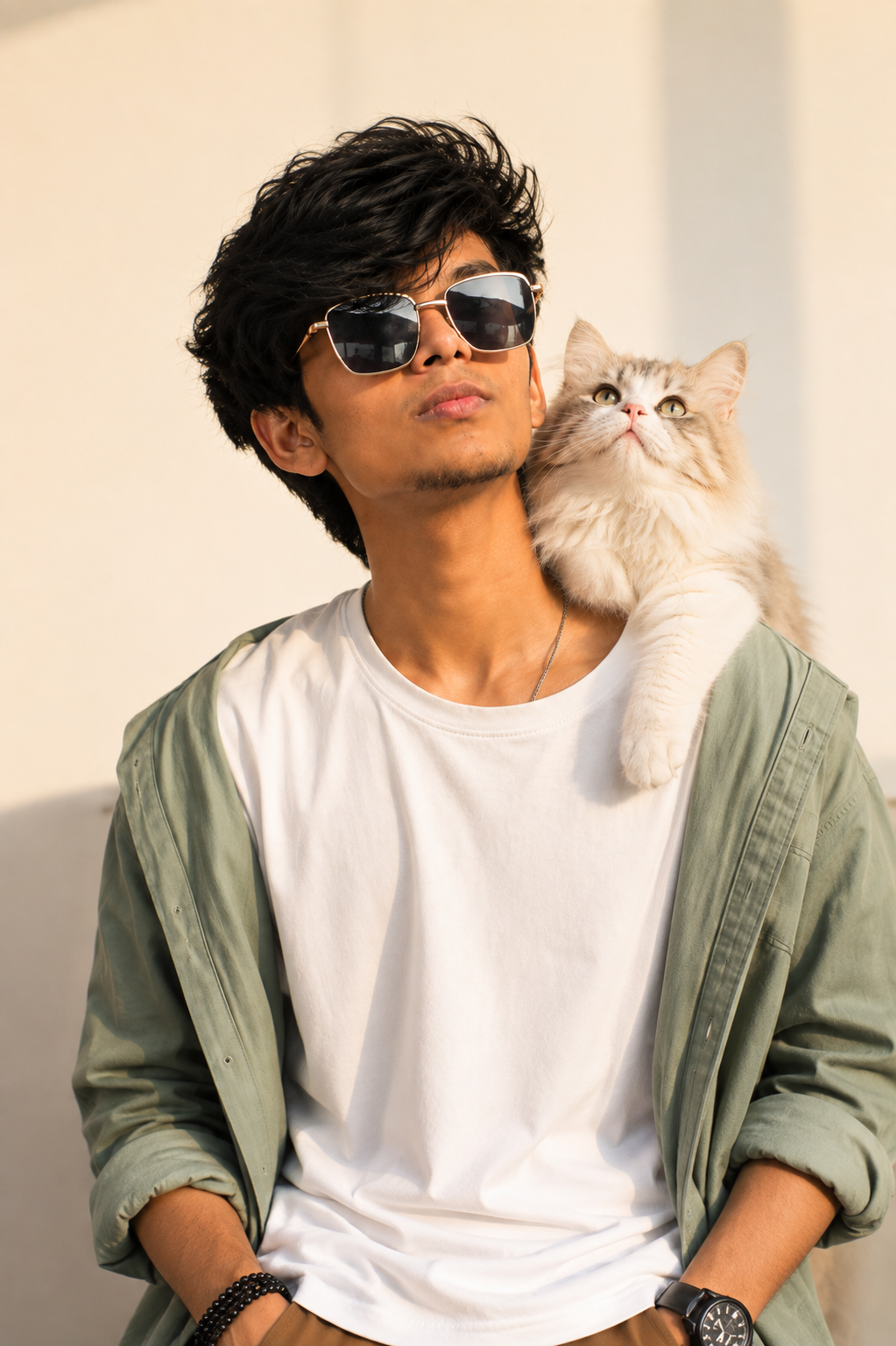
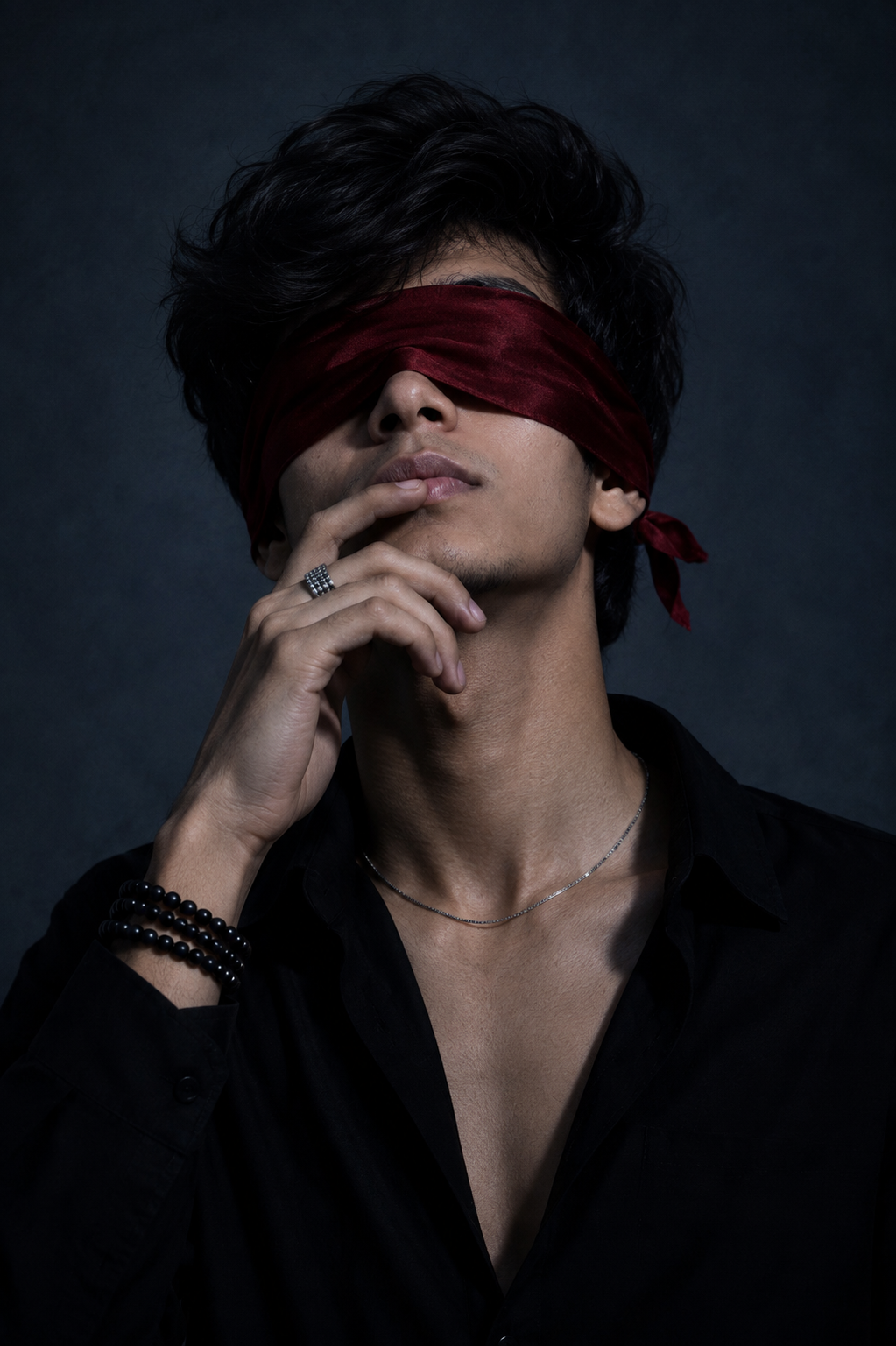
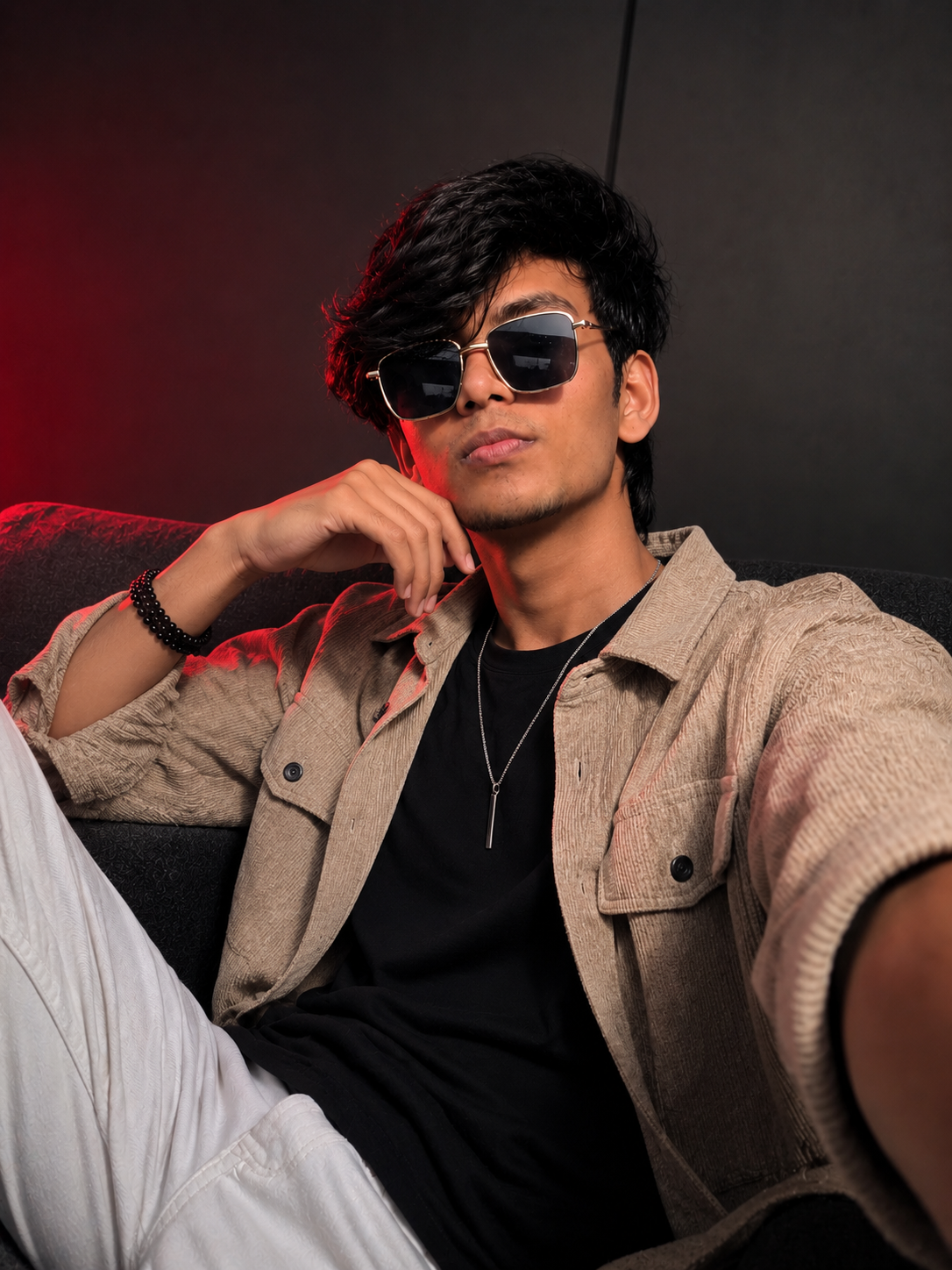
Ultra-realistic cinematic indoor selfie of the exact same person from the reference image. Preserve the face with 100% identity accuracy — do not change or regenerate any facial features. Keep the exact same face shape, jawline, forehead, eyebrows, eyes, eye spacing, nose, lips, ears, skin texture, skin tone, beard and mustache density, hairstyle, hairline, hair volume, hair color, expression, age, body build, and overall identity exactly as in the reference image. No beautification, no face enhancement, no facial modifications, no age change, no skin tone change, no AI-generated facial variation. If the reference image includes sunglasses, keep the exact same sunglasses on the face without changing or removing them. If the reference image has no sunglasses, do not add them.
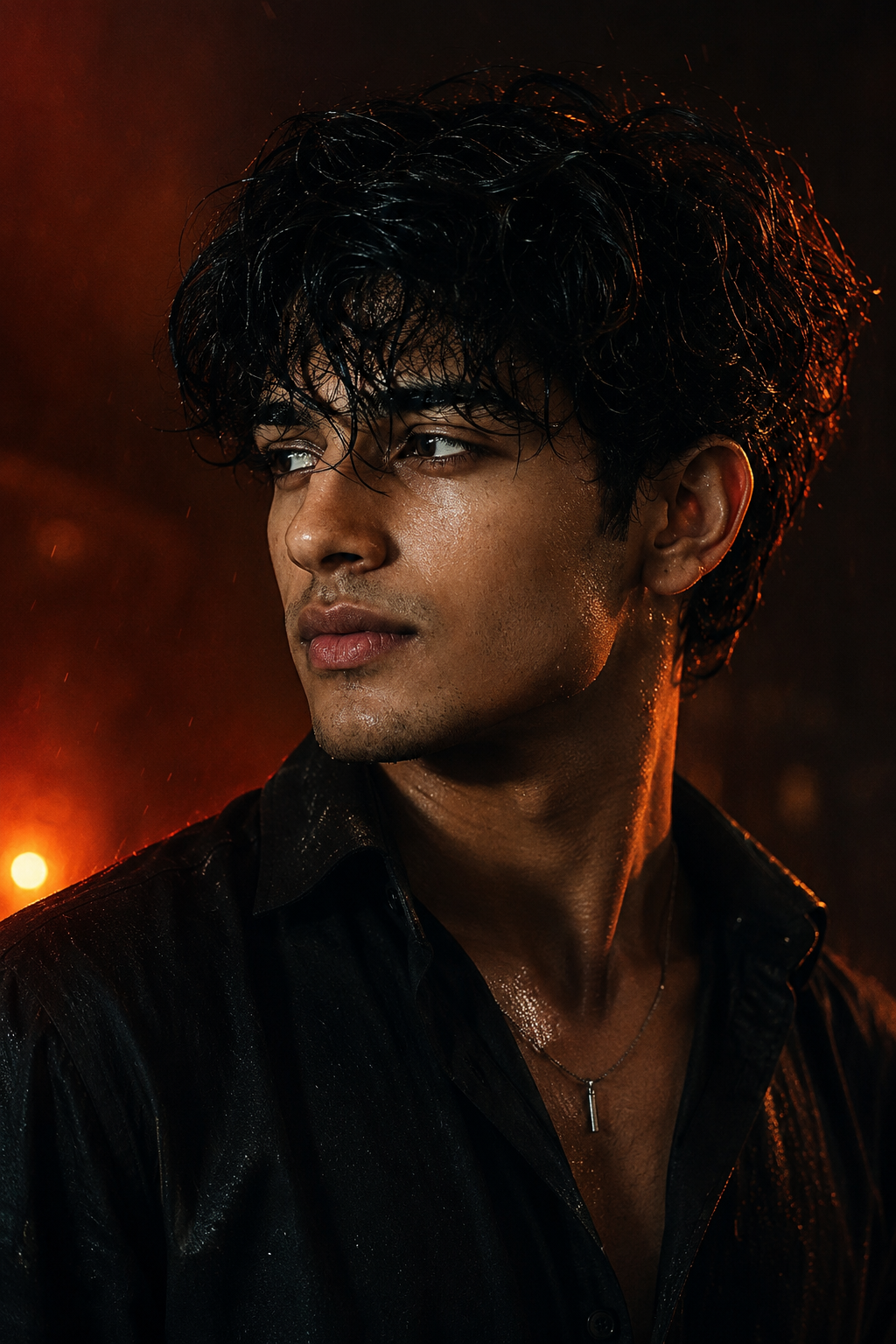
The person is sitting on a dark gray fabric sofa, captured with a smartphone front camera. Wearing a plain black ribbed knit sweater with no logos or patterns. Slightly reclined against the sofa with the camera held slightly above chest level, creating a subtle upward selfie angle. Dramatic cinematic low-key lighting with a strong red LED light illuminating the left side of the face and neck, while the right side remains softly shadowed with neutral ambient light. Smooth dark gray wall background with a faint red glow, centered composition, head and upper torso visible, shallow depth of field, sharp focus on the eyes, realistic hair strands, HDR photography, premium editorial portrait, high contrast, DSLR 85mm lens look, f/1.8, soft bokeh, cinematic color grading, 8K photorealistic, no text, no watermark.
Description
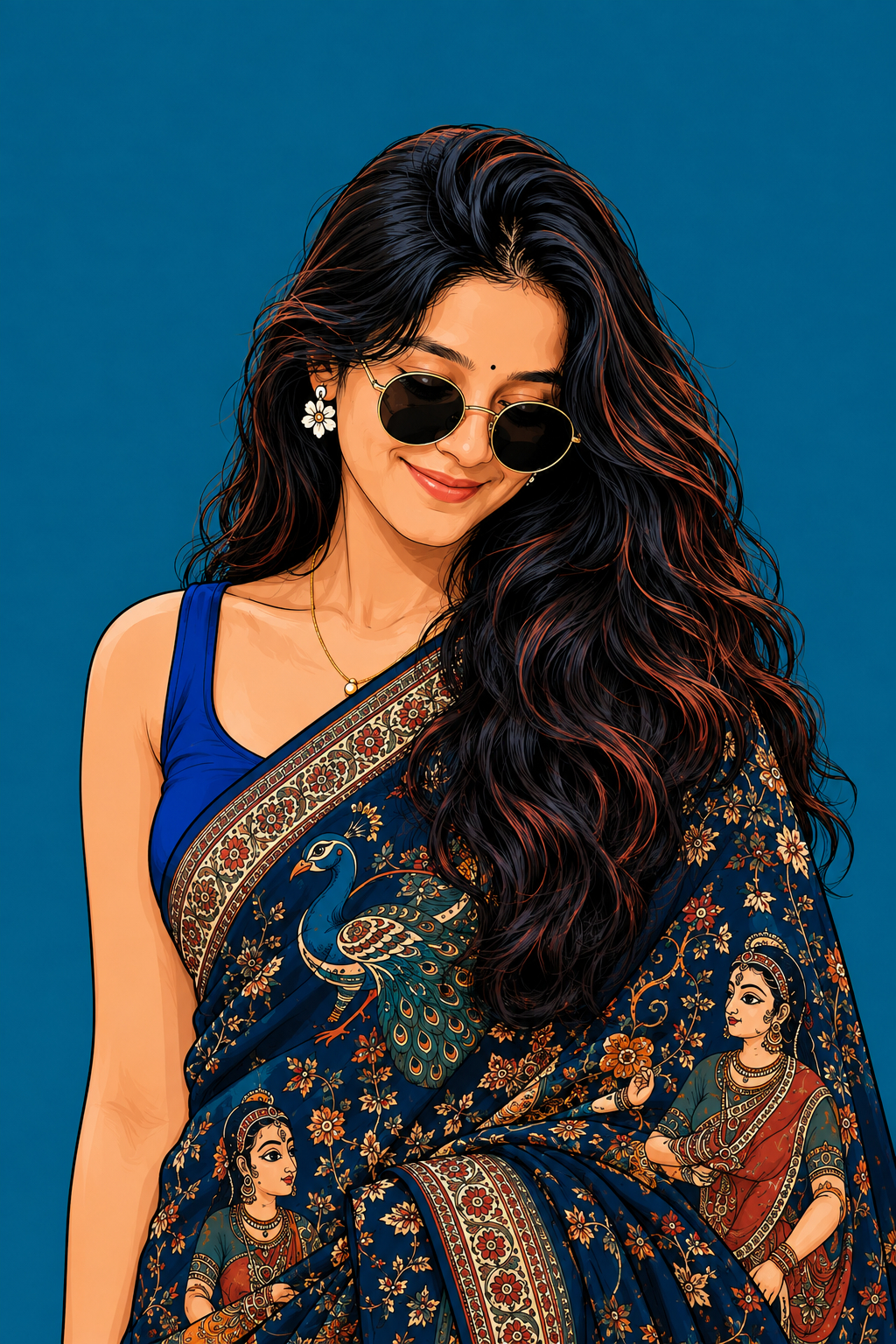
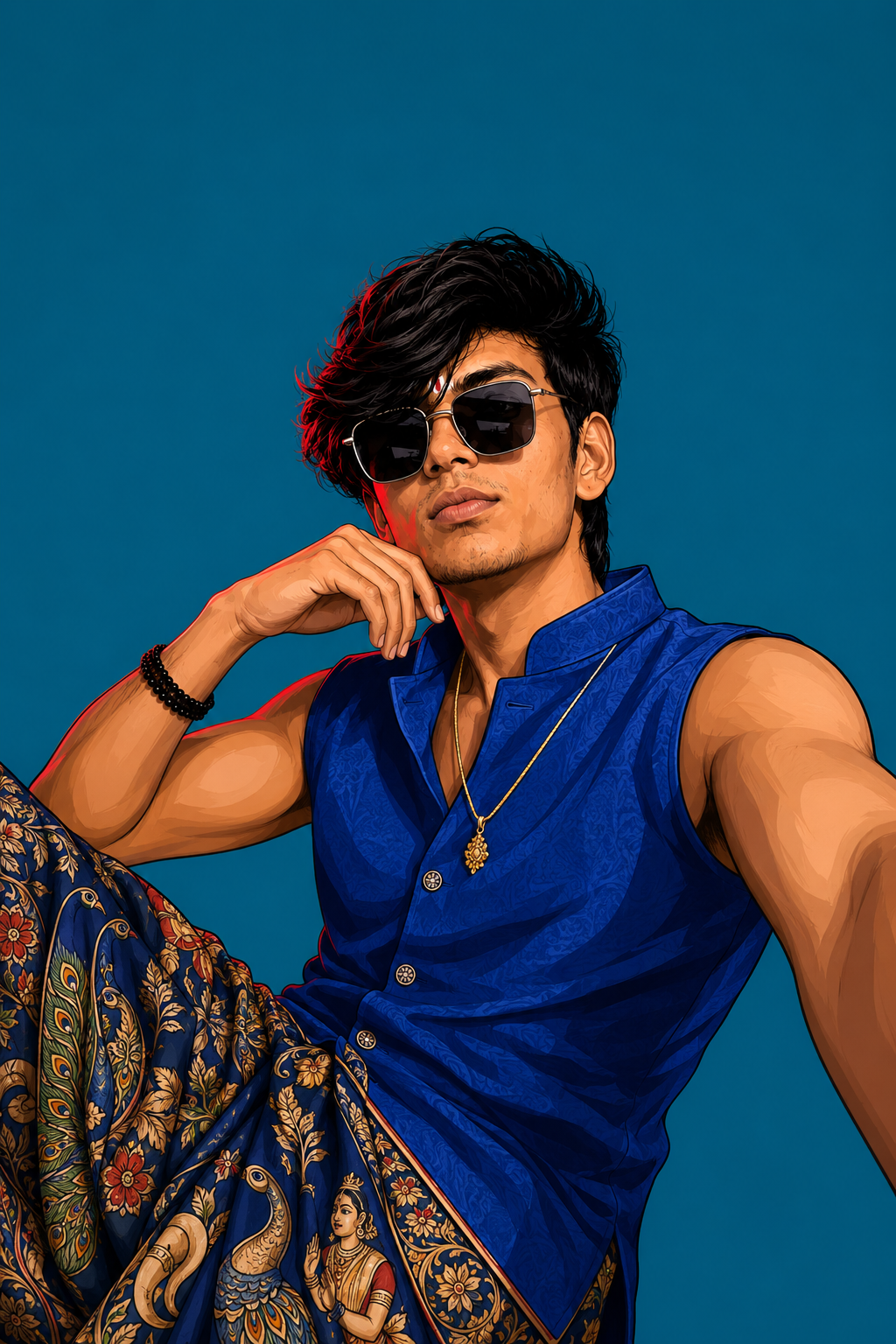
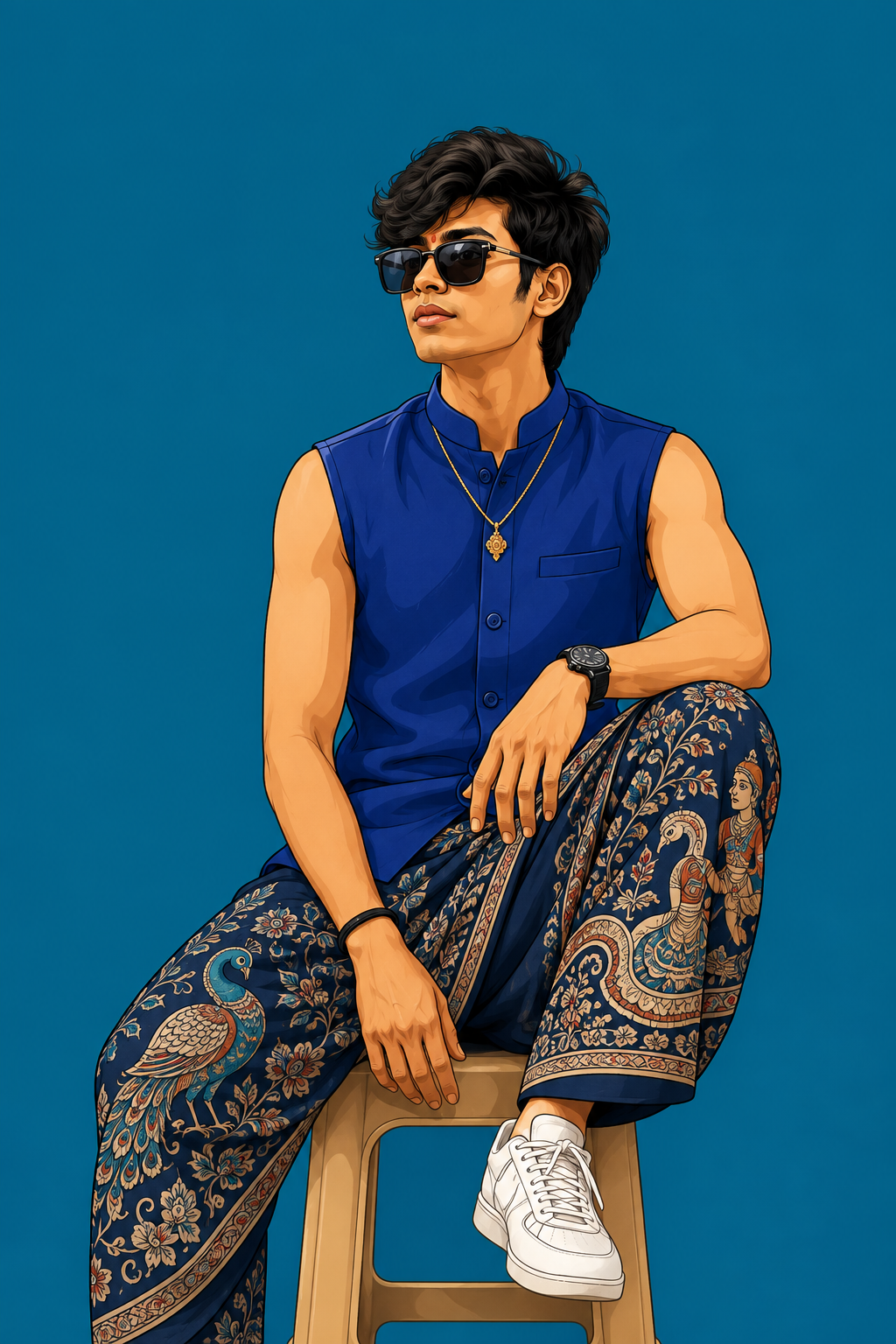
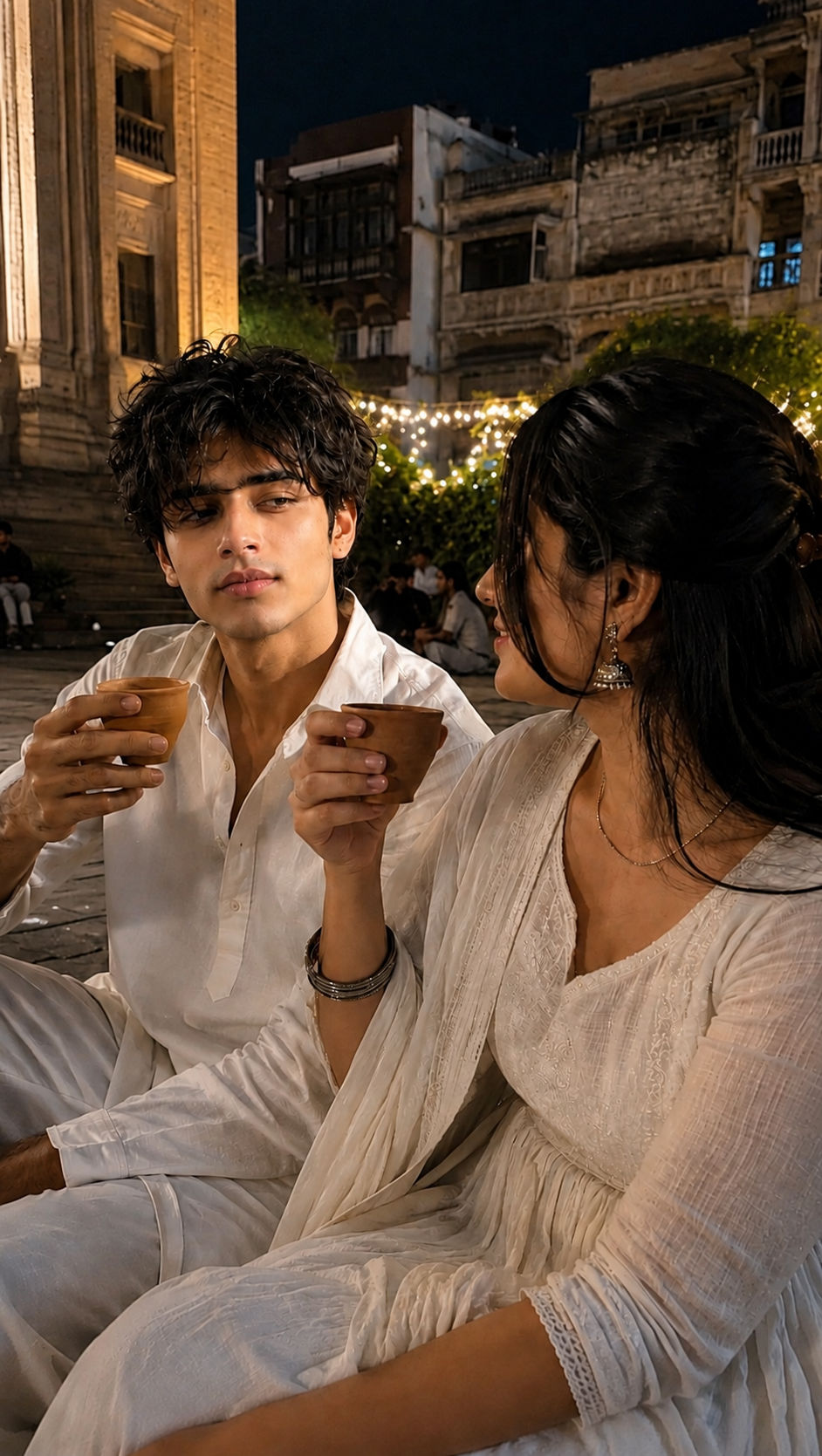
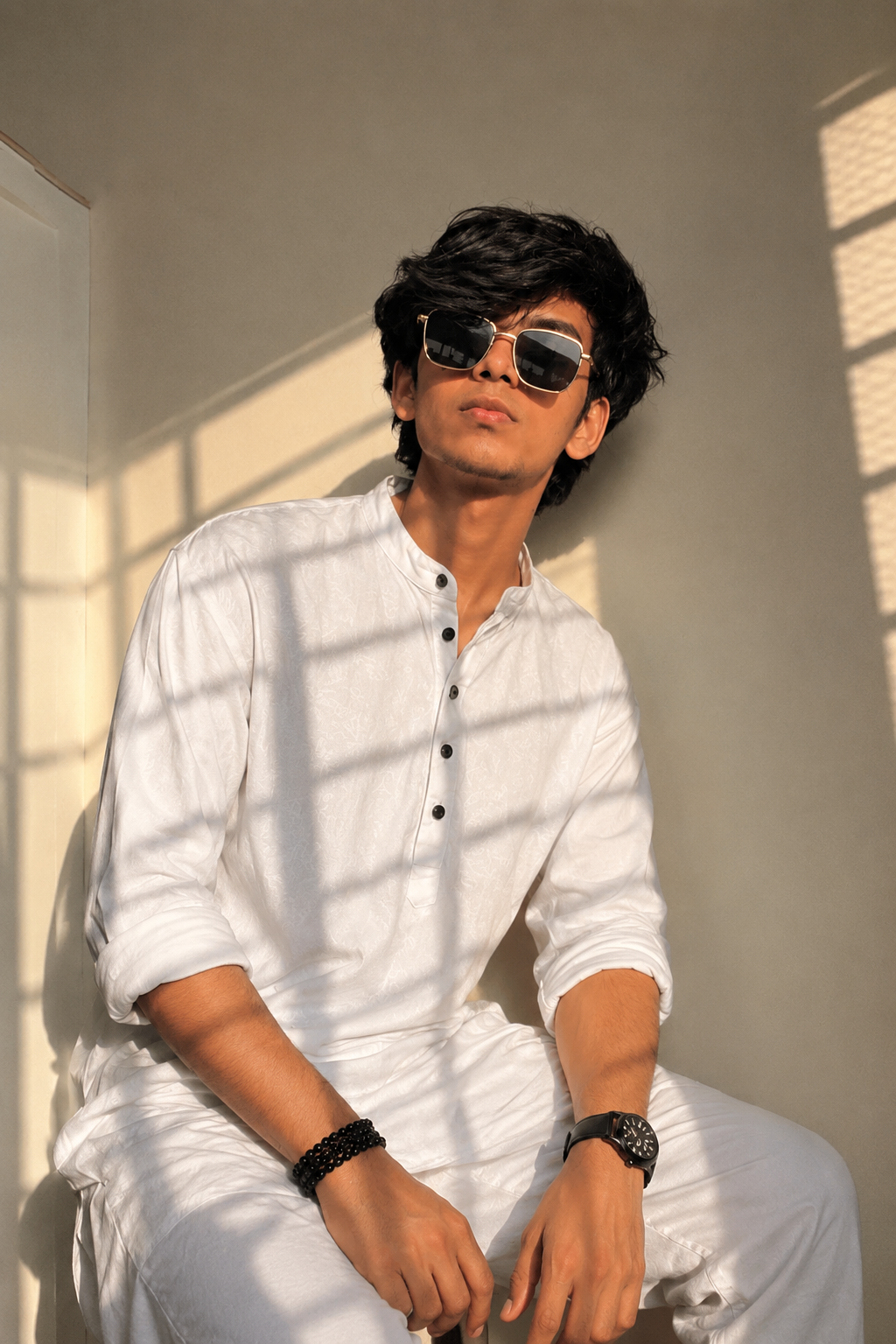
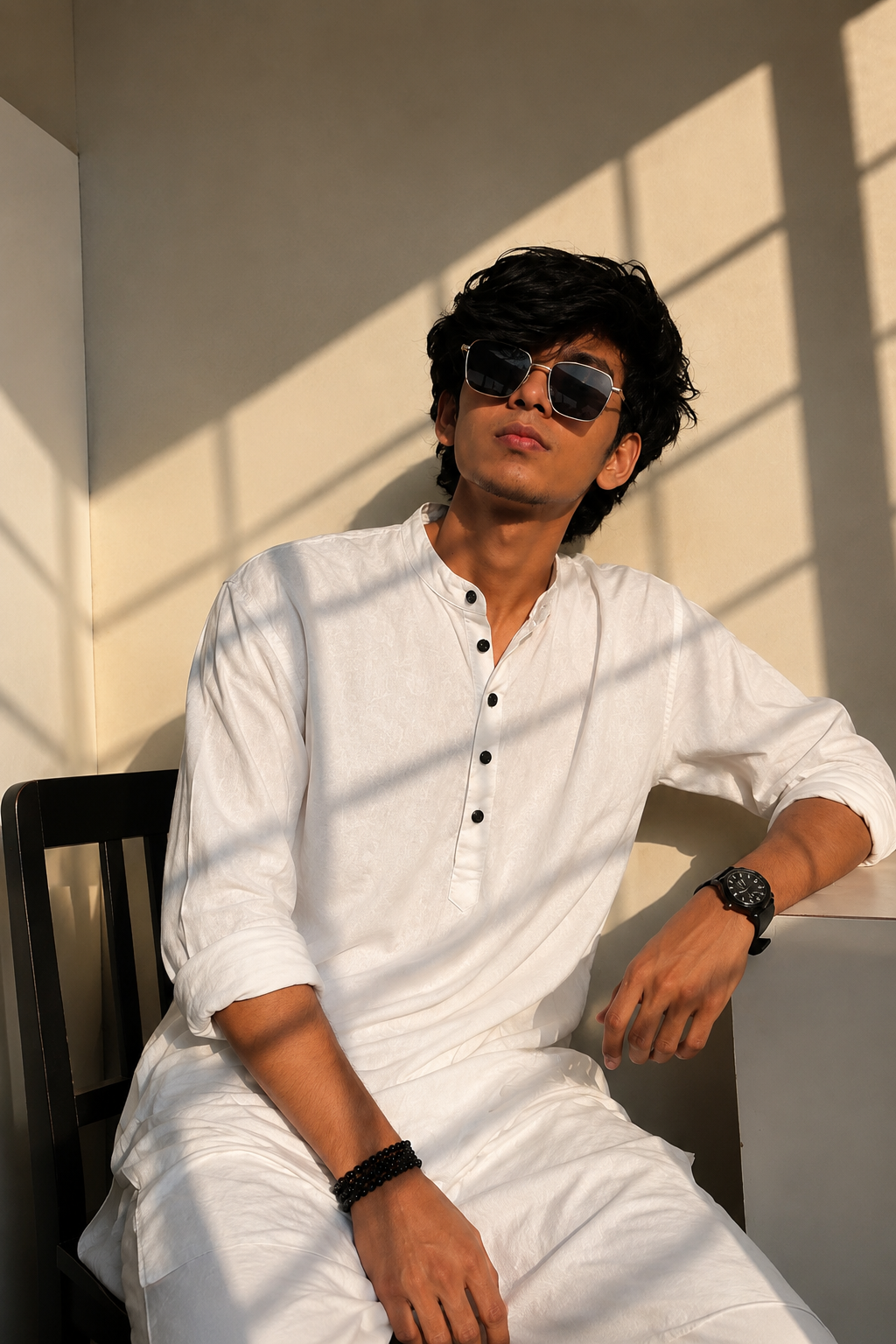
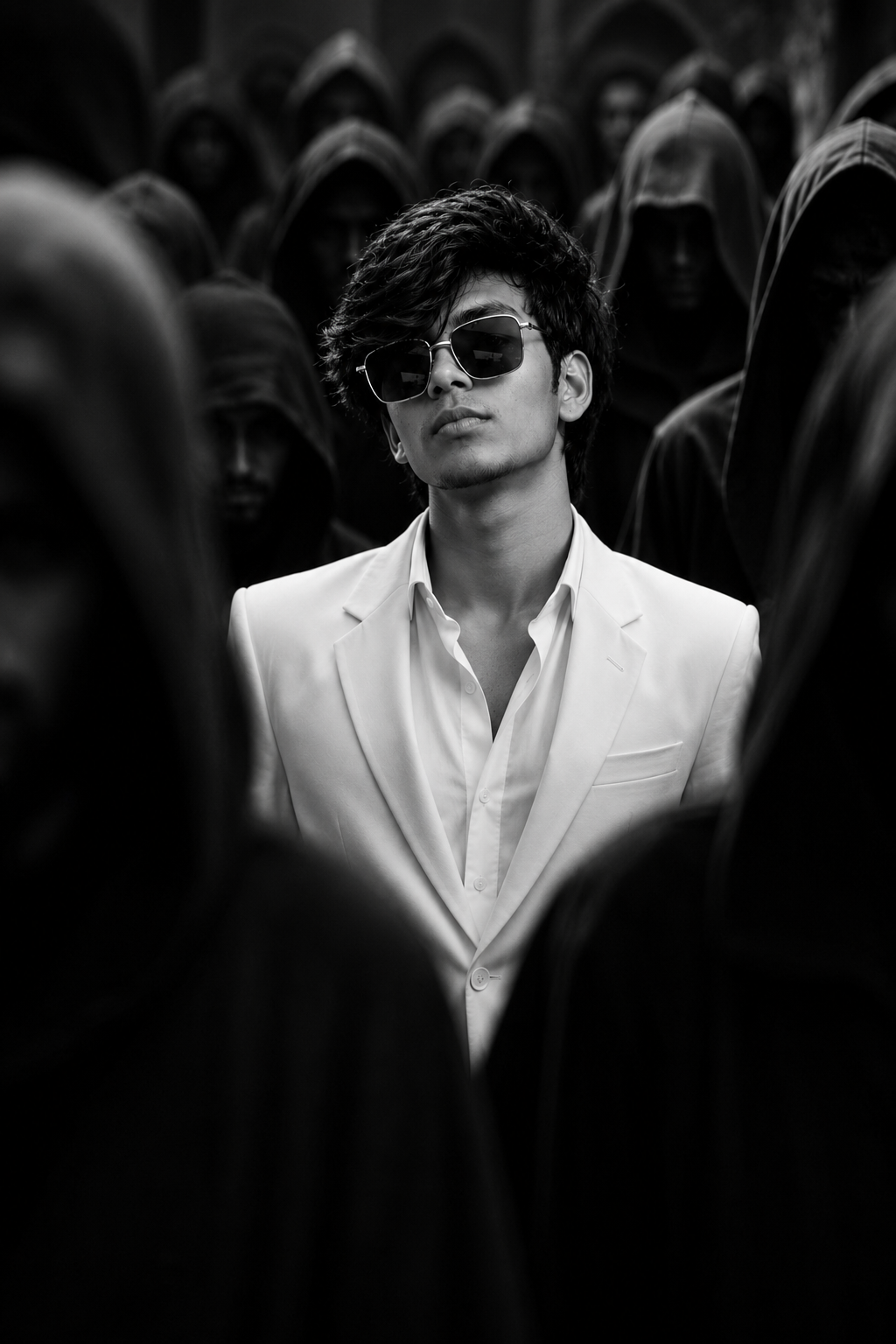
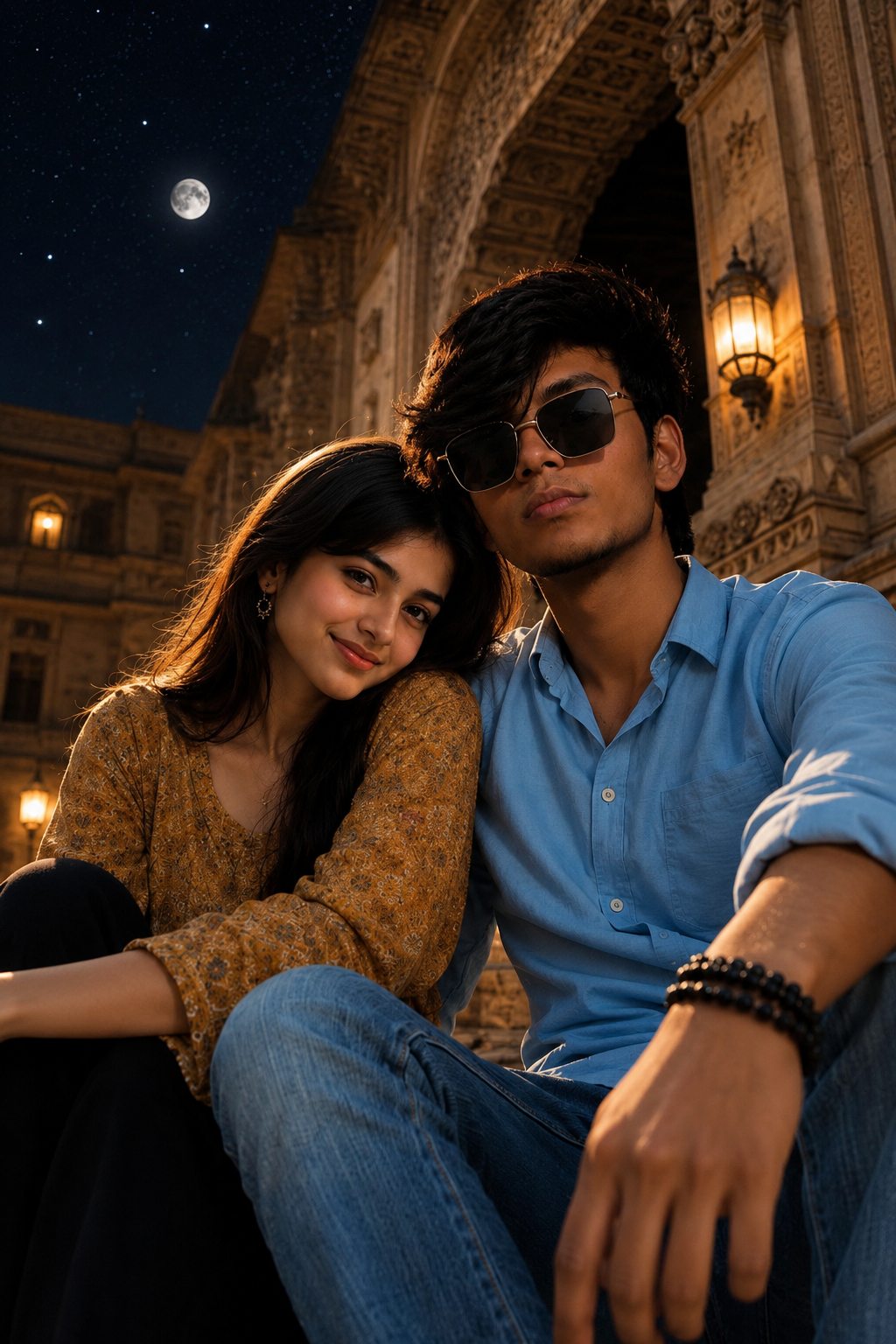
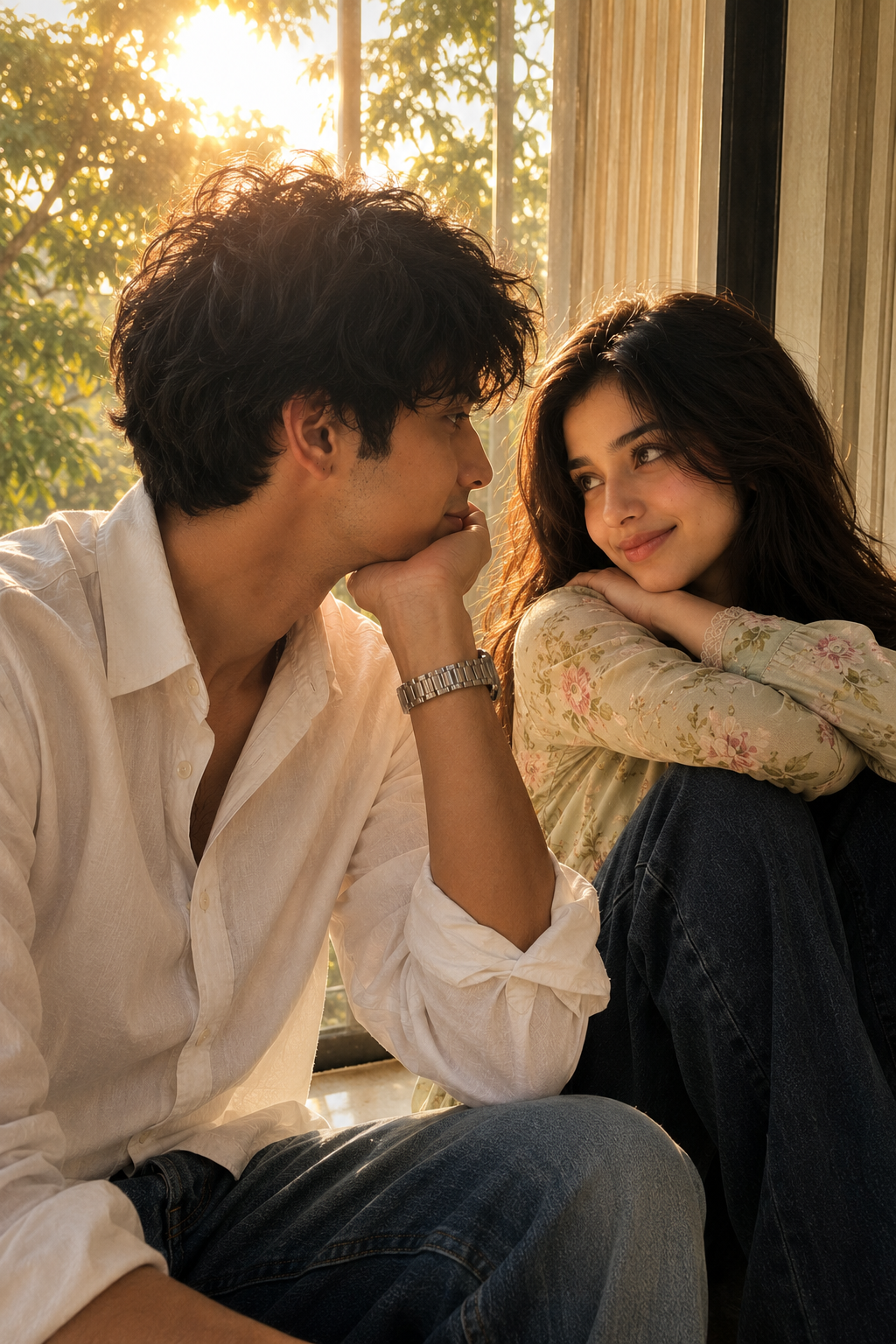
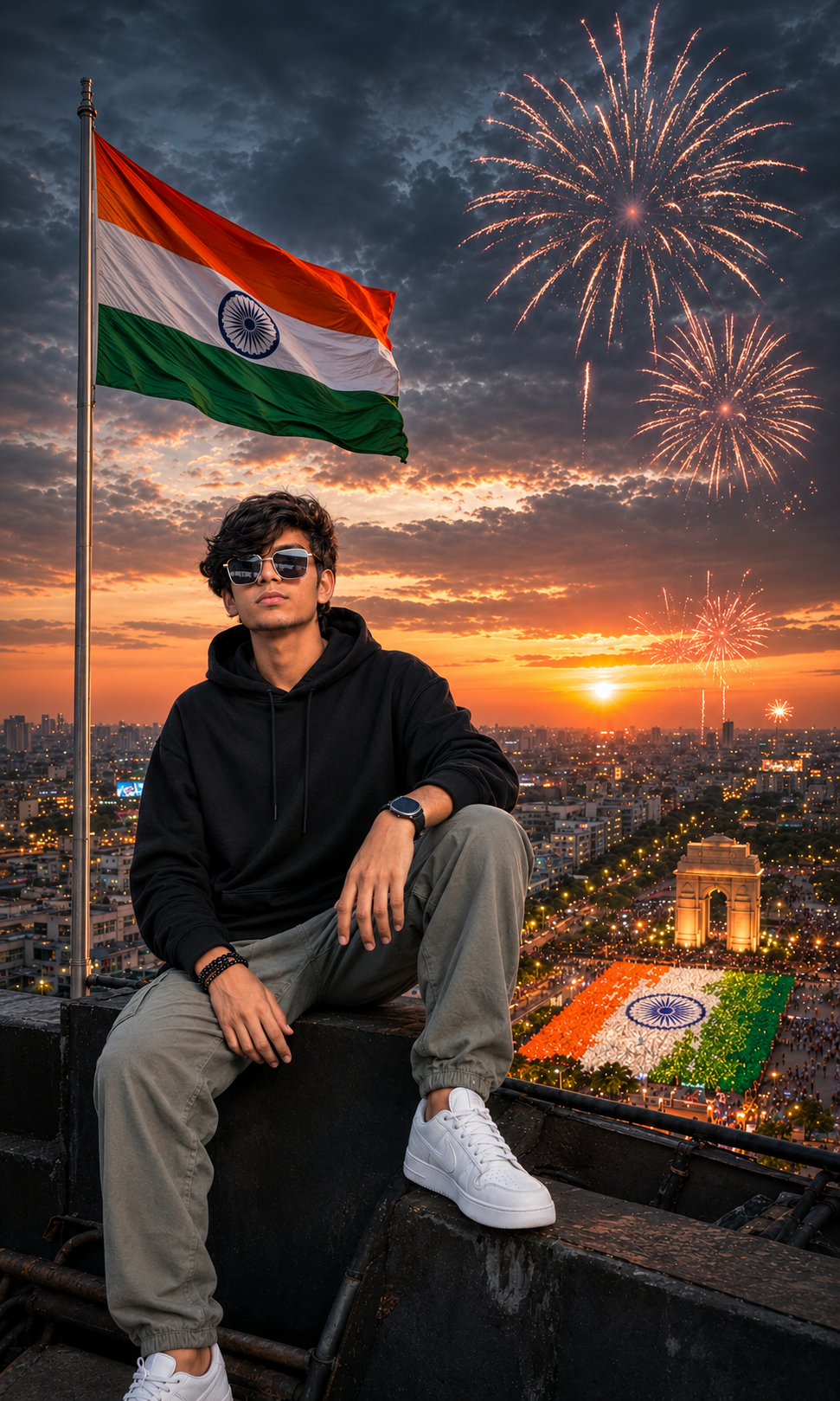
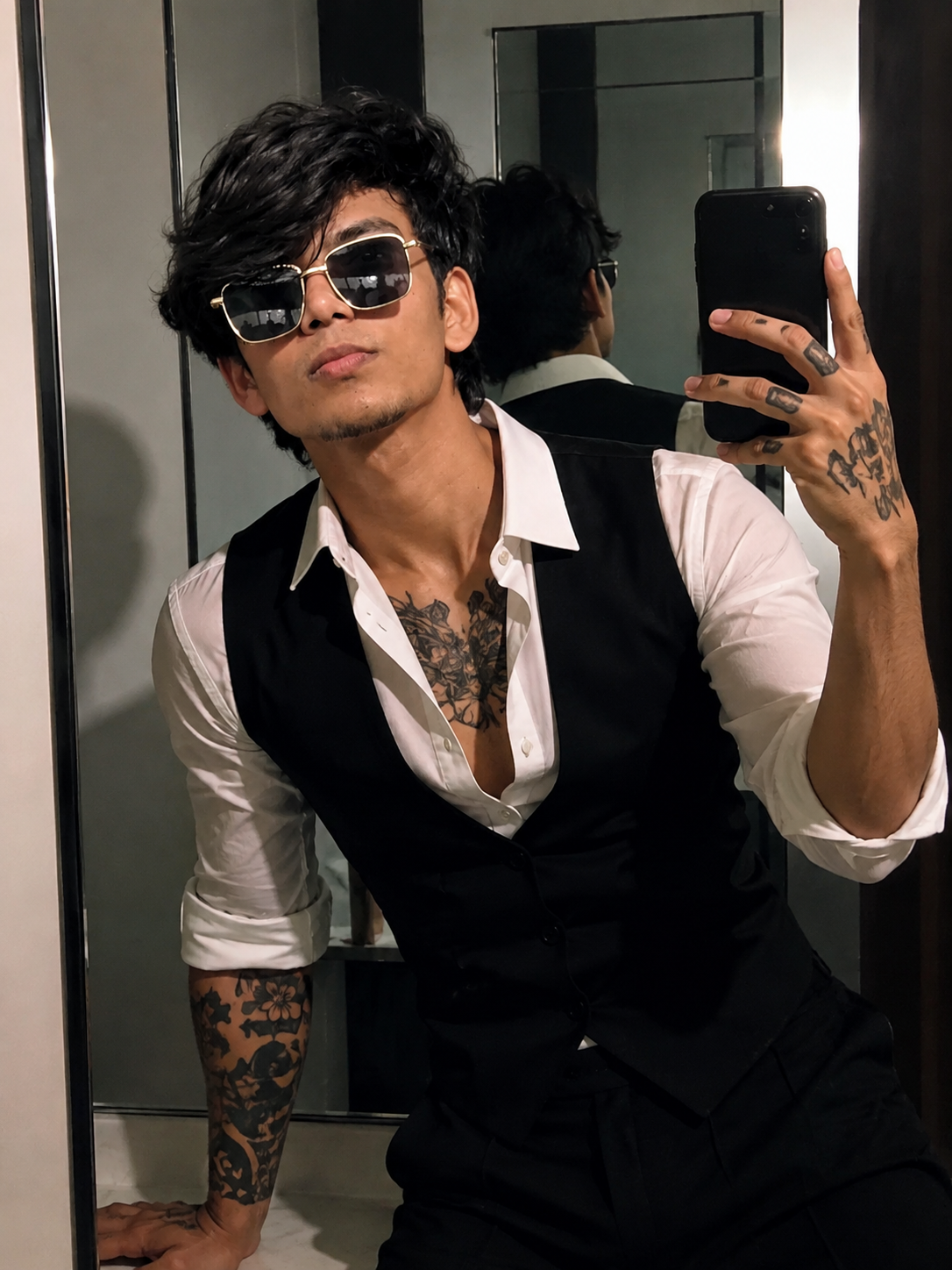
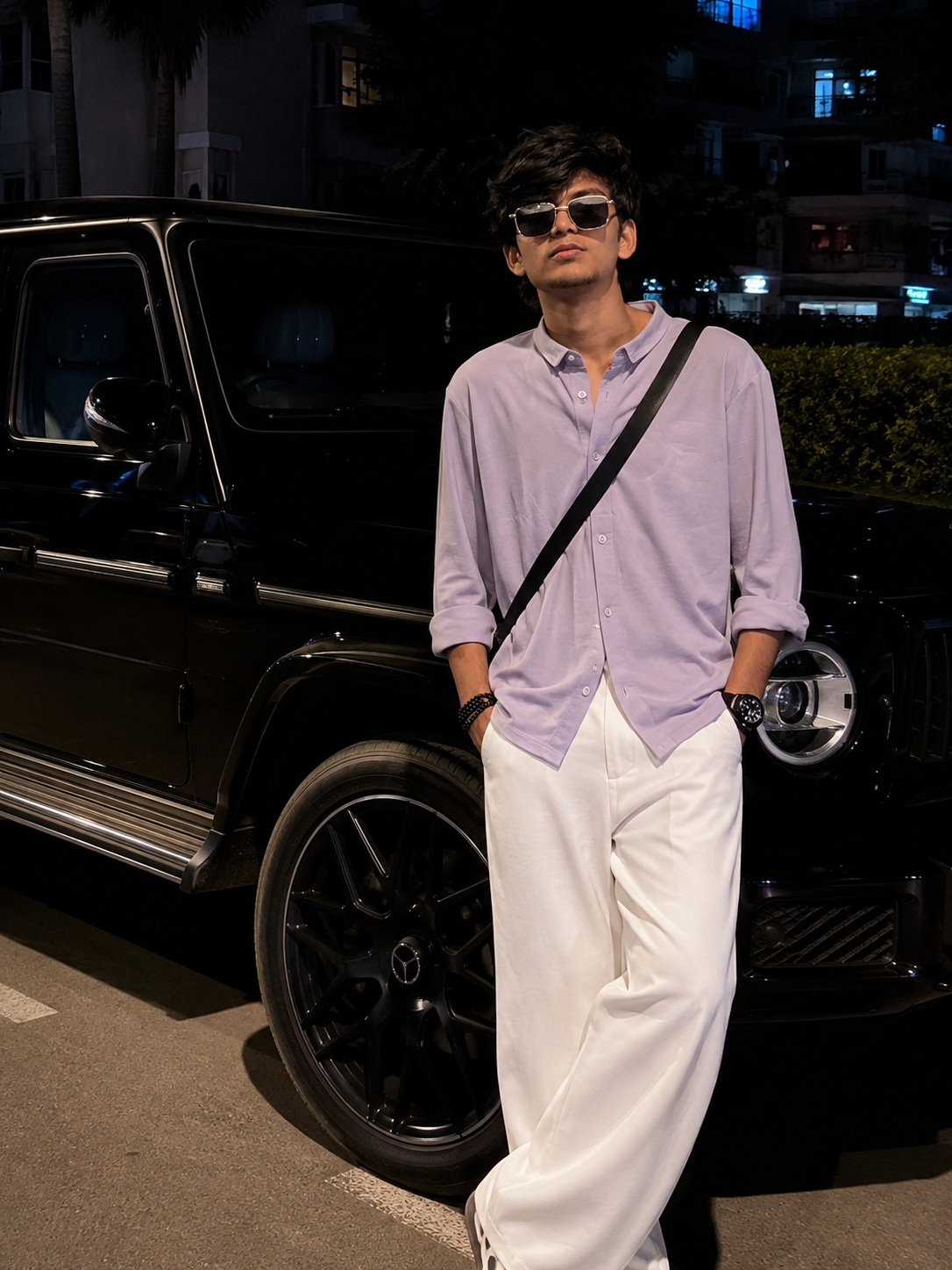
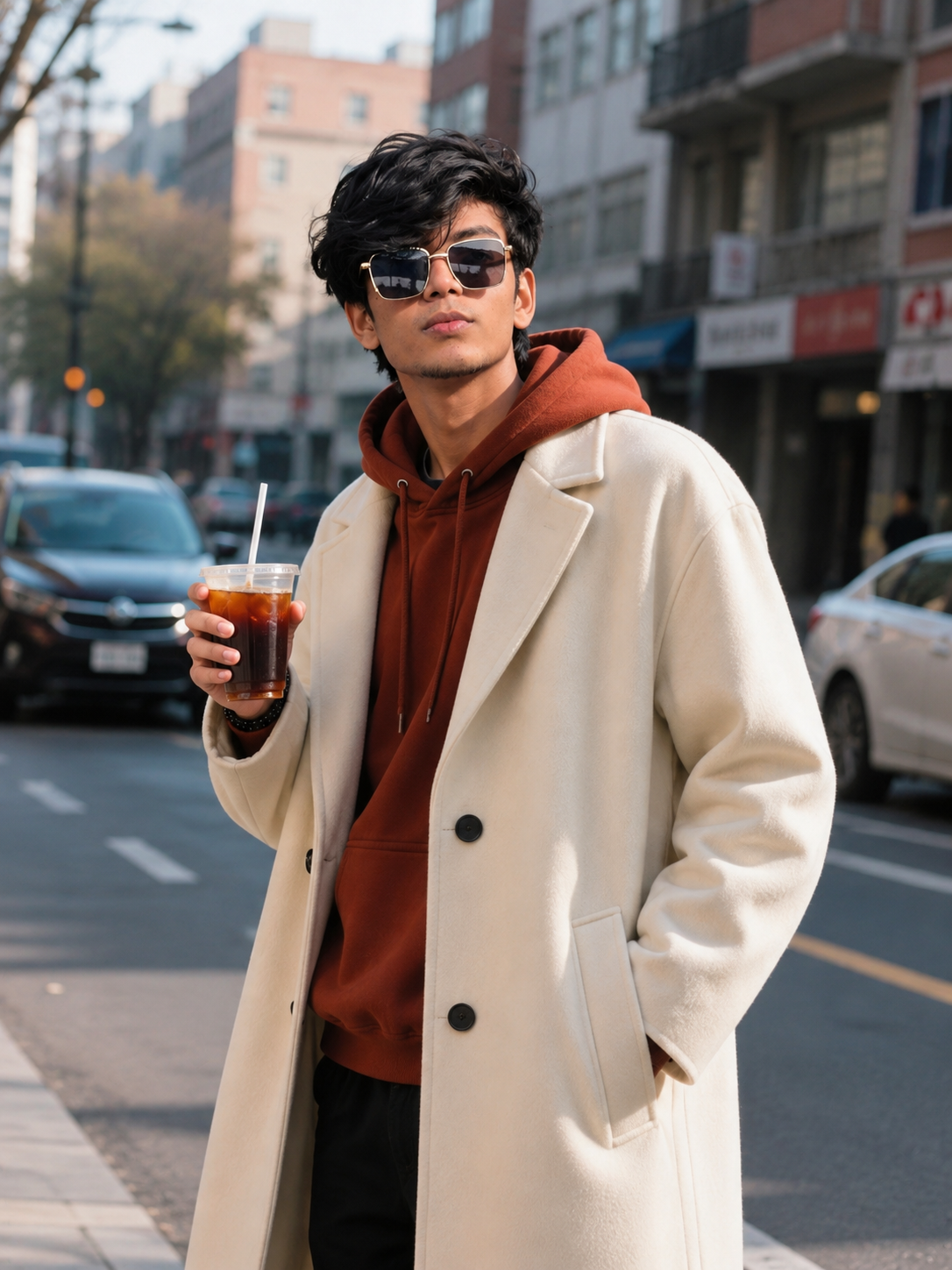
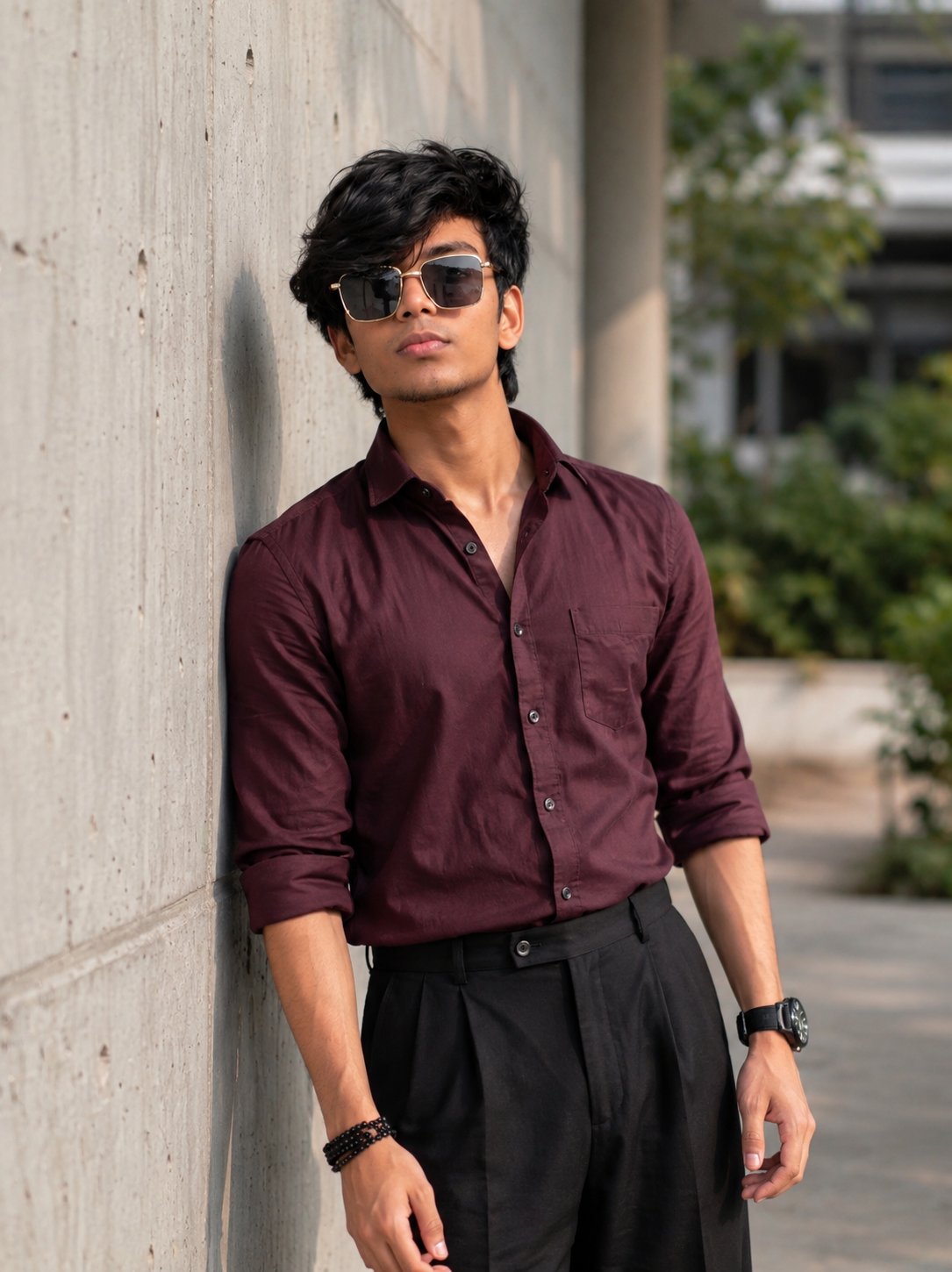
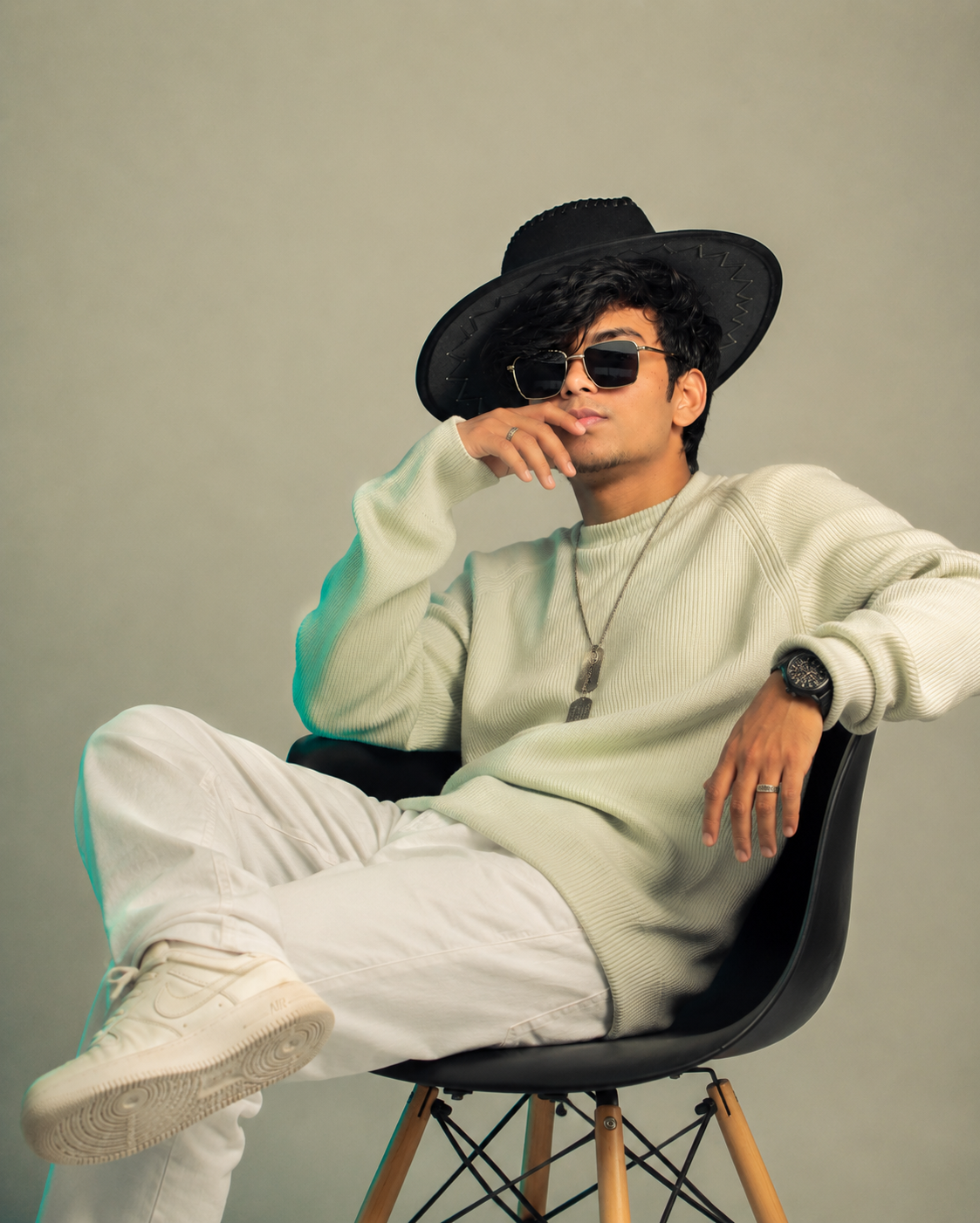
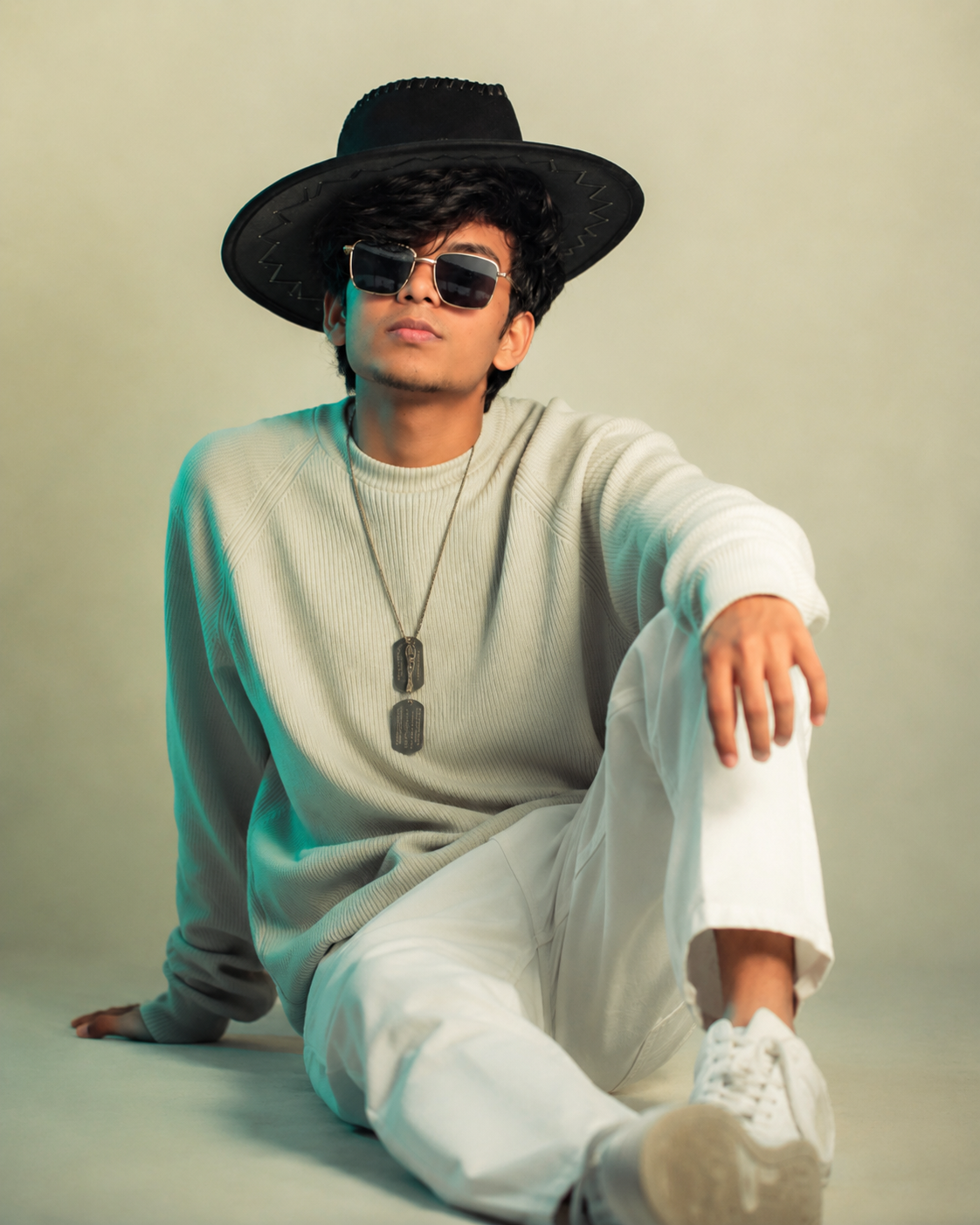
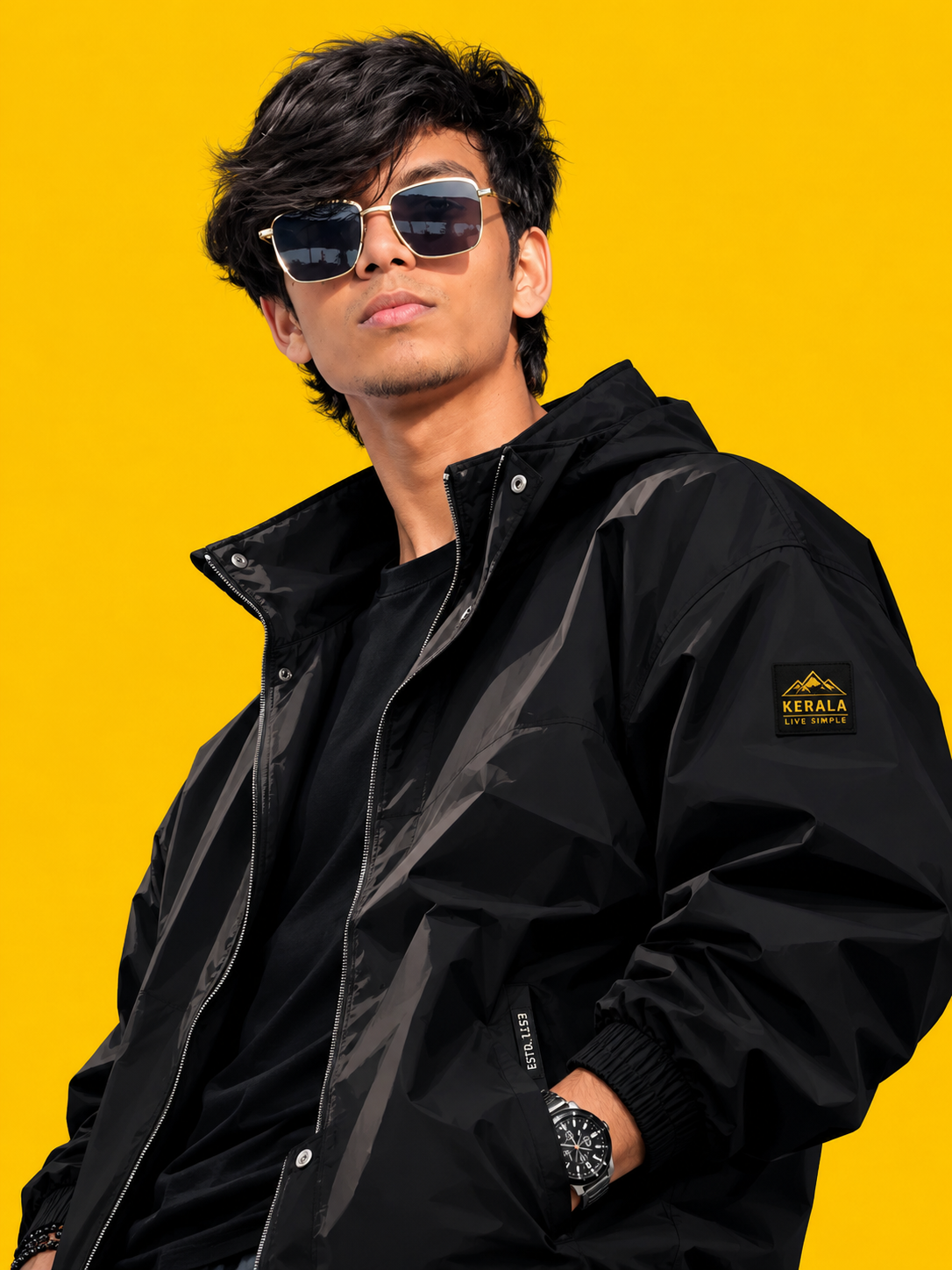
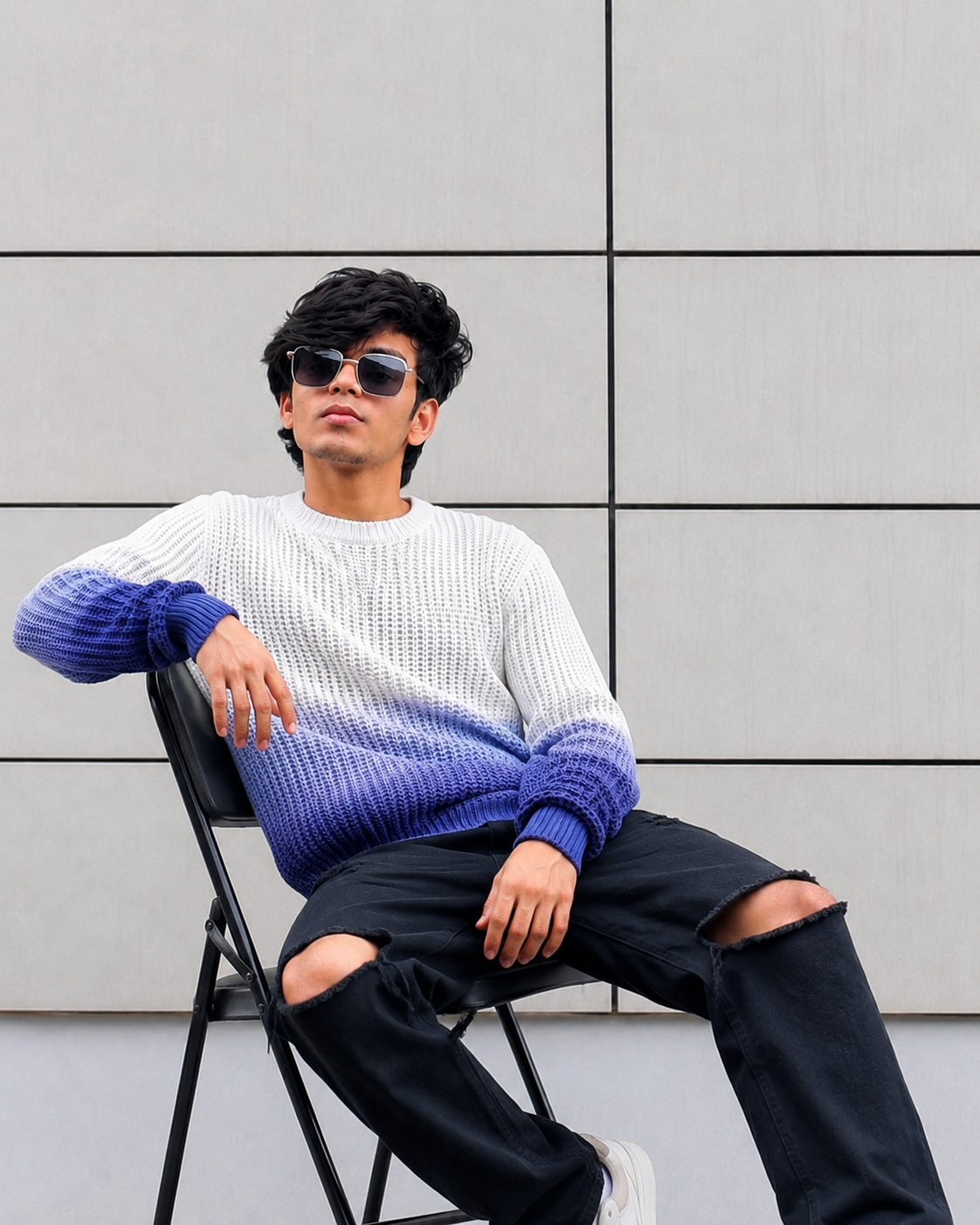
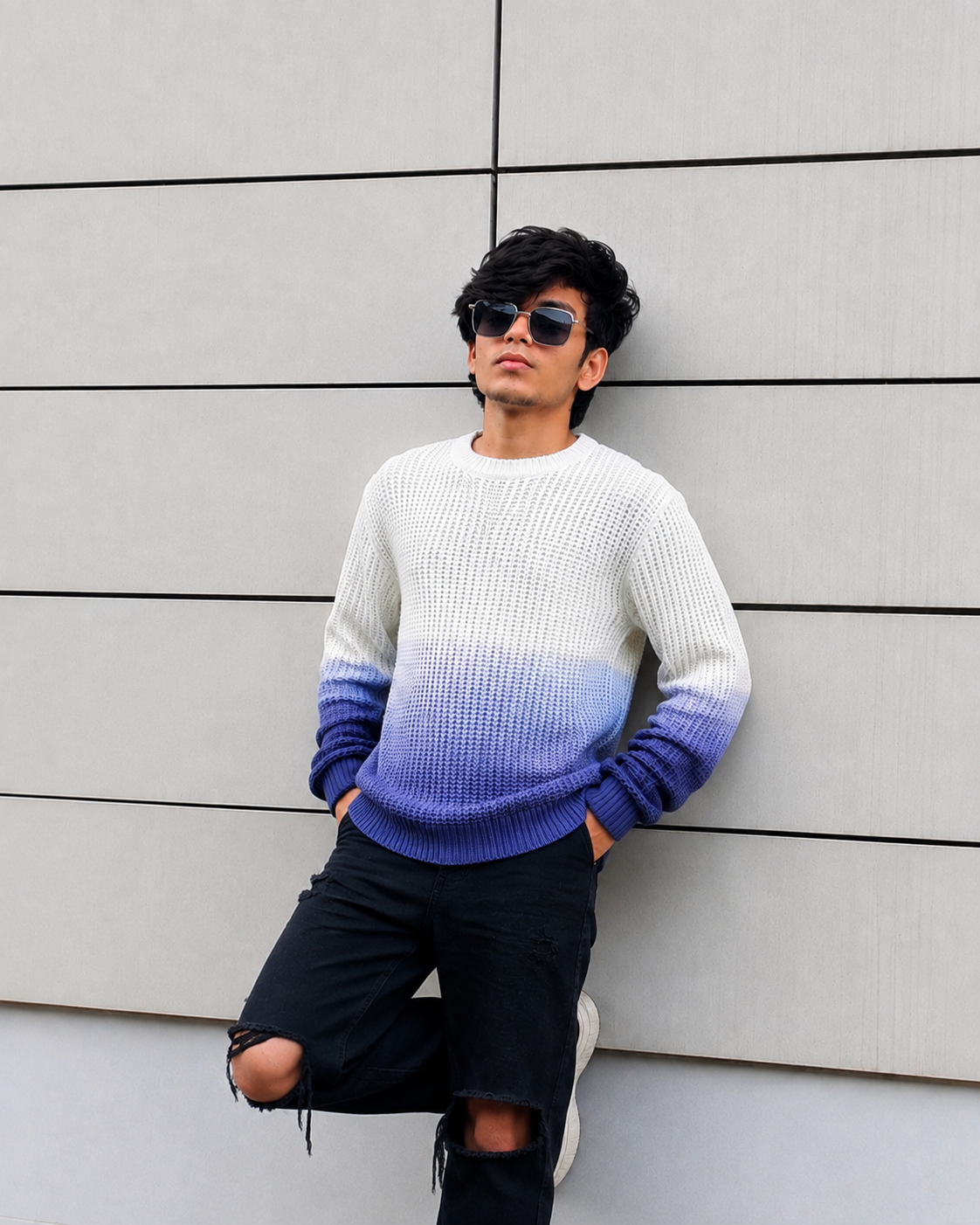
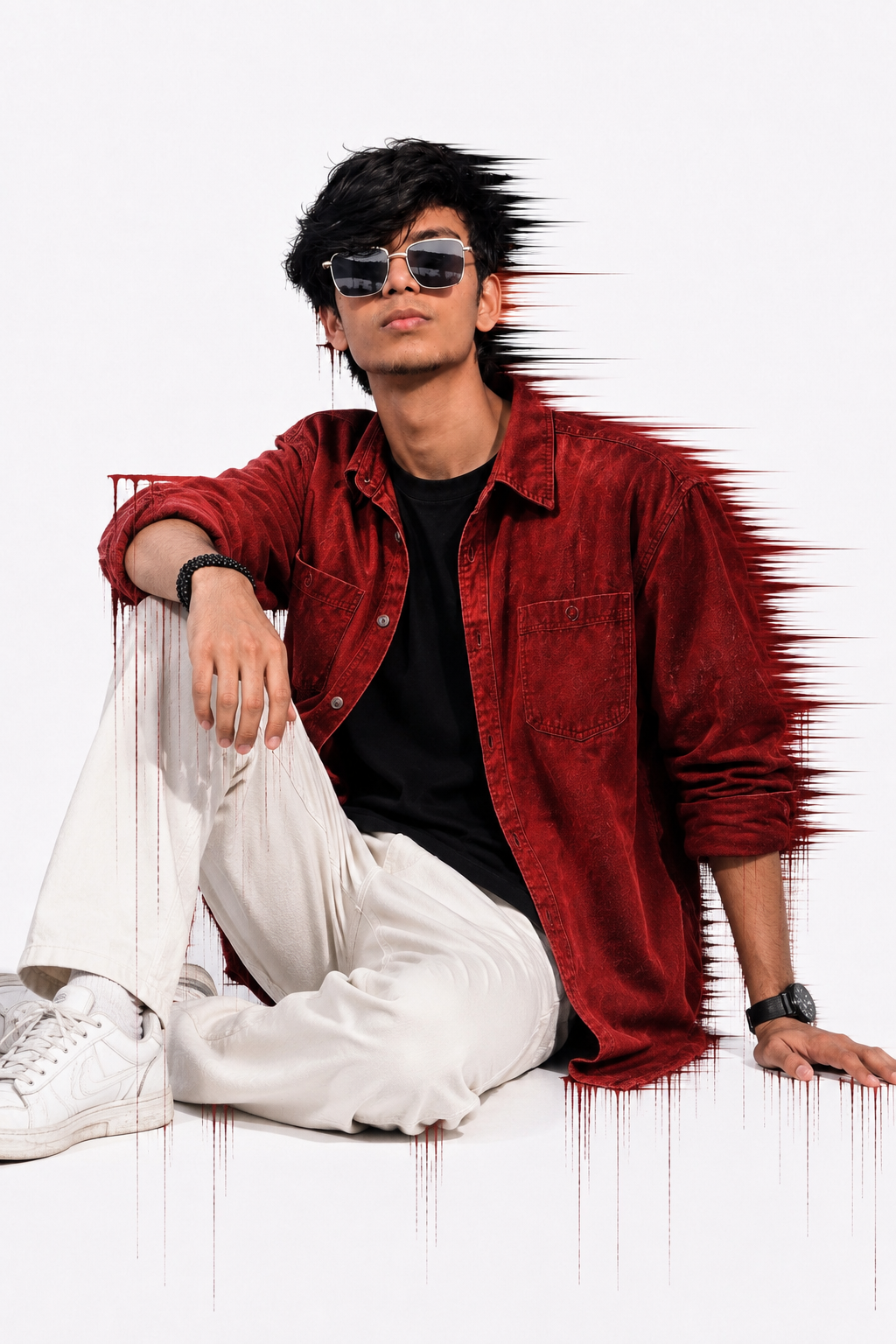
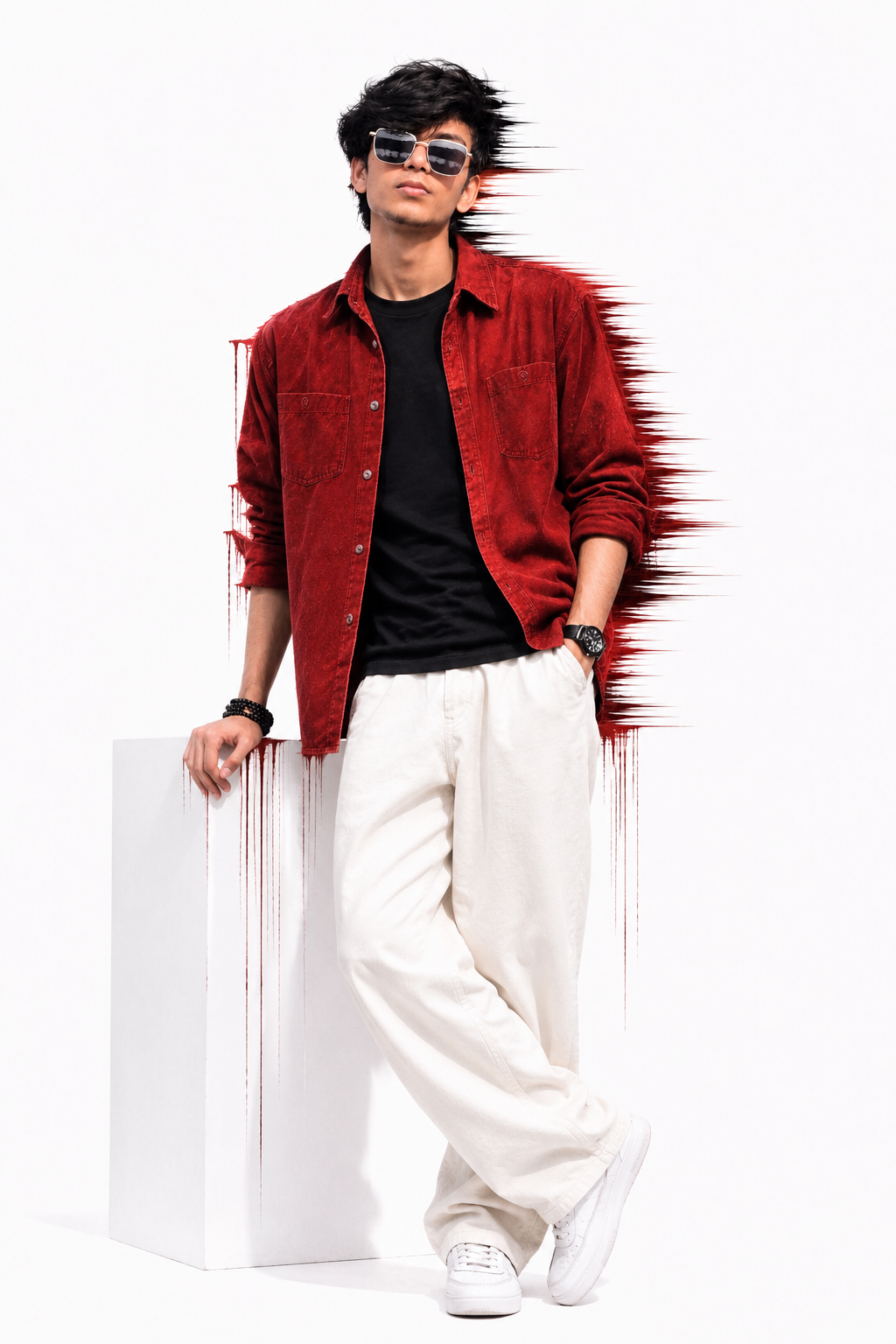
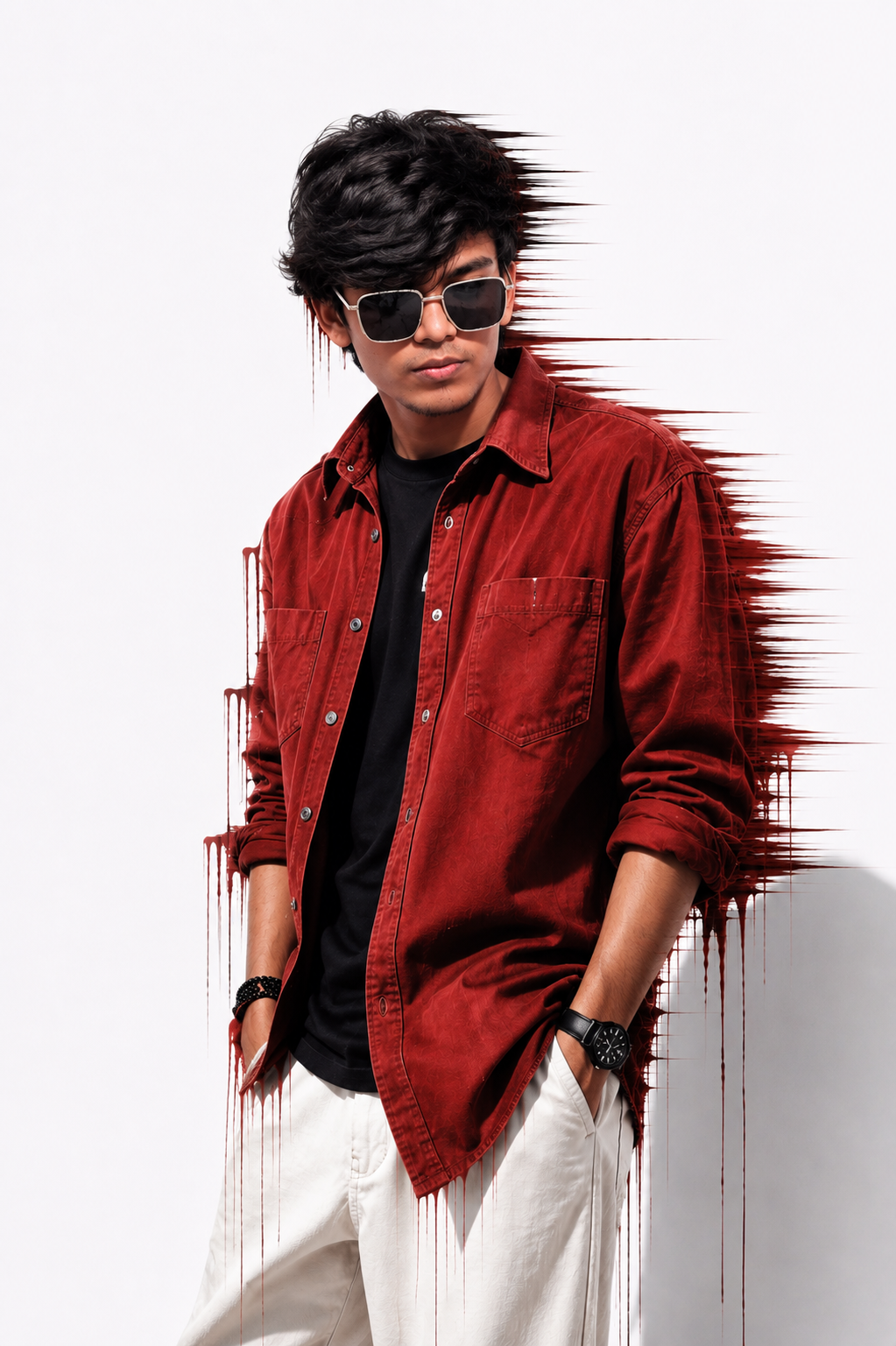
A stylish cinematic selfie portrait featuring a young man in sunglasses, a beige overshirt, black t-shirt, and white trousers. The dramatic red accent lighting, modern indoor setting, and confident pose create a premium editorial look, making this image perfect for portrait photography, fashion inspiration, wallpapers, and social media content.
How To Use This Prompt
- Copy the prompt above by tapping the Copy Prompt button.
- Open ChatGPT (or your preferred AI tool) and upload a clear photo of yourself.
- Paste the copied prompt into the chat.
- Tap Generate and let the AI create your image.