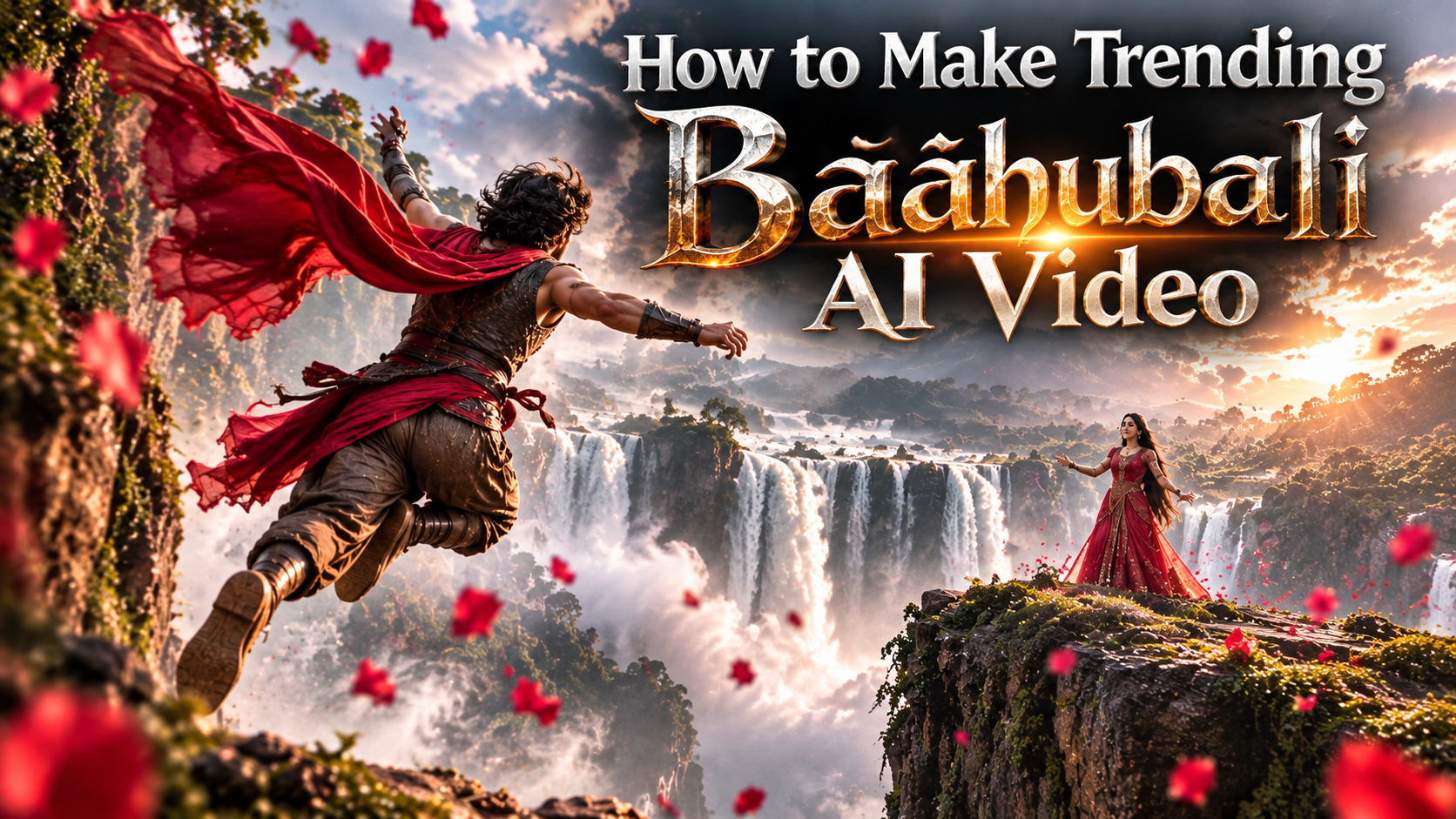
How to Make Trending Baahubali AI Video
👋 About
Learn how to make trending Baahubali-style AI videos using ChatGPT and Google Flow AI. Create cinematic waterfall scenes, heroic jumps, beautiful characters, and stunning AI videos step by step.
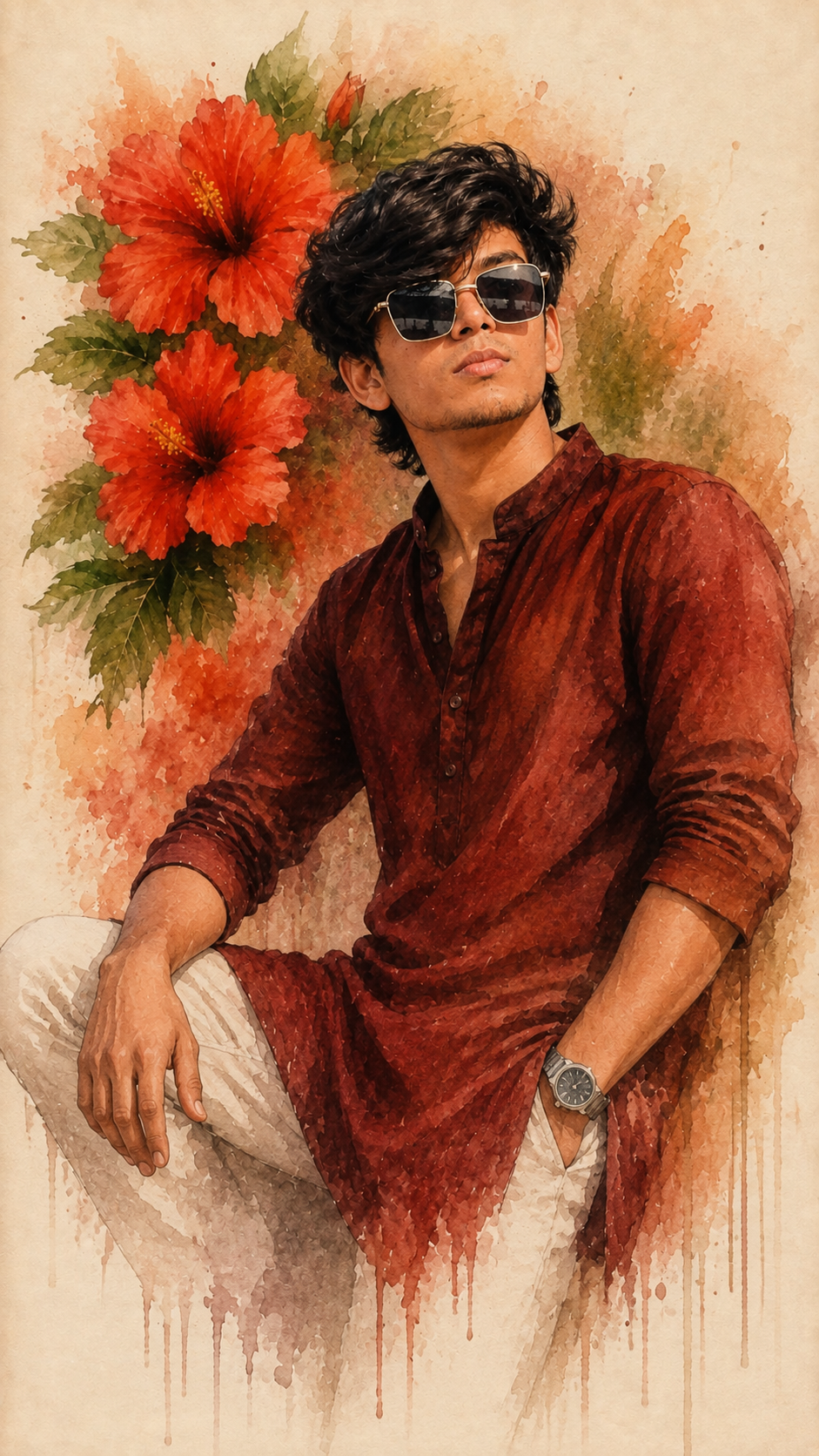
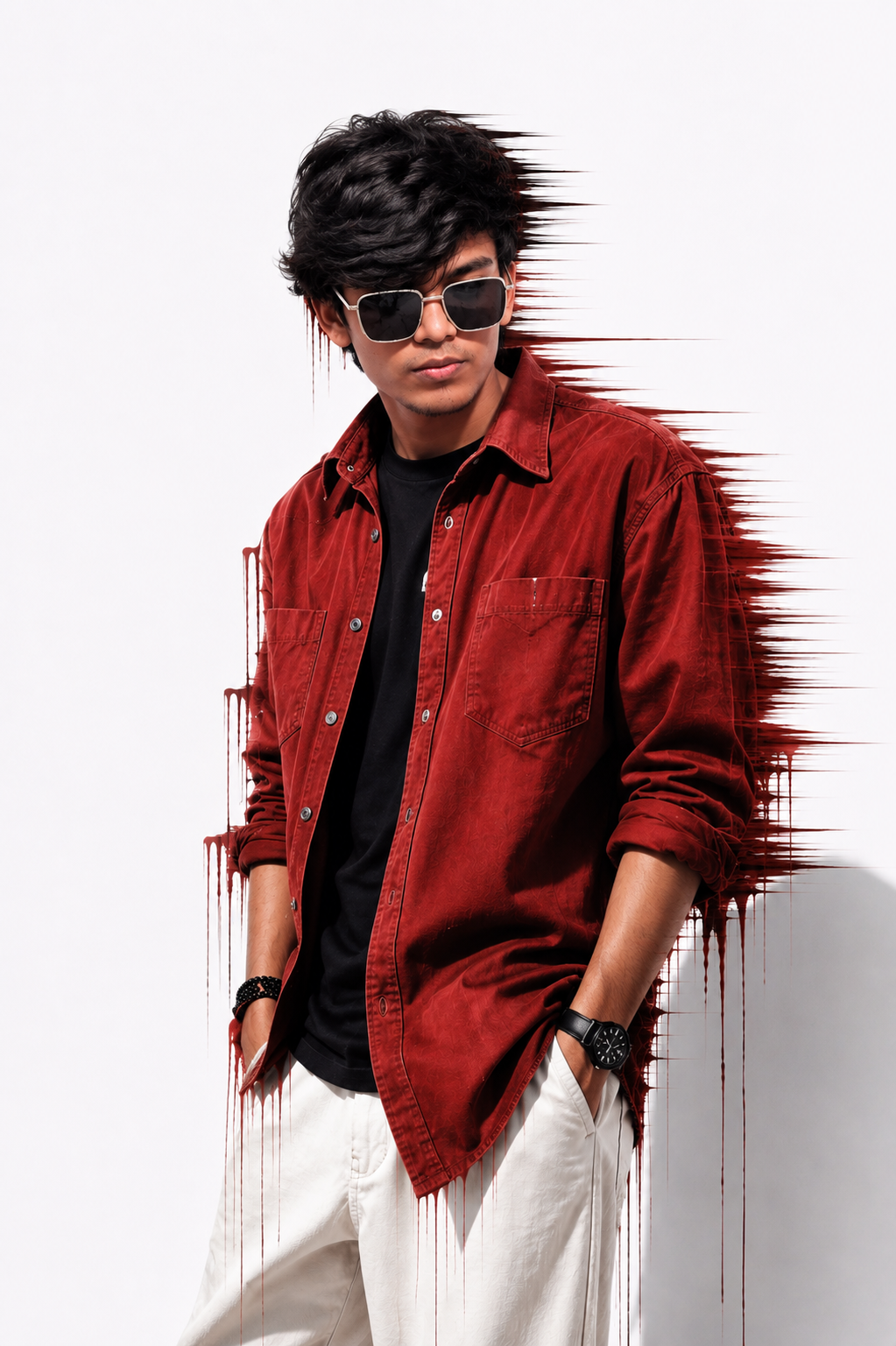
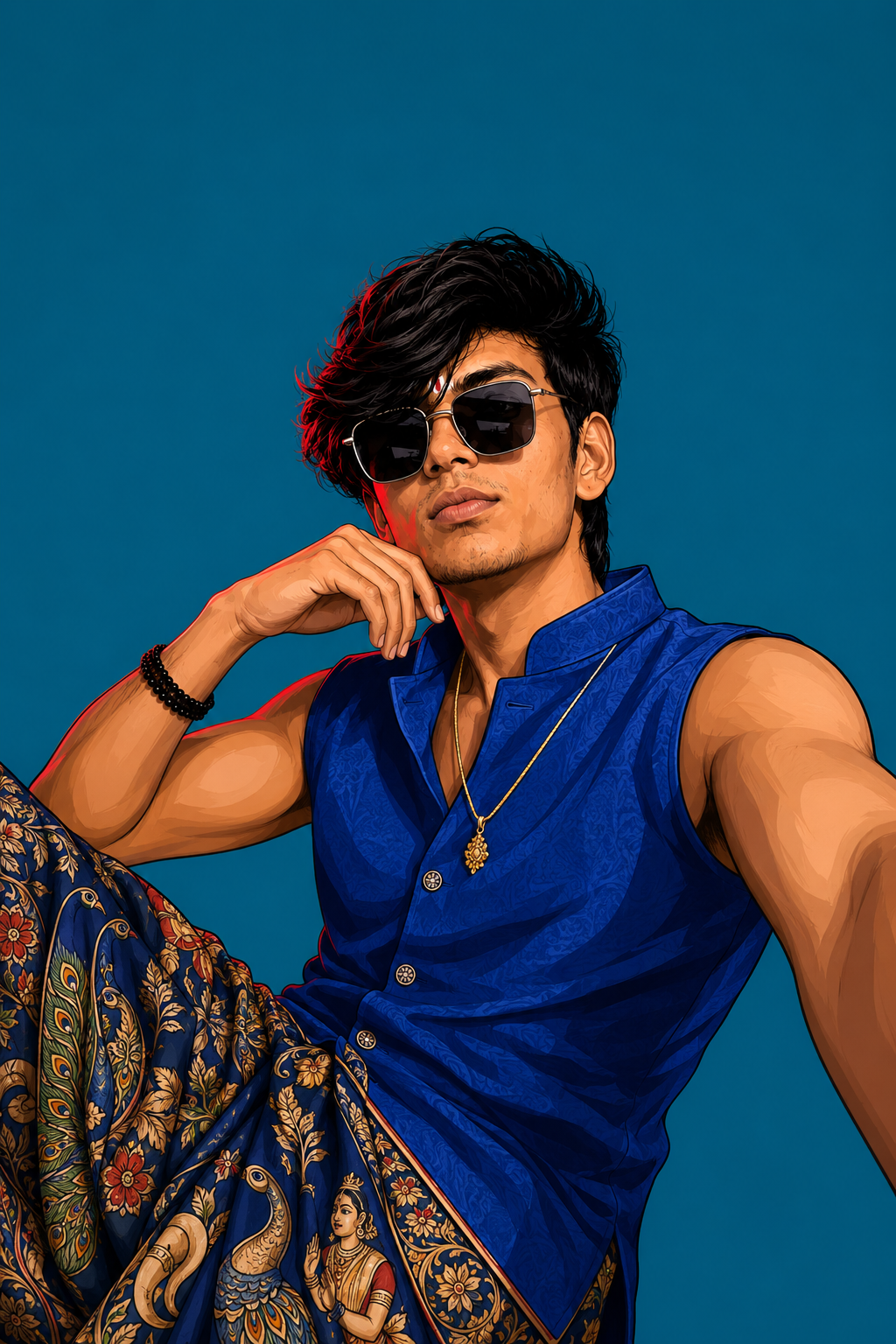
Create cinematic Baahubali-style AI videos using AI image generation and Google Flow AI. Follow the image and video prompts below to make your own trending AI video.
✨ Best Prompt for Baahubali AI Video
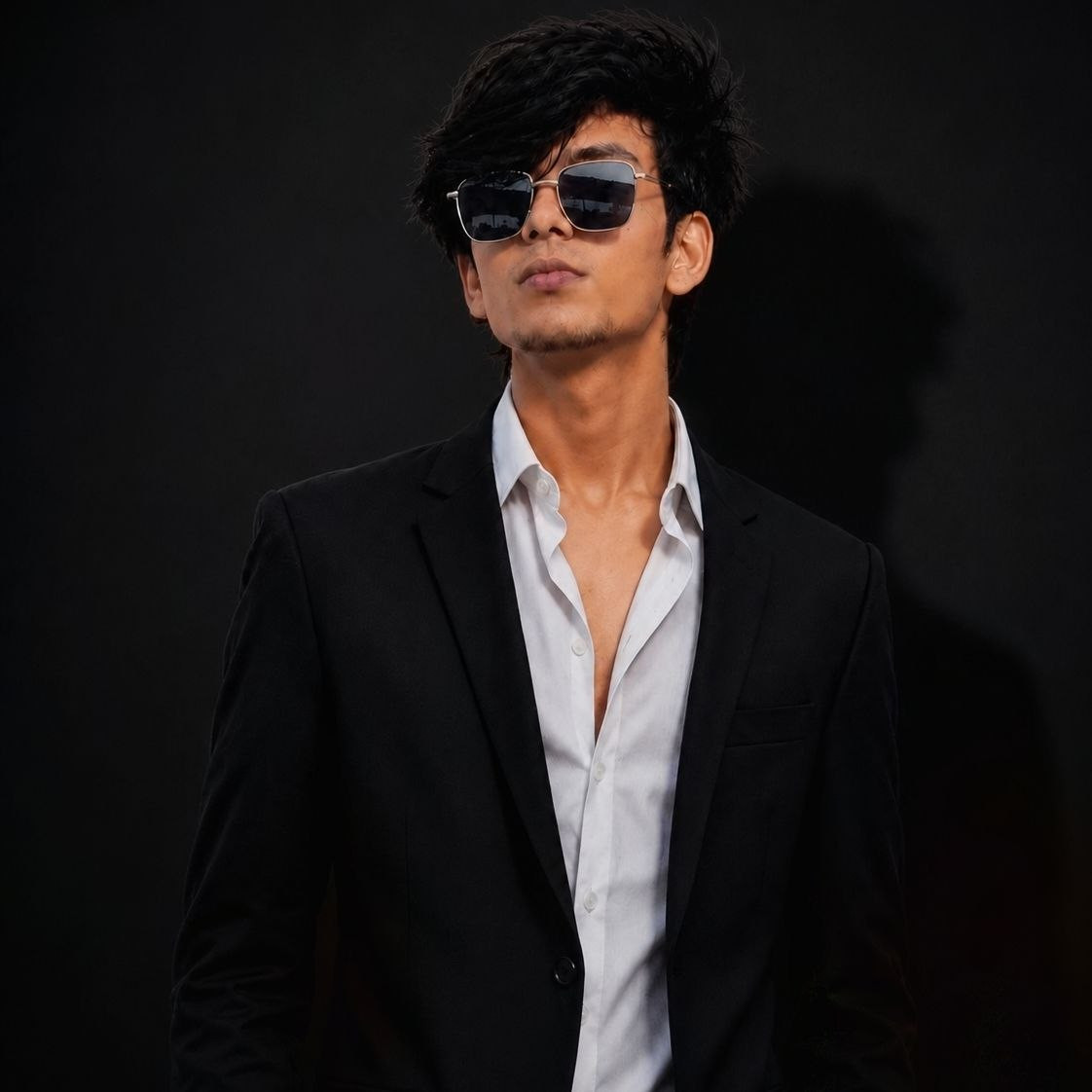
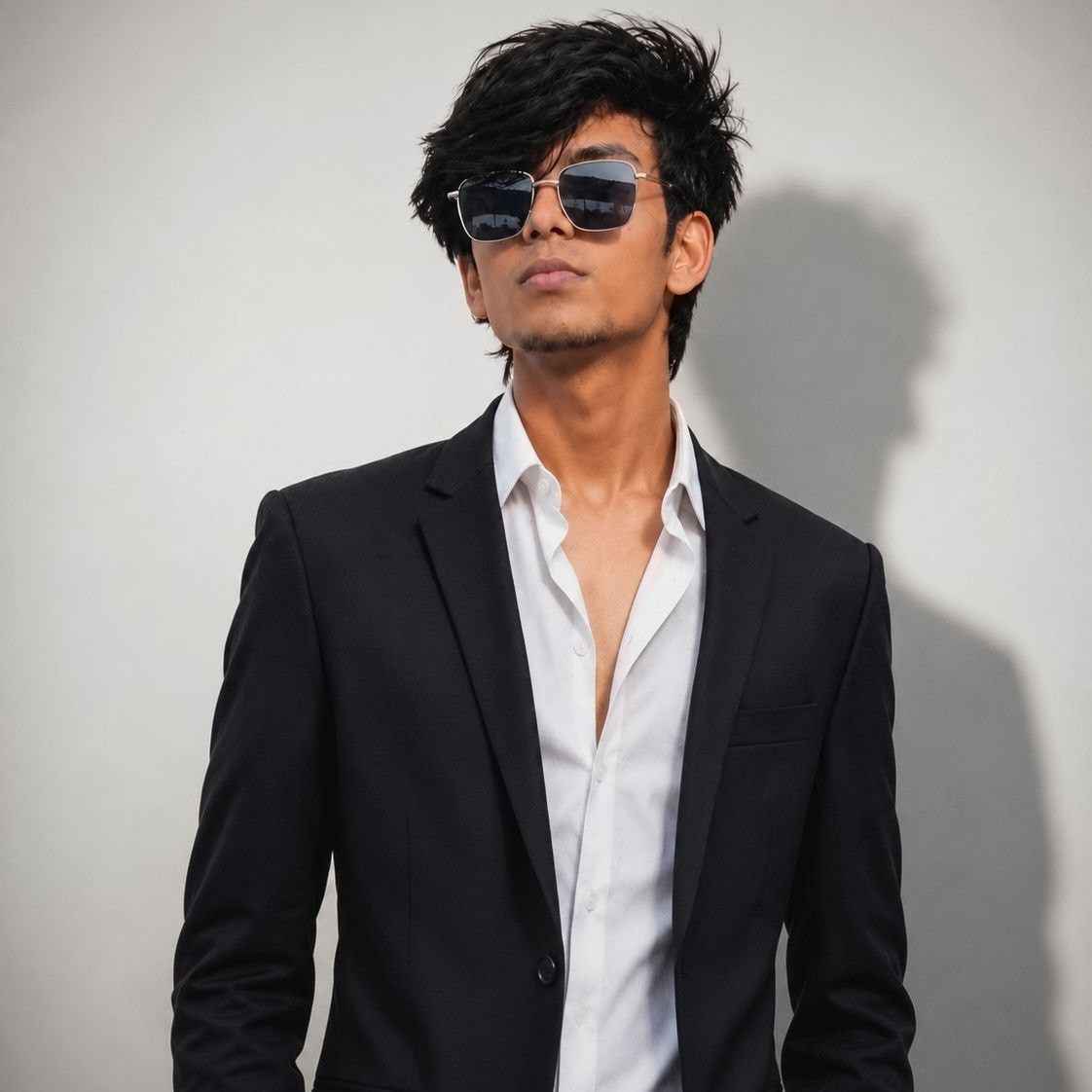
🛠️ How to Create Trending AI Images Using ChatGPT 🔥
1: Open the Suraj Space website. 2: Find the post featuring the AI image you want to create and open it. 3: Copy the Image Prompt from that post. 4: Open ChatGPT and upload your clear photo. 5: Paste the copied prompt into ChatGPT along with your uploaded photo. 6: Click on Generate. 7: Within a few seconds, your AI image will be generated using your photo. 8: If you don't understand any part of the process, search “Suraj Space” on Instagram and watch the tutorial video for the complete process.
🎨 How to Make Baahubali AI Video Using Google Flow AI
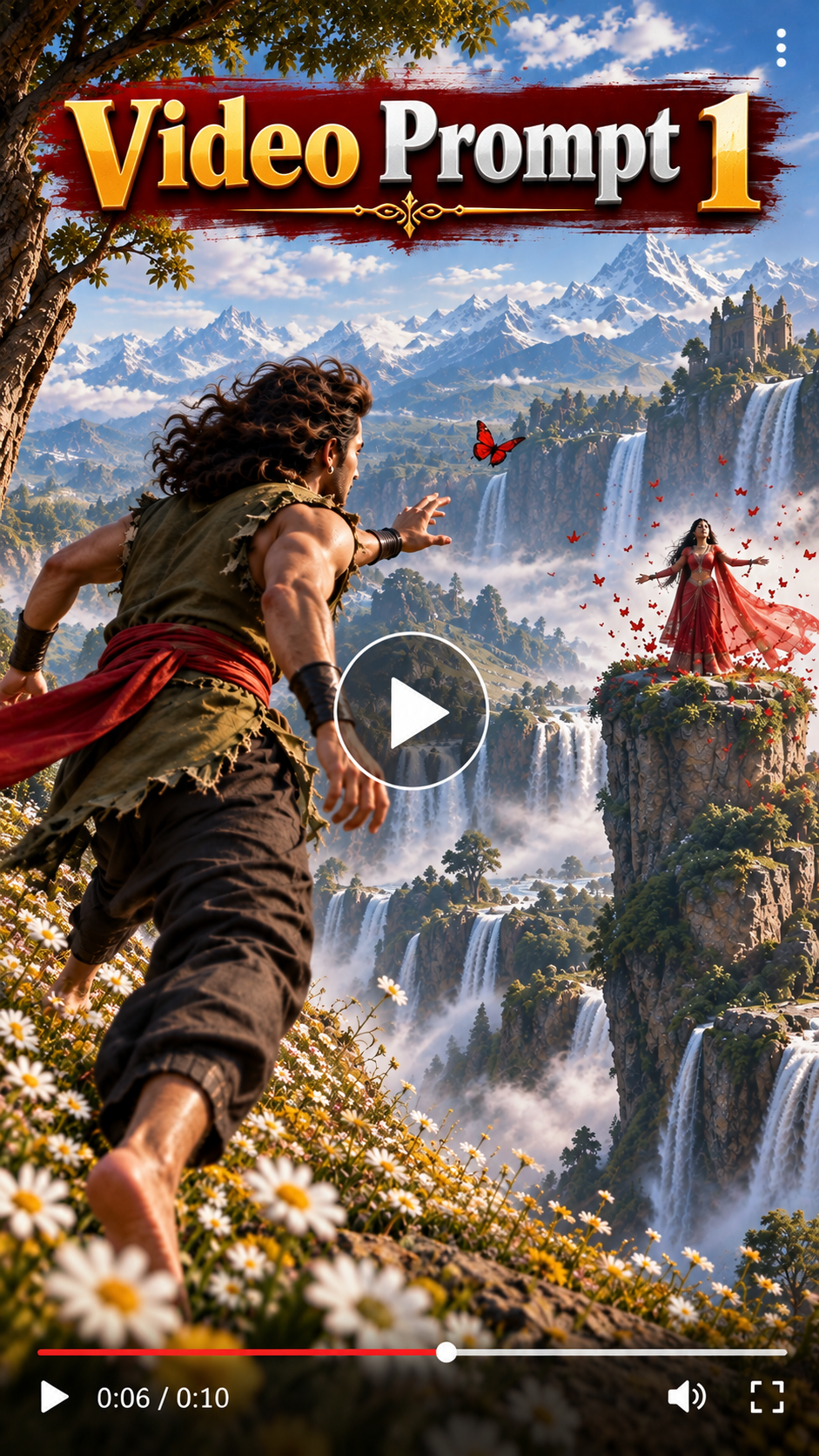
1. Sabse pehle upar diye gaye image ke neeche Video Prompt milega. Usko Copy par click karke copy kar lena.
2. Uske baad direct Play Store se Google Flow AI naam ka application install karke open karna. Aap chaho toh Chrome par Google Flow AI ki website bhi open kar sakte ho.
3. Google Flow AI mein aane ke baad yahan par apni, apne papa ki ya kisi ki bhi ek photo ya dono ki photo upload karo. Phir jo Video Prompt 1 copy kiya tha, usko paste karke Generate par click karo. Tumhara pehla scene ka video generate ho jayega.
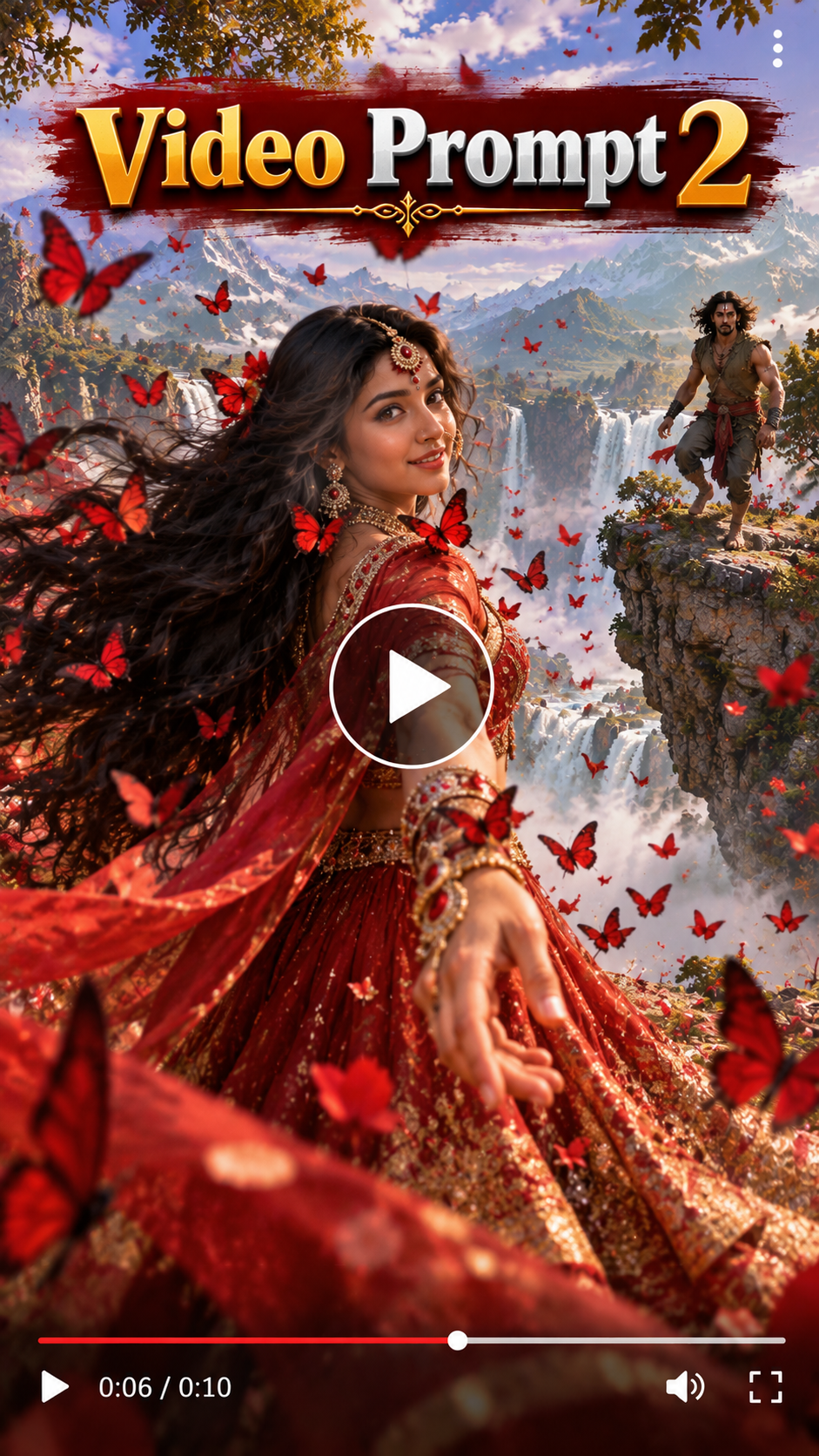
4. Uske baad meri website mein neeche ki taraf aaoge toh tumhe Video Prompt 2 bhi milega. Usko bhi copy kar lena.
5. Phir se Google Flow AI mein aana aur apni ya dono ki photo add karke Video Prompt 2 paste karo. Generate par click karo. Tumhara Scene 2 bhi generate ho jayega.
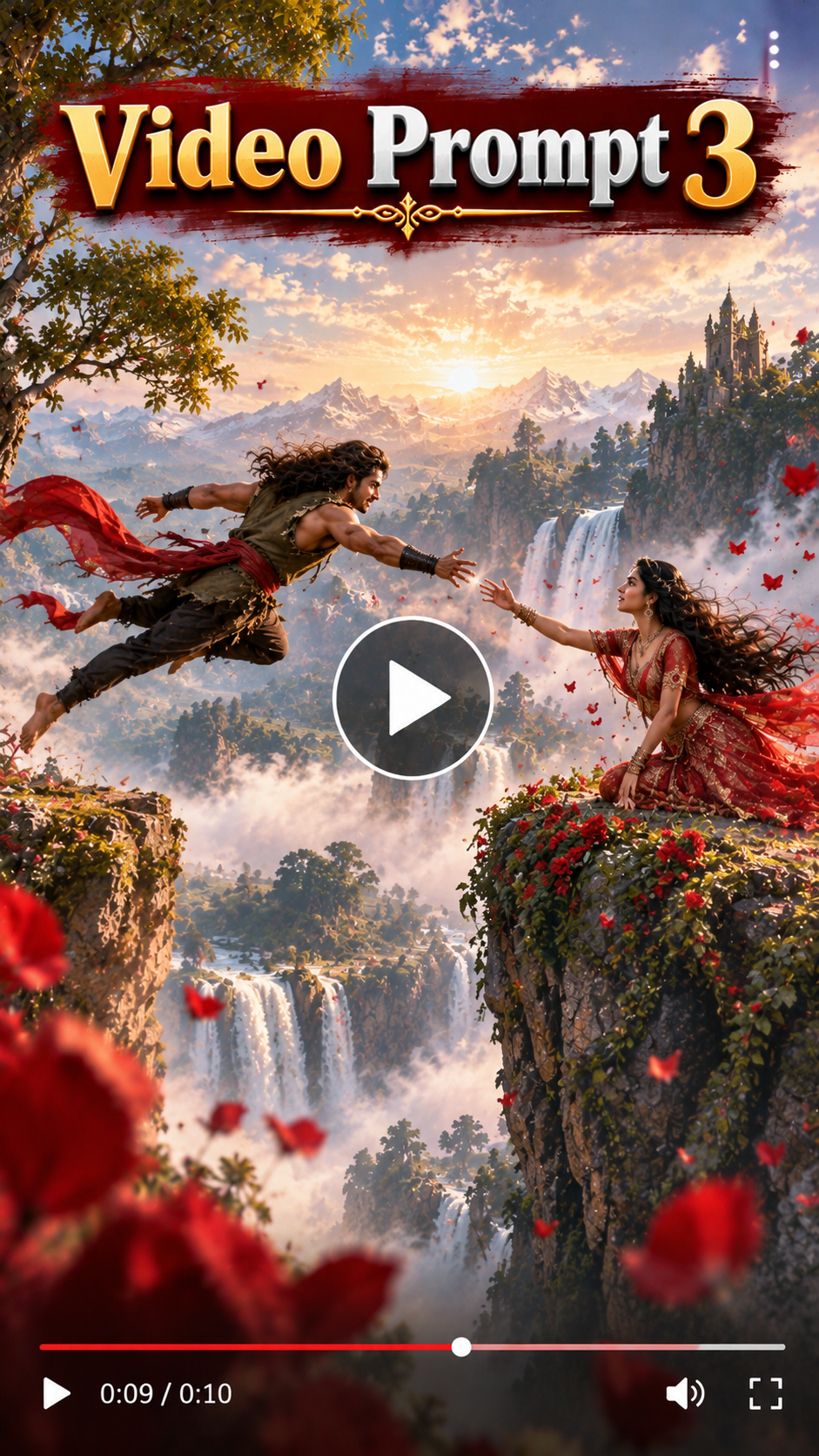
6. Isi tarah Video Prompt 3 ko copy karke Google Flow AI mein paste karo aur Scene 3 bhi generate kar lena.
7. Phir teeno scenes generate hone ke baad kisi bhi Editing Software mein jao. Background Music lagao aur thodi-si cut editing karo.
Bas, tumhara bhi is type ka shandaar Baahubali AI Video bankar ready ho jayega. 🔥
💡 How to Create Better, More Accurate, Highly Detailed & Realistic AI Images
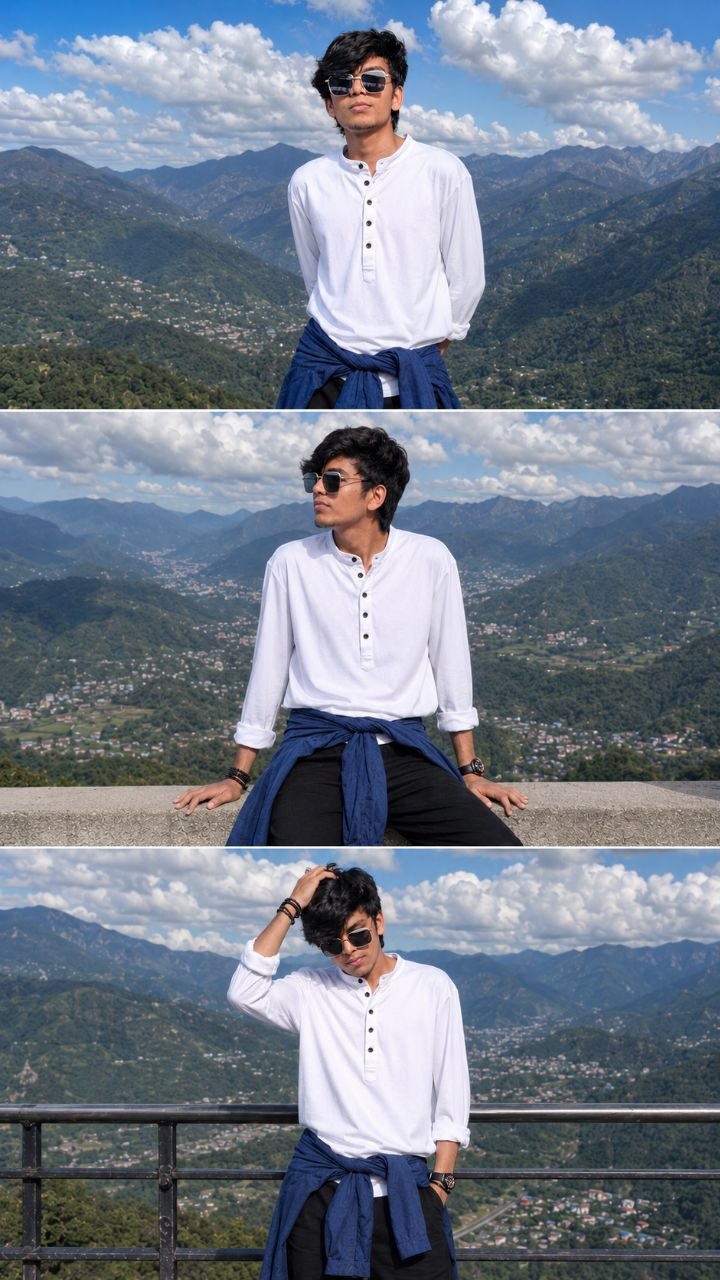
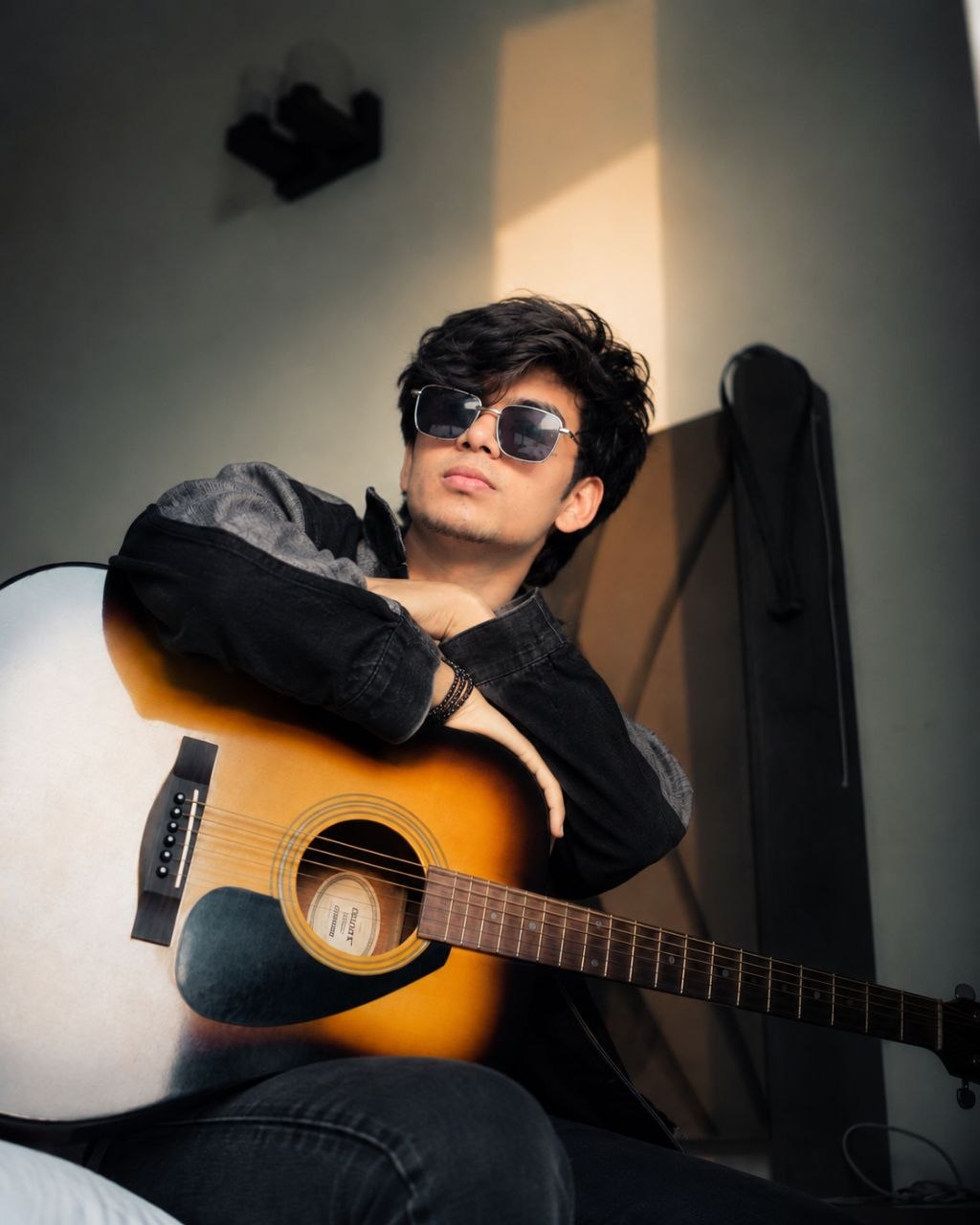
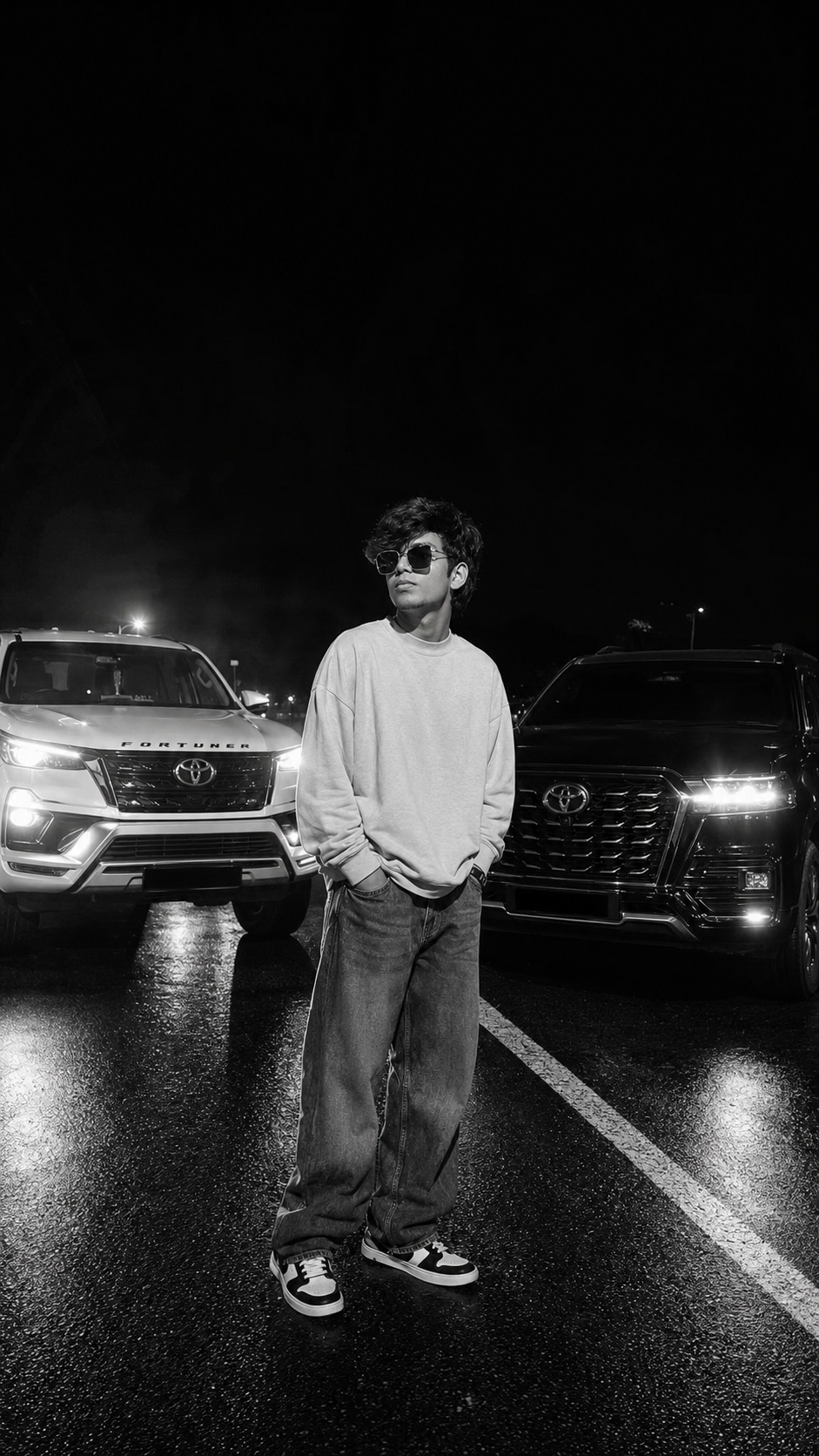
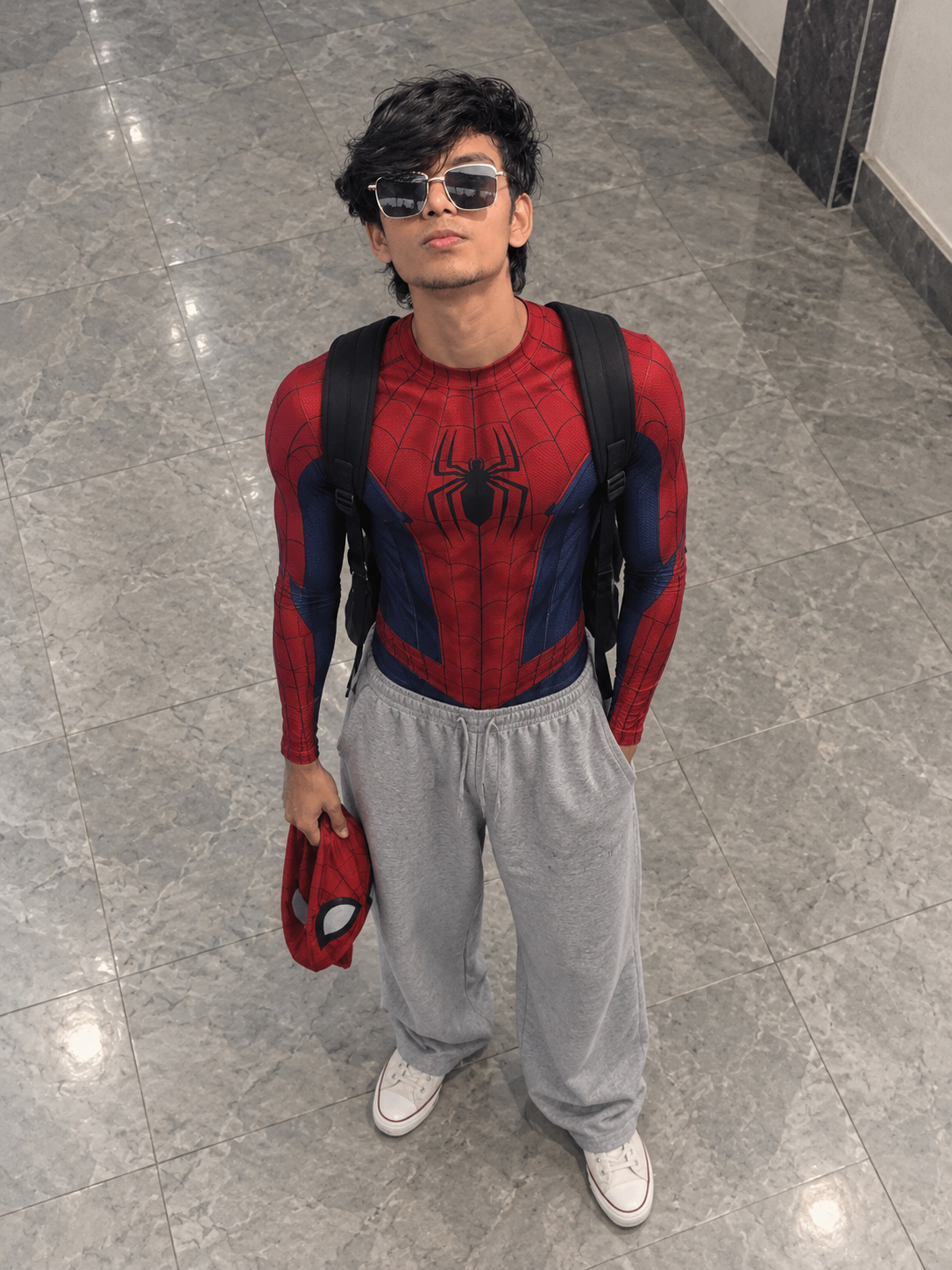
To achieve the best possible results when generating AI images, always begin with a clear, high-quality, natural reference photo of yourself. The quality of the reference image plays an important role in helping the AI understand your real appearance and create a more accurate and consistent result.
🙏 Final Words
Create your own trending Baahubali AI video using the prompts above. Copy the Image Prompt to generate your image. Below the image prompt, you will find Video Prompt 1. Copy Video Prompt 1 and open Google Flow AI to generate your cinematic AI video. 🔥





💬 Recent Comments